See the look in real time
Start with a live camera preview, then begin a paid AI session. The output updates as you move, so you can explore the visual style beyond a single still image.
YOUR LIVE FITTING ROOM
Your camera. Your next look. Choose a garment or upload a clothing photo and see an AI preview on yourself, live in your browser.
How virtual try-on works ↓For best results - remove any thick jacket or outer layer for the most accurate try-on.
Paid as credits. Leftover credits also work for image and video generation.
Your camera video is sent to our AI try-on provider only while a session is running. It is not recorded or stored.
AUTEO / VIRTUAL TRY-ON
Auteo turns your camera into an AI fitting room. Explore how a garment looks as you move, without uploading a portrait or installing an extension.
Start with a live camera preview, then begin a paid AI session. The output updates as you move, so you can explore the visual style beyond a single still image.
Choose one of the sample garments or upload a JPG, PNG or WebP image up to 10 MiB. Use a clear garment image so the AI has a useful visual reference.
Click a garment or drag it onto the camera stage. During a live session, the reference changes without starting another connection.
The try-on pack adds 5 minutes for $9.90. Live usage is billed by the second. Unused credits stay in your balance and can also be used for image and video generation.
A LOOK IN MOTION
Compare colours, patterns and silhouettes on a moving camera view. AI virtual try-on helps you explore a look; it does not measure your body or guarantee garment size, fabric behaviour or fit.
Start virtual try-on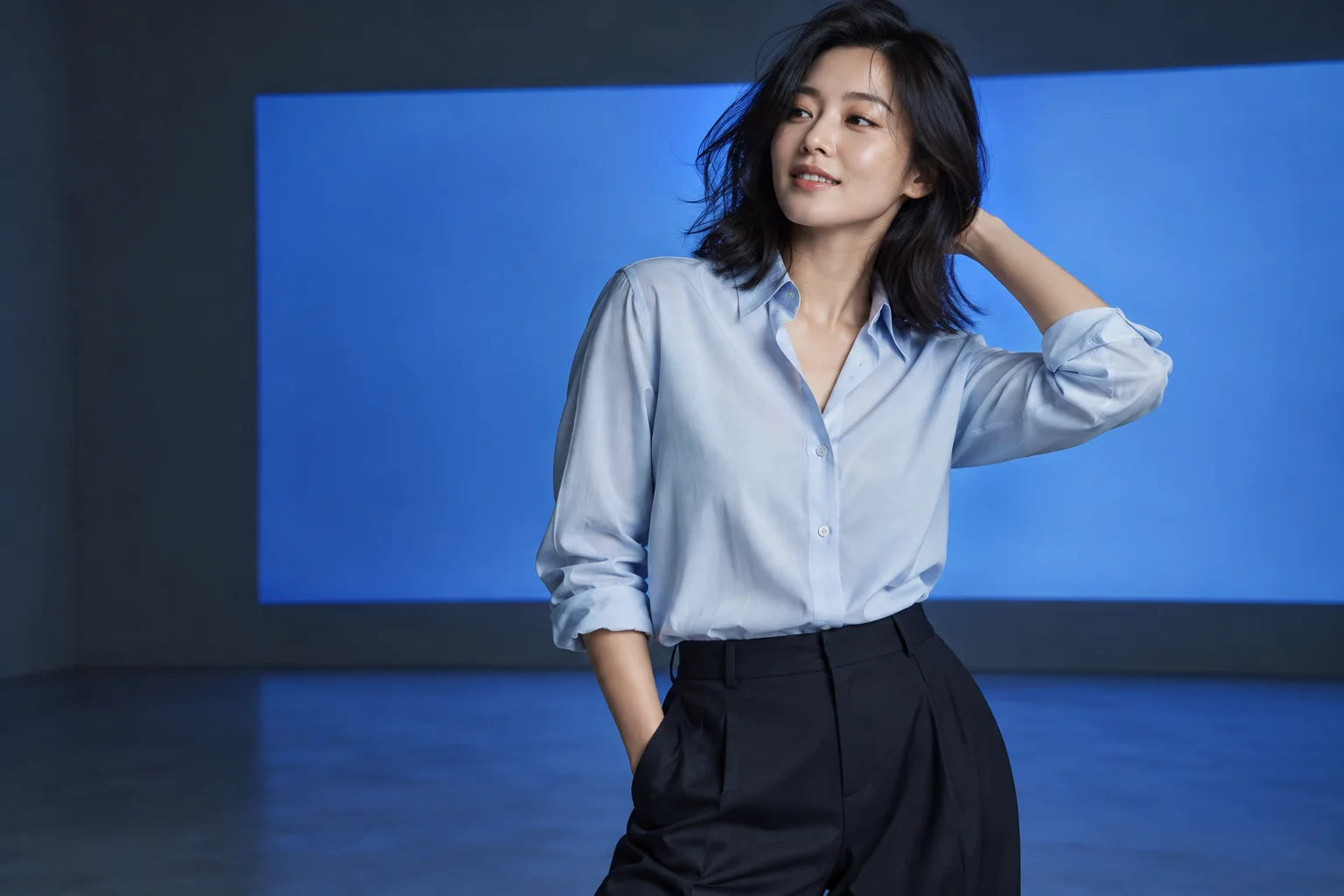
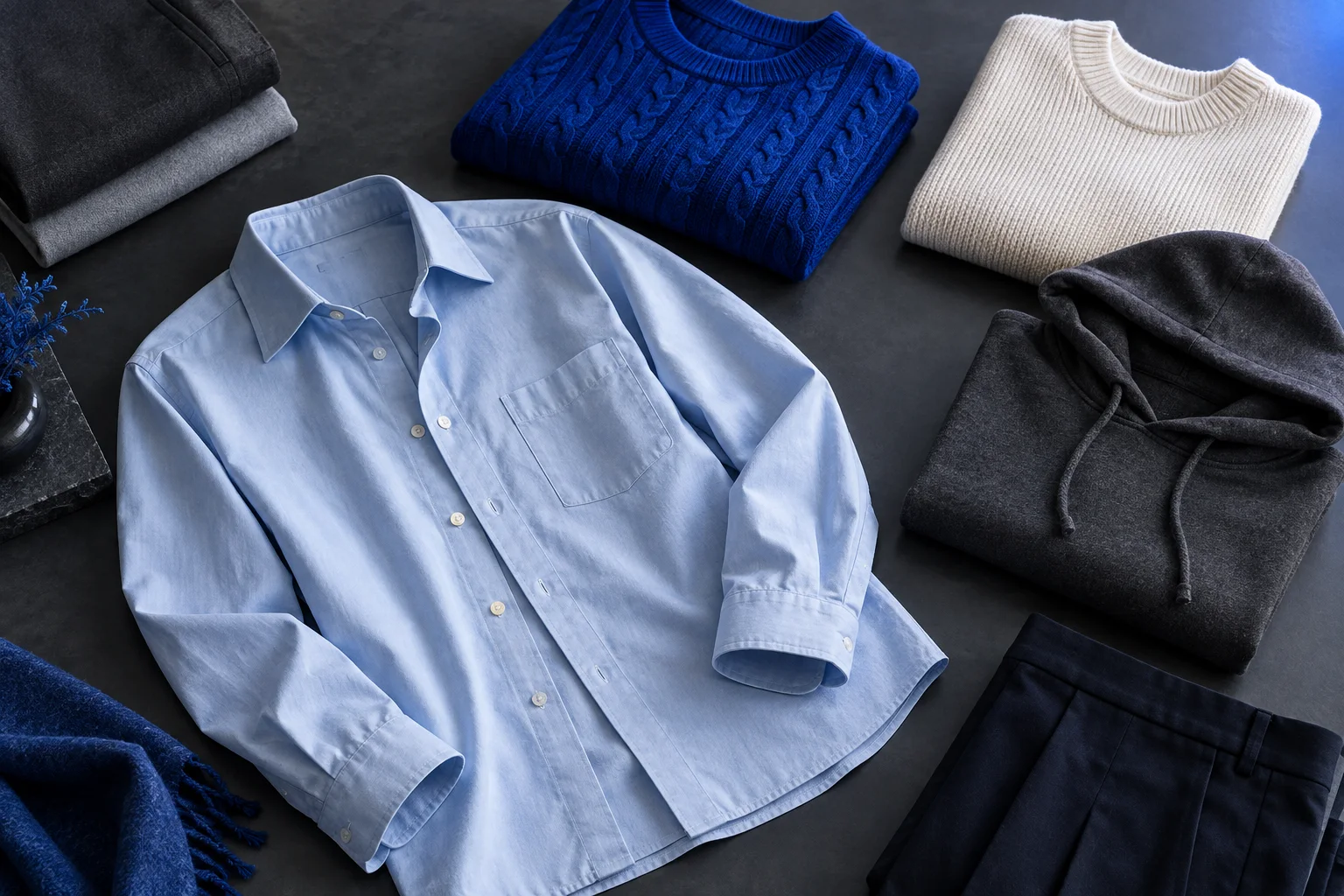
BUILD YOUR WARDROBE
Keep your camera view open while you select a different reference. The wardrobe stays on the page, so you can compare looks without reopening a dialog. Uploaded images stay in browser memory until you leave; the selected reference is sent to the AI provider when used in a session.
Add a clothing photoSelect a sample from the wardrobe or add your own clothing photo. You can browse and choose before turning on your camera.
Allow camera access when you are ready. The local preview opens without starting a paid AI session. Use good lighting and remove bulky outer layers.
Sign in and add try-on time if needed, then start live AI try-on. Change garments as you go. Select End session to stop live usage, and turn off your camera when finished.
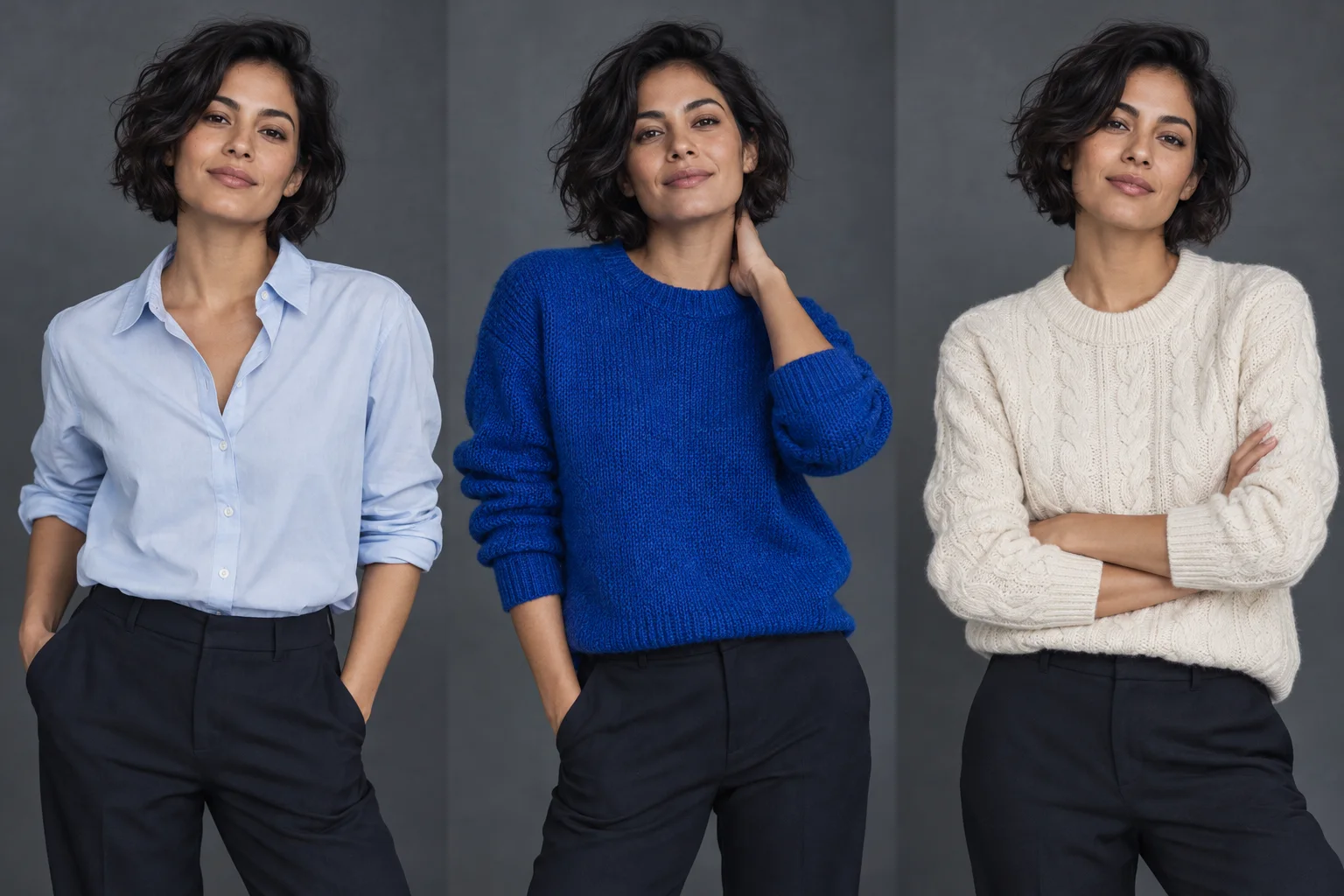
Try a different colour or pattern against your own camera view before deciding what you like.
Move between garment references in one session to compare the overall visual impression.
Use clothing photos as references for a visual preview. Check the retailer’s size guide and product details separately.
THE REAL-TIME FORMAT
See clothing follow natural movement. Choose a garment from the wardrobe above to start your own live try-on.
These are two ways to explore a look. Auteo’s tool on this page uses a live camera; it does not offer a separate photo try-on mode.
| What you use | Live camera try-on on Auteo | Static photo try-on |
|---|---|---|
| Starting point | Camera preview and a garment reference | A portrait and a garment reference |
| What you see | A moving AI video preview | A generated still image |
| Changing your pose | Move in front of the camera | Usually requires another input or generation |
| Best suited to | Exploring a look while moving | Inspecting one chosen pose |
| Fit and sizing | Visual guidance, not a size measurement | Visual guidance, not a size measurement |
Browsing the page, choosing garments and opening your local camera preview do not start a paid AI session. Live AI try-on uses credits. The try-on pack costs $9.90 for 5 minutes.
Live try-on is billed by the second using your credits. Unused credits stay in your balance after settlement. You need at least 10 seconds of available time to start; one connection can run for up to 10 minutes.
Yes. Upload a JPG, PNG or WebP image up to 10 MiB. You can also choose from the sample garments. This page accepts clothing images, not shopping URLs or an online-store browser extension.
No. The result is an AI visual preview, not a physical fitting or body measurement. Colours, details and garment shape may differ. Refer to the retailer’s size chart and measurements before buying.
Your camera is requested only after you click Enable camera. Video is sent to the AI provider only during an active session and is not recorded or stored by this try-on feature. End the session to stop AI processing; turn off the camera to stop local preview.
The page adapts to small screens and garments can be selected by tapping. Live try-on needs a supported browser, camera permission, HTTPS and a network that allows WebRTC video. Device and network support can vary.
Check browser camera permissions and close other apps using the camera. A VPN or proxy may block live video. The tool shows camera and connection errors on the page; check your available balance after an interrupted session.
AUTEO / LIVE FITTING ROOM
Choose a garment. Open your camera. Make room for a new style.
Start virtual try-on