Auteo AI Video Generator
Describe a scene to generate a video, or switch to Image for product shots, posters and social visuals.
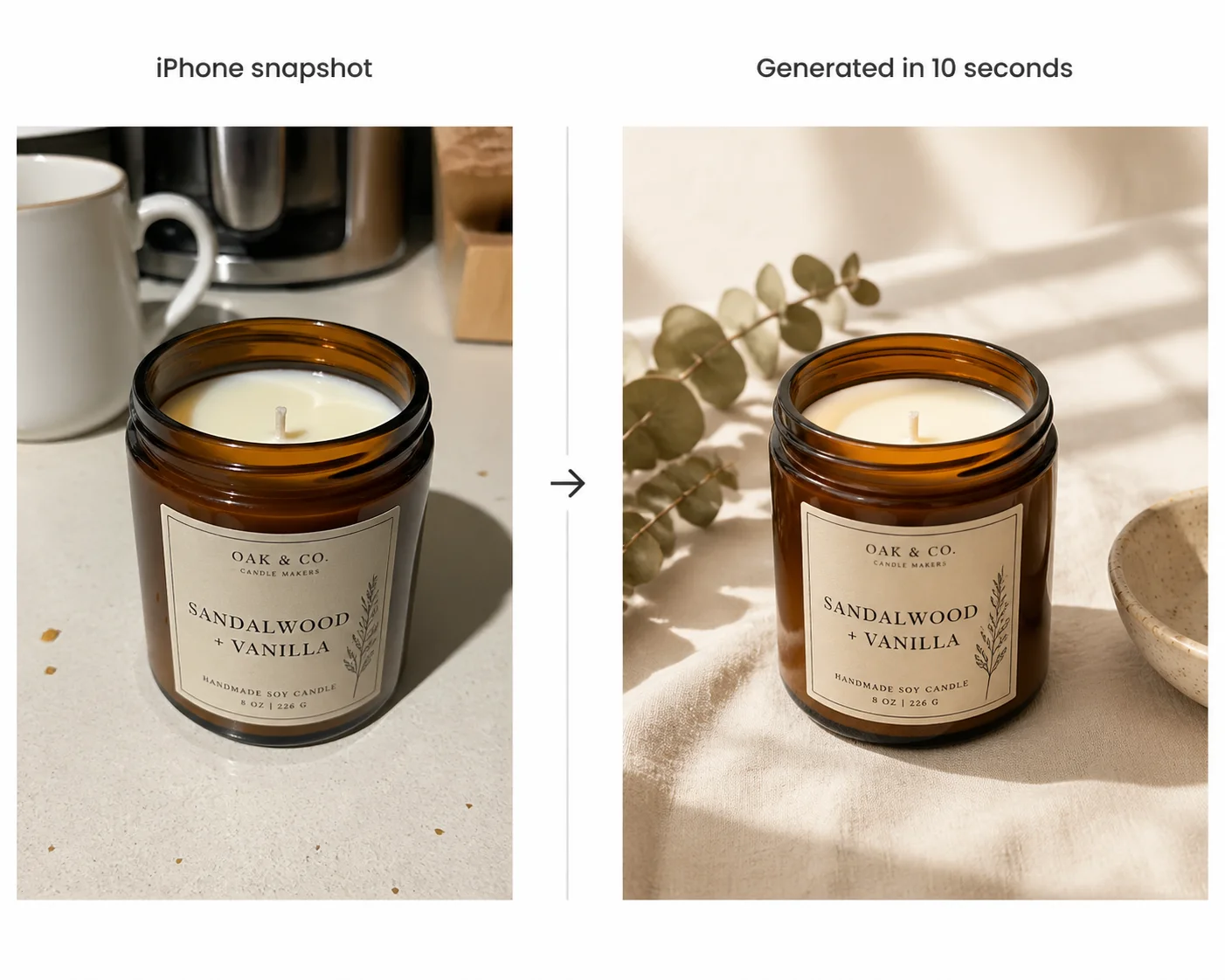
Snap a photo. Get a studio-quality product shot.
Skip the photographer, the studio, the retoucher. Built for Etsy sellers, Shopify stores, and Amazon FBA — your product, perfectly staged, in seconds. One outsourced product shoot can cost hundreds of dollars. On Auteo, each shot costs a few credits.
Try Auteo for Free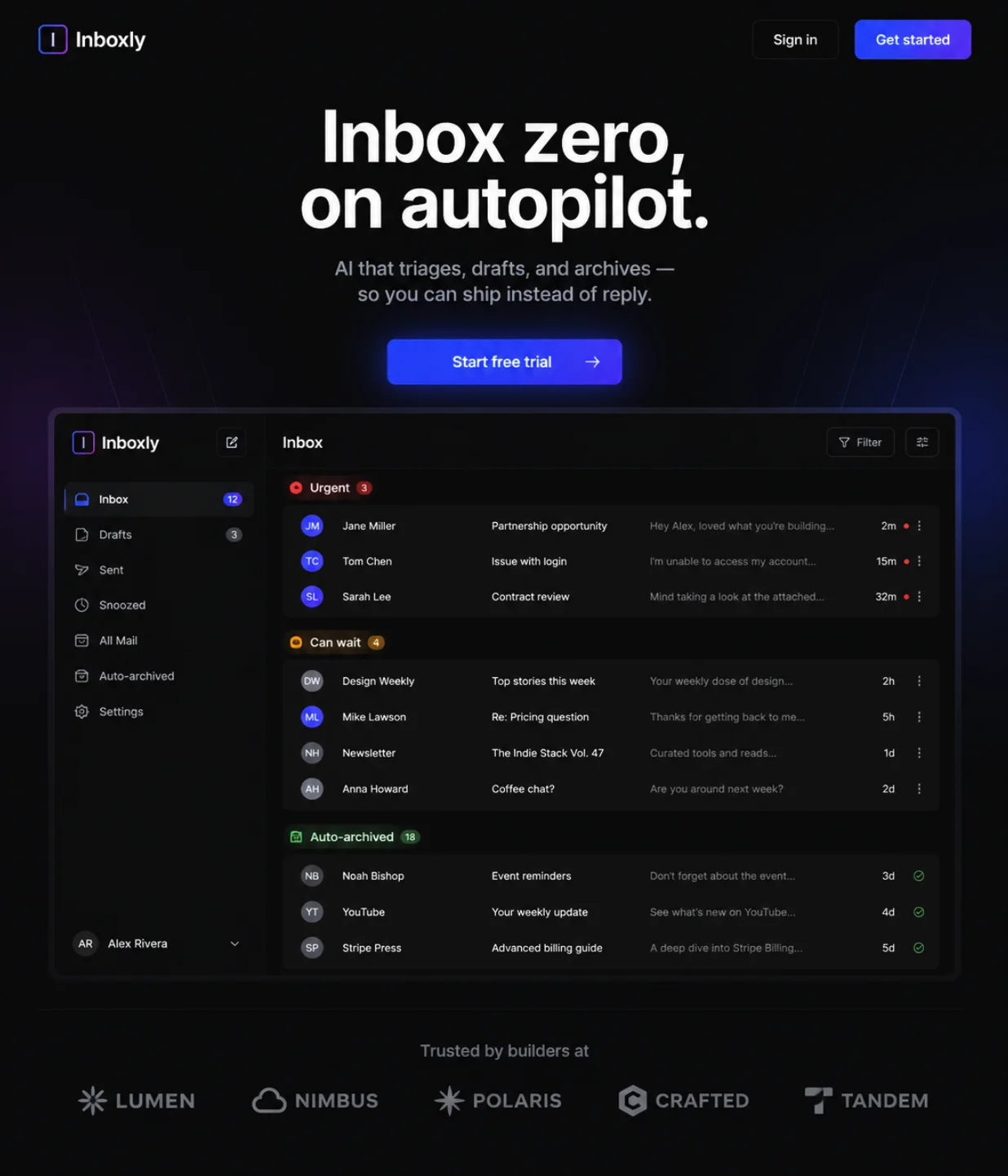
Ship the marketing site, not just the product.
Paste your GitHub repo or describe your app. Get a landing page design, app screenshots, and launch graphics — without hiring a designer. Auteo designs the visuals. You ship in an afternoon.
Try Auteo for Free
Marketing that looks like a brand, made by a business owner.
For realtors, restaurants, gyms, and local shops. Type what you need — get a flyer, an Instagram post, or a promo graphic that looks professionally designed. From a Word-doc draft to a brand-ready design in 10 seconds.
Try Auteo for Free
How to Use Auteo AI
Open the Workspace
Head to the workspace and start a new run. No setup, no plugins.
Write a Prompt and Add Images
Describe the shot, then add a first frame, start and end frames or reference images if you have them. Switch to Image when you need a still.
Generate and Download
Hit generate and Auteo renders your video or images. Download the result, or tweak the prompt and run it again.
YouTube Videos About Auteo
What People Are Saying About Auteo on X
Frequently asked questions
We've compiled the most important information to help you get the most out of Auteo.
What is Auteo AI?
Auteo AI is a browser-based AI video generator that also creates images. Describe what you want, optionally add images, and Auteo returns a short video clip or a set of stills.
What can I create?
Short videos from text, a first frame, start and end frames or reference images — plus product shots, posters, social posts and illustrations on the image side.
Which models can I use?
The model picker in the workspace lists every video and image model currently available. Each one shows its starting credit price, and video models also show their maximum clip length.
Is Auteo AI free to use?
You can try it for free on auteo.ai with a starter quota. For more credits and advanced features, choose a subscription plan that fits your needs.
Can I use the generated images commercially?
Yes, paid plans on auteo.ai come with full commercial usage rights. The free tier is intended for personal and evaluation use.
Get Started with Auteo AI Today!
Create AI videos and images right in your browser, free to try on auteo.ai.