Seedance 2.5

Try Seedance 2.5

Seedance 2.5: the most controllable AI video model on auteo.ai

30 seconds in one take. 30 reference images in one pass. native 1080p

Now live

Direct Seedance 2.5 like you're on set

Roll for 30 seconds straight

Seedance 2.5 generates up to 30 seconds in a single take, with synchronized audio. Footsteps, engines and the score are created in the same pass as the picture and matched to what happens on screen.

Sound is born with the shot
Audio on

Guide the film with 30 references

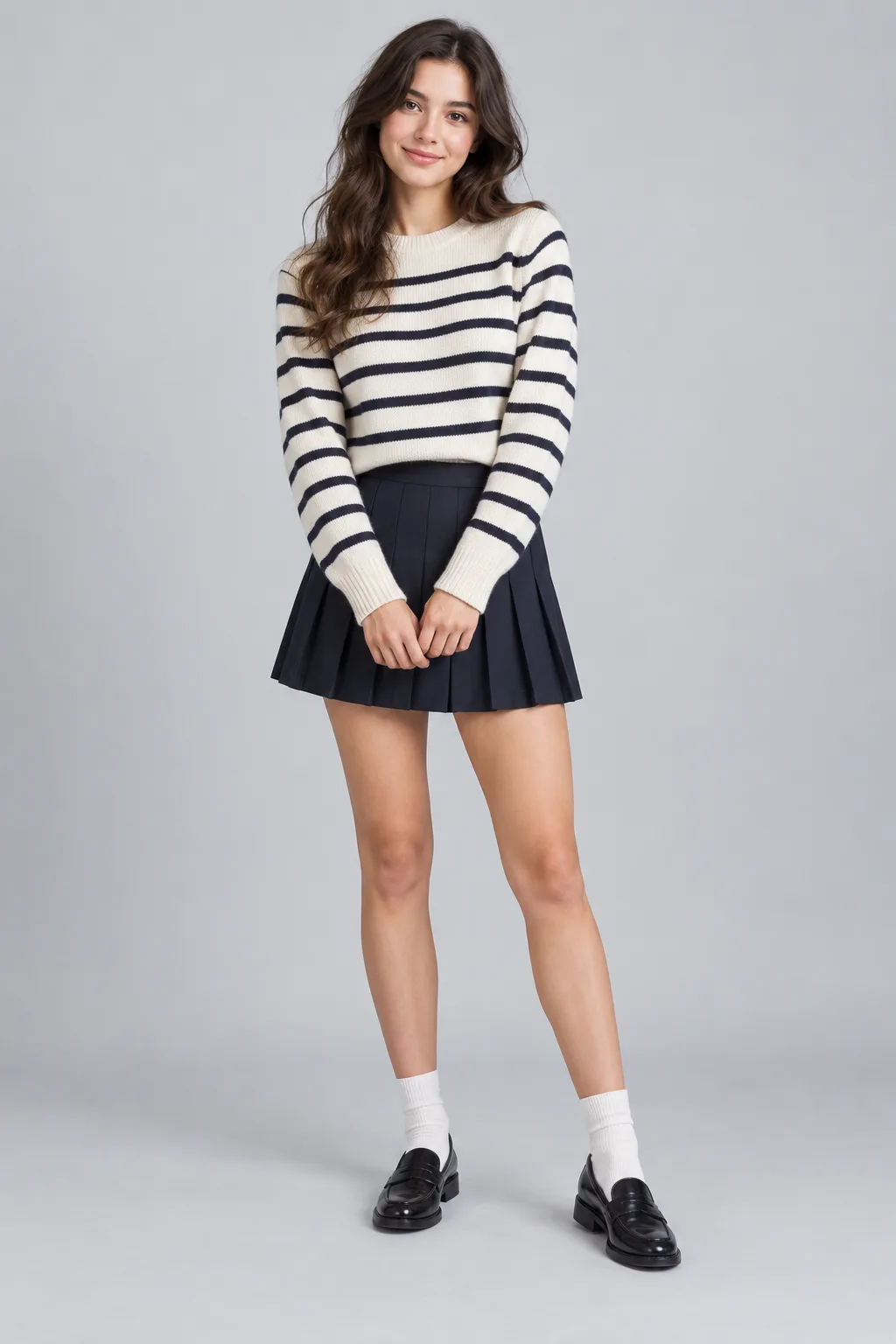
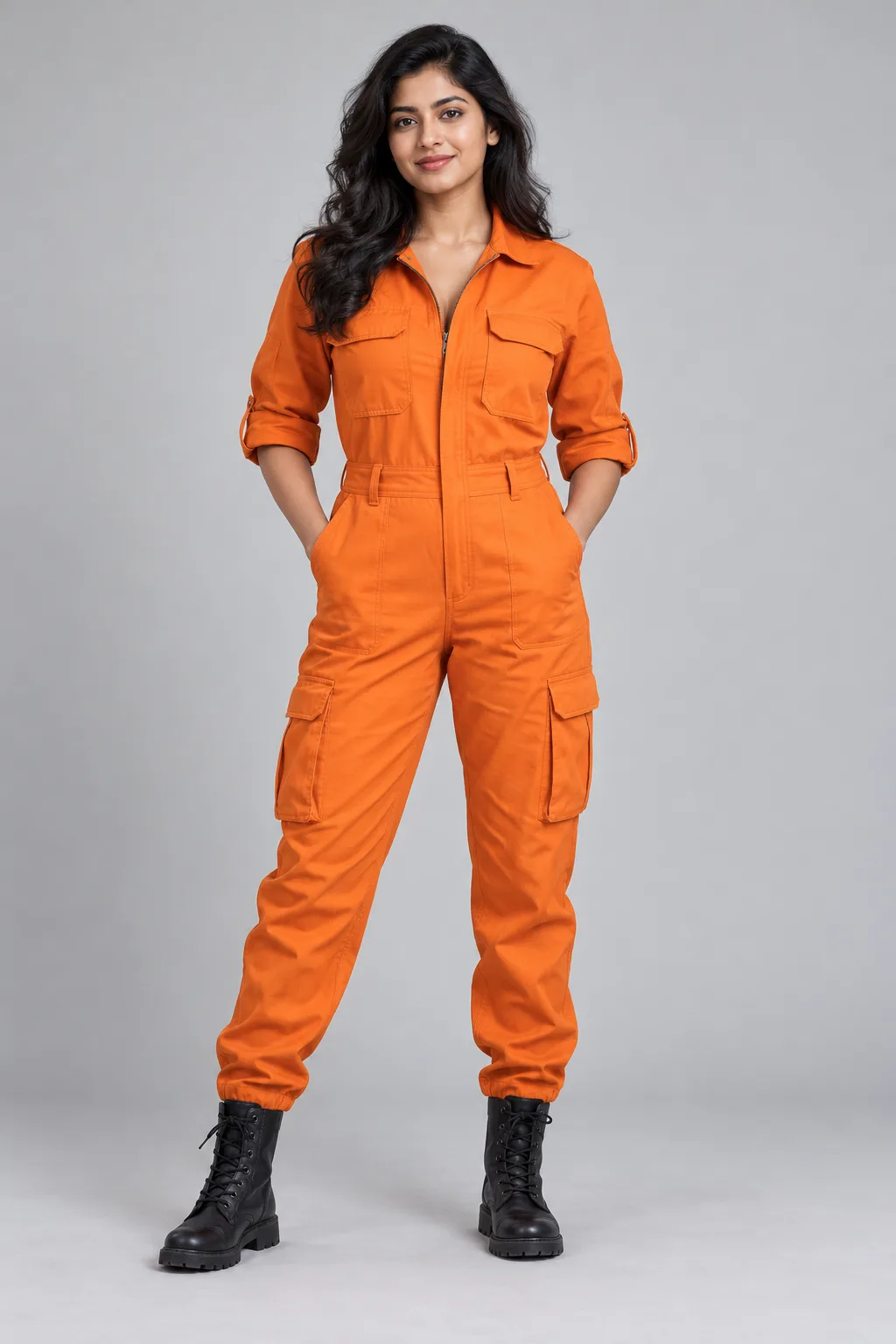
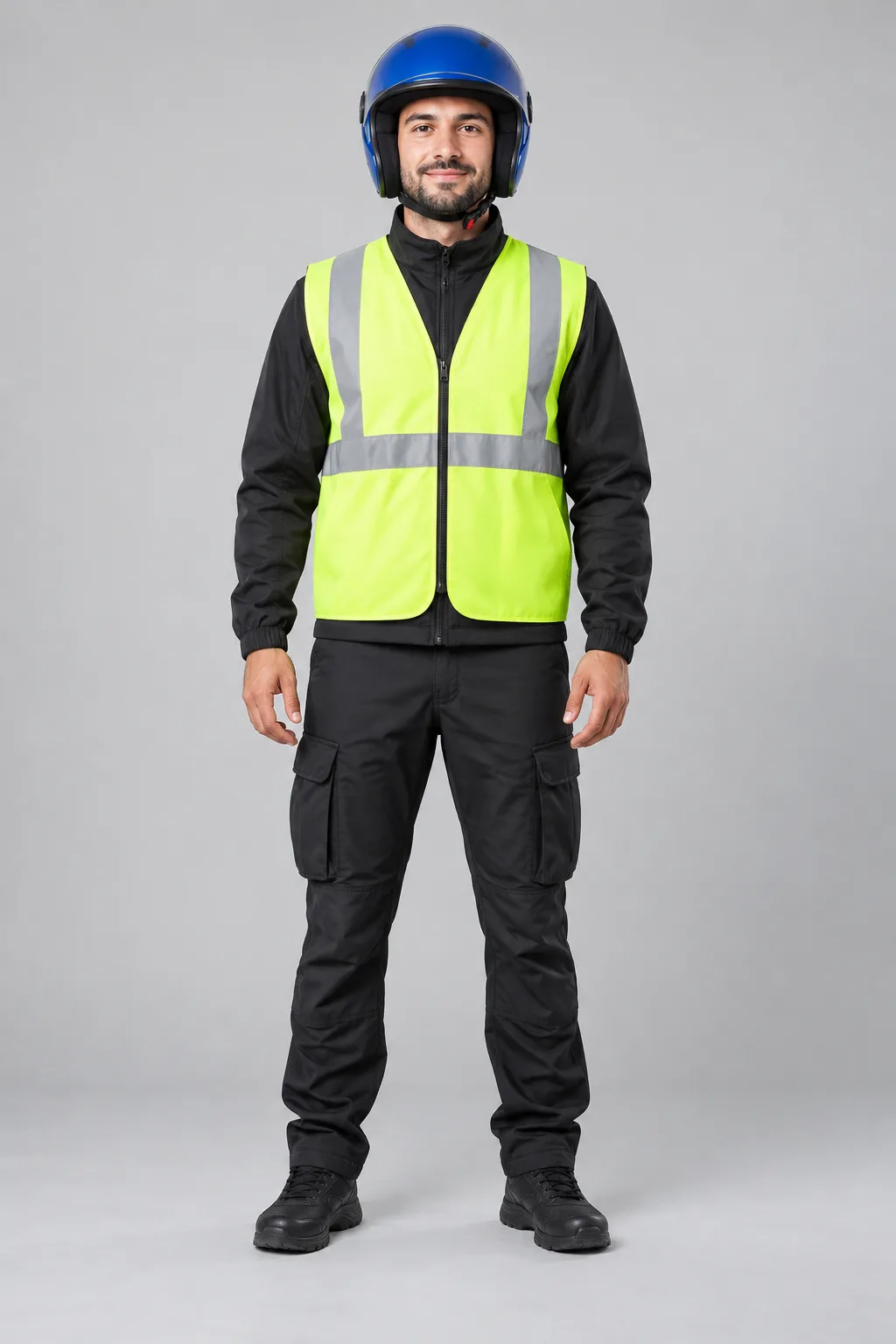
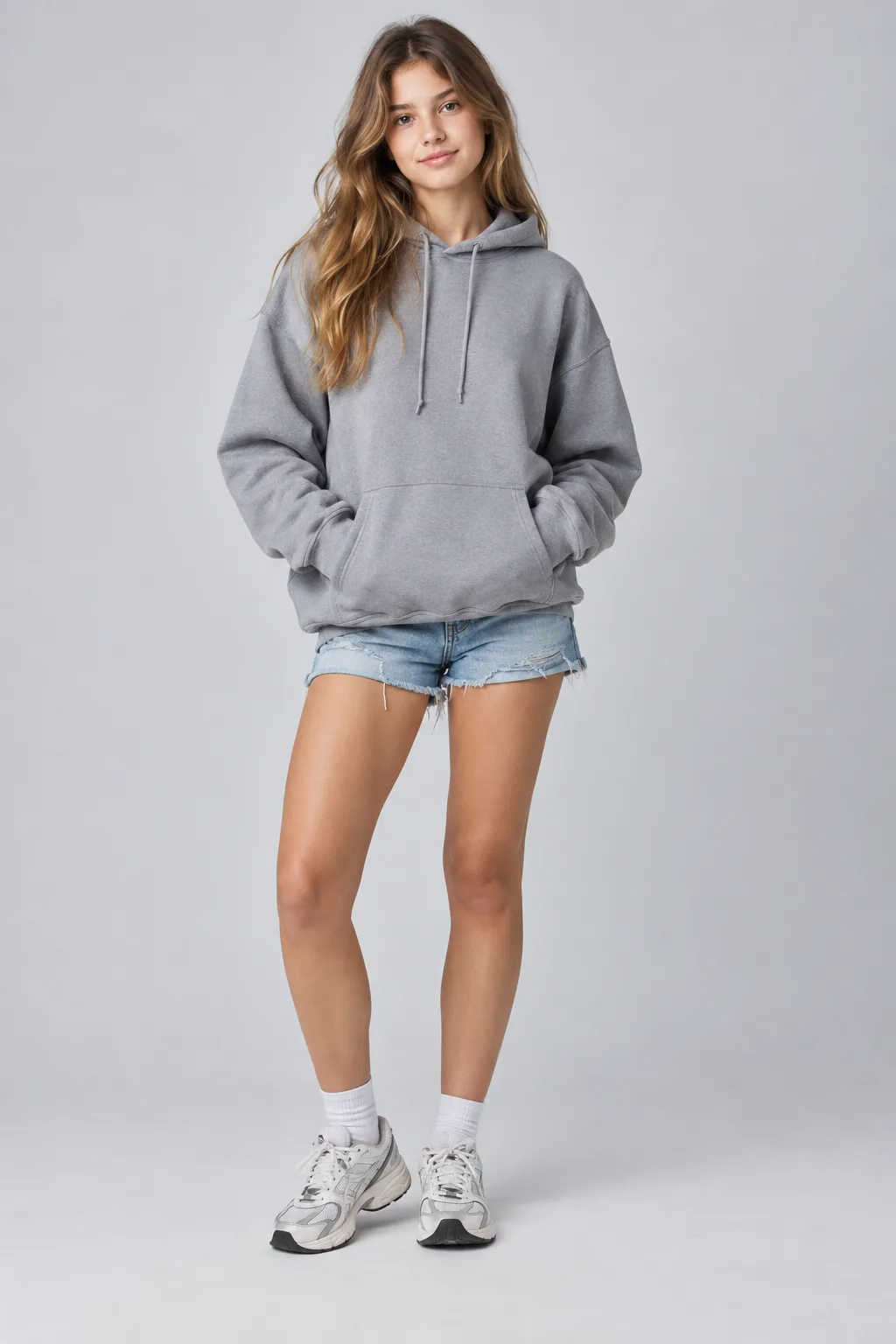
Give Seedance 2.5 up to 30 reference images (faces, products, wardrobe, locations, style frames) plus up to 10 reference clips. Set the direction once and it carries through the whole video.

Try Seedance 2.5
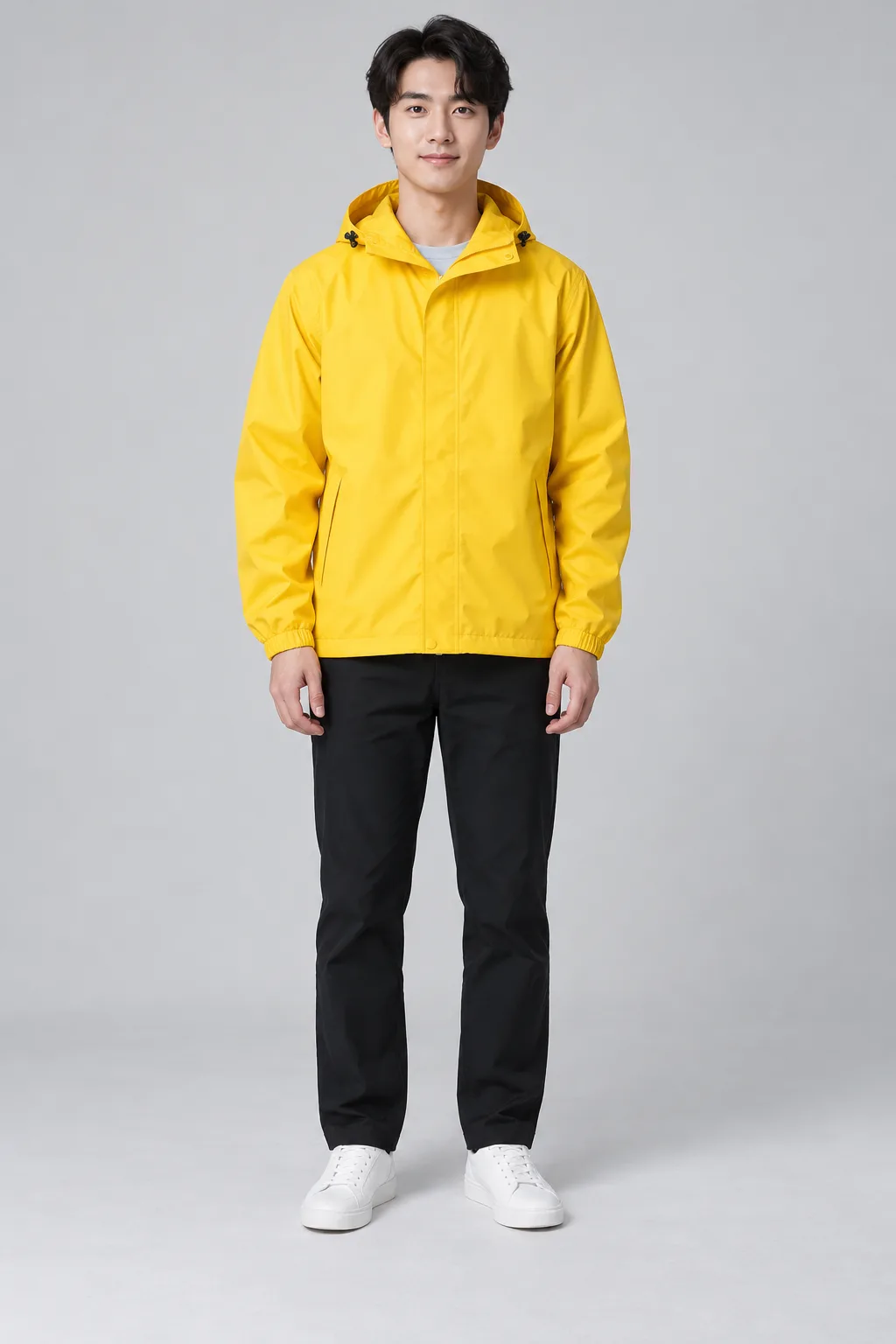
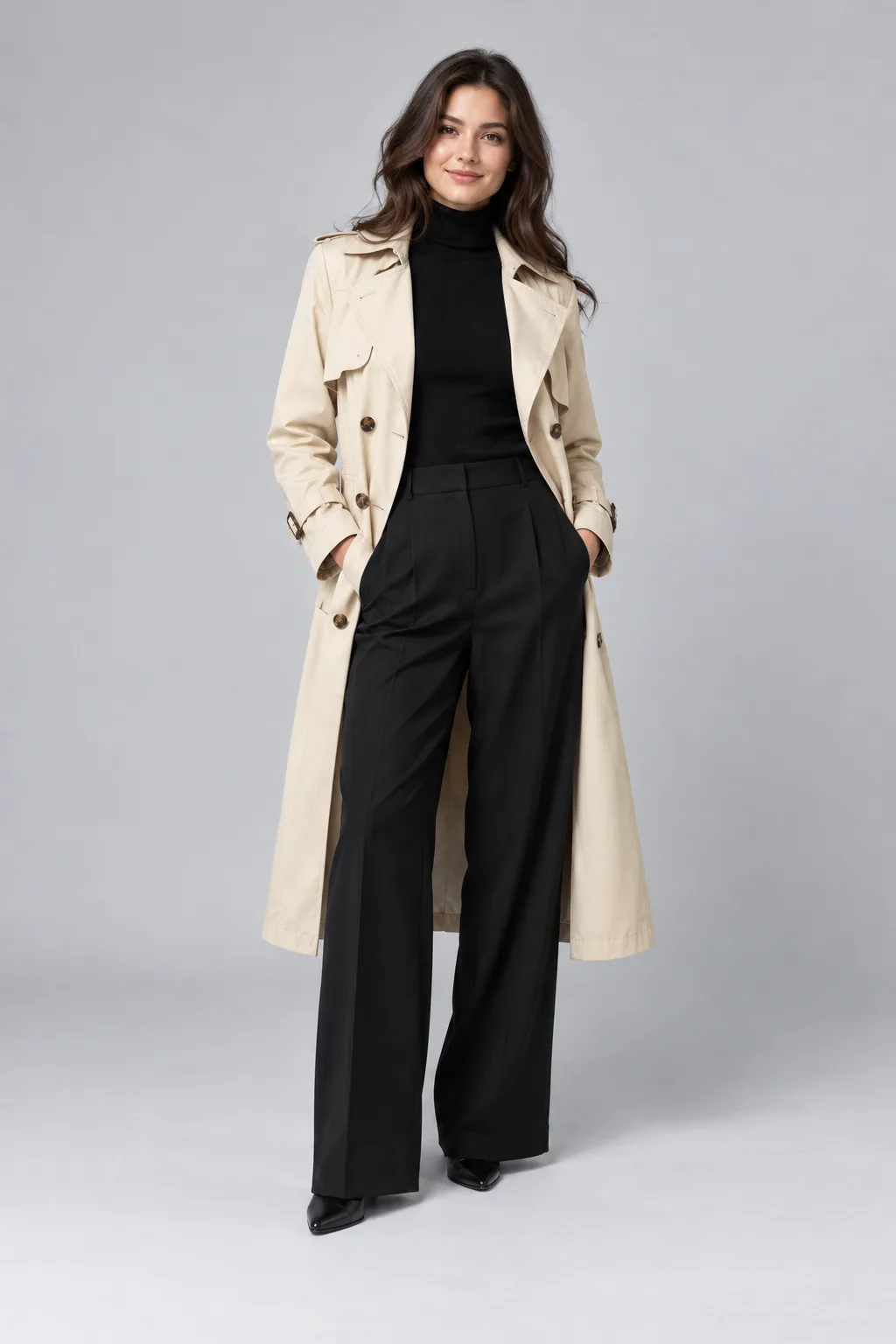
Reference images

Lock the first and last frame.

Upload a start frame, or a start and an end frame, and Seedance 2.5 animates everything in between. The shot opens and lands exactly where you planned, so you are not guessing where the camera ends up.

Built for

Made for the work you ship

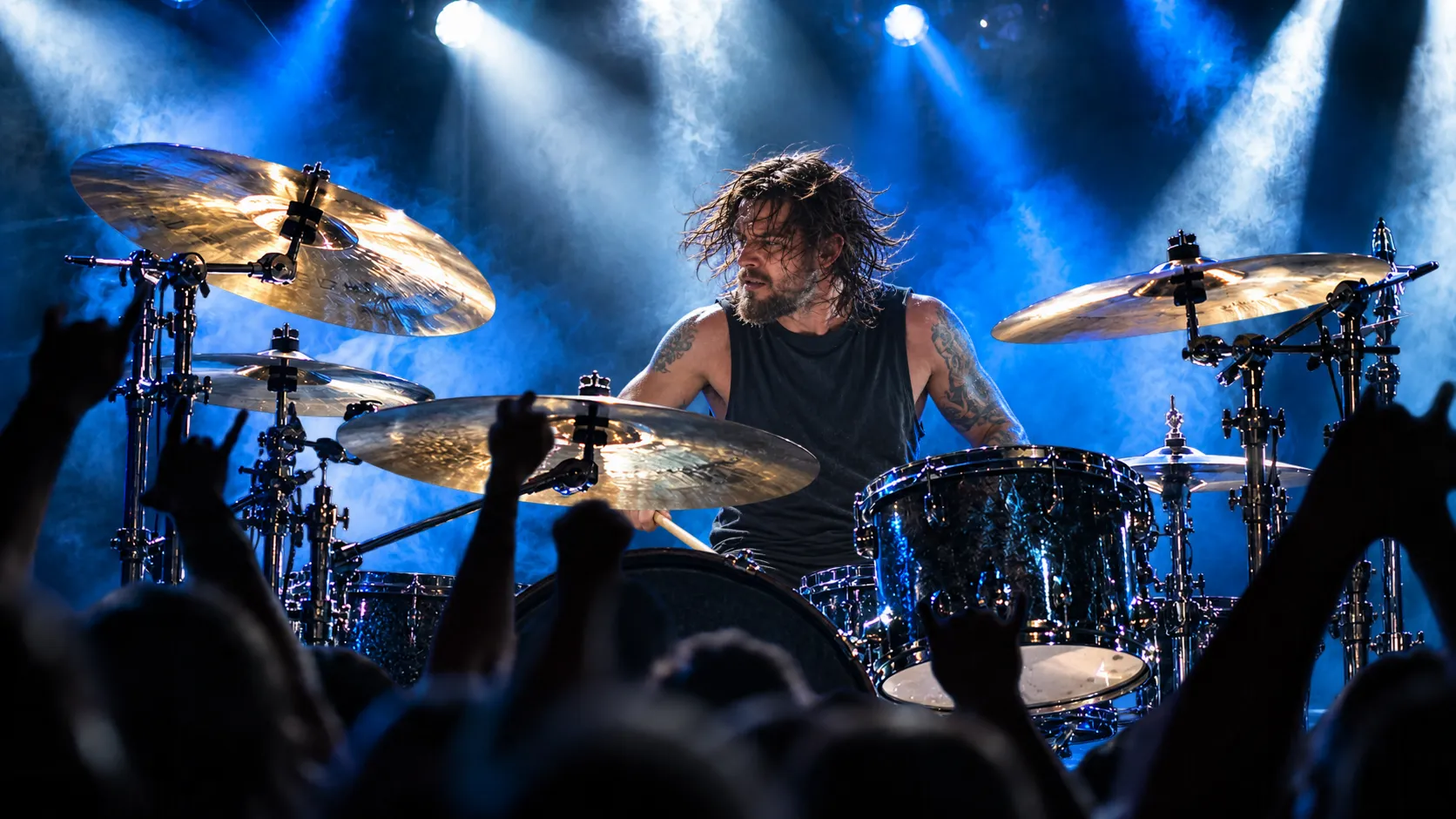
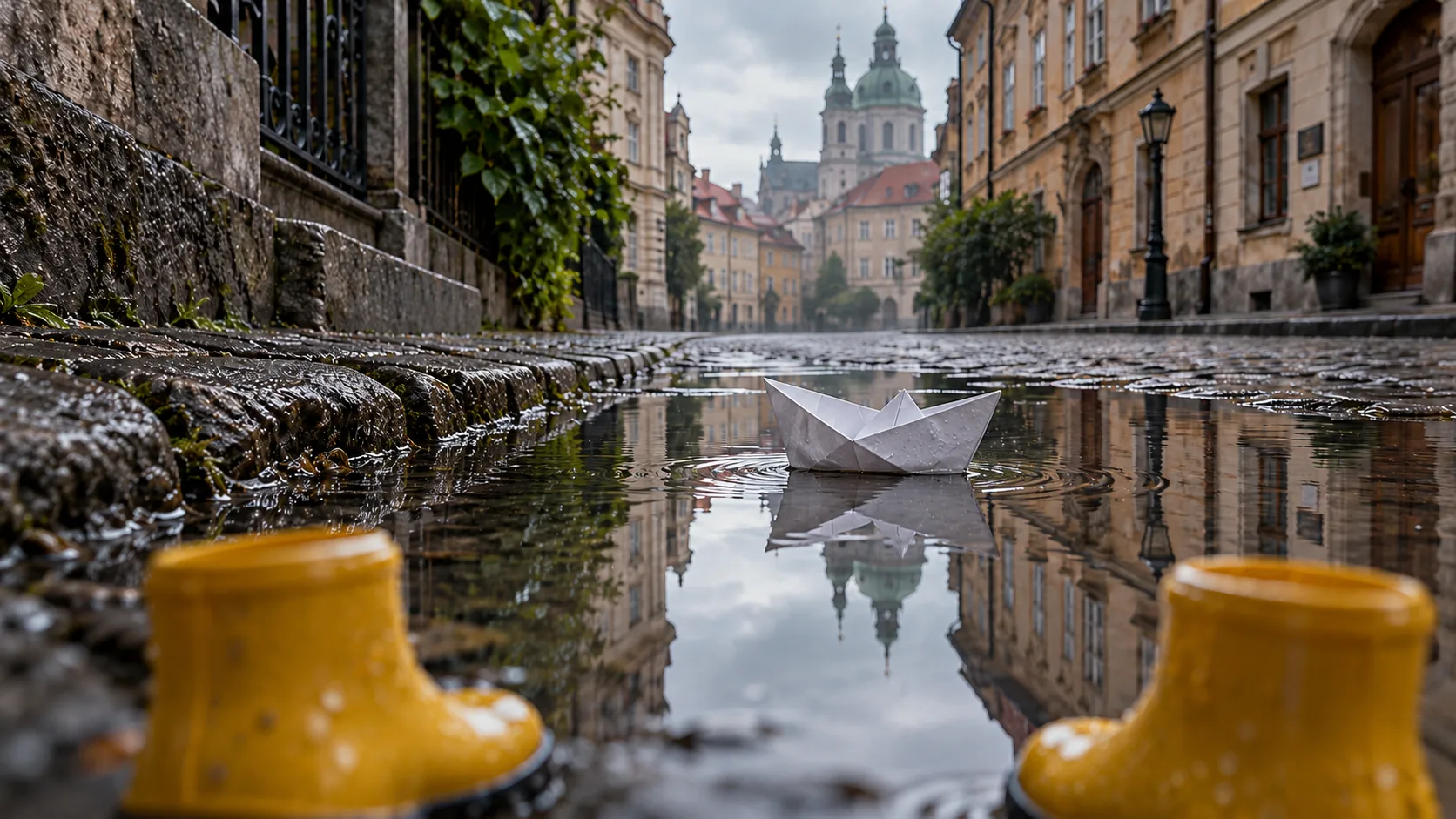
Seedance 2.5 showcase 1

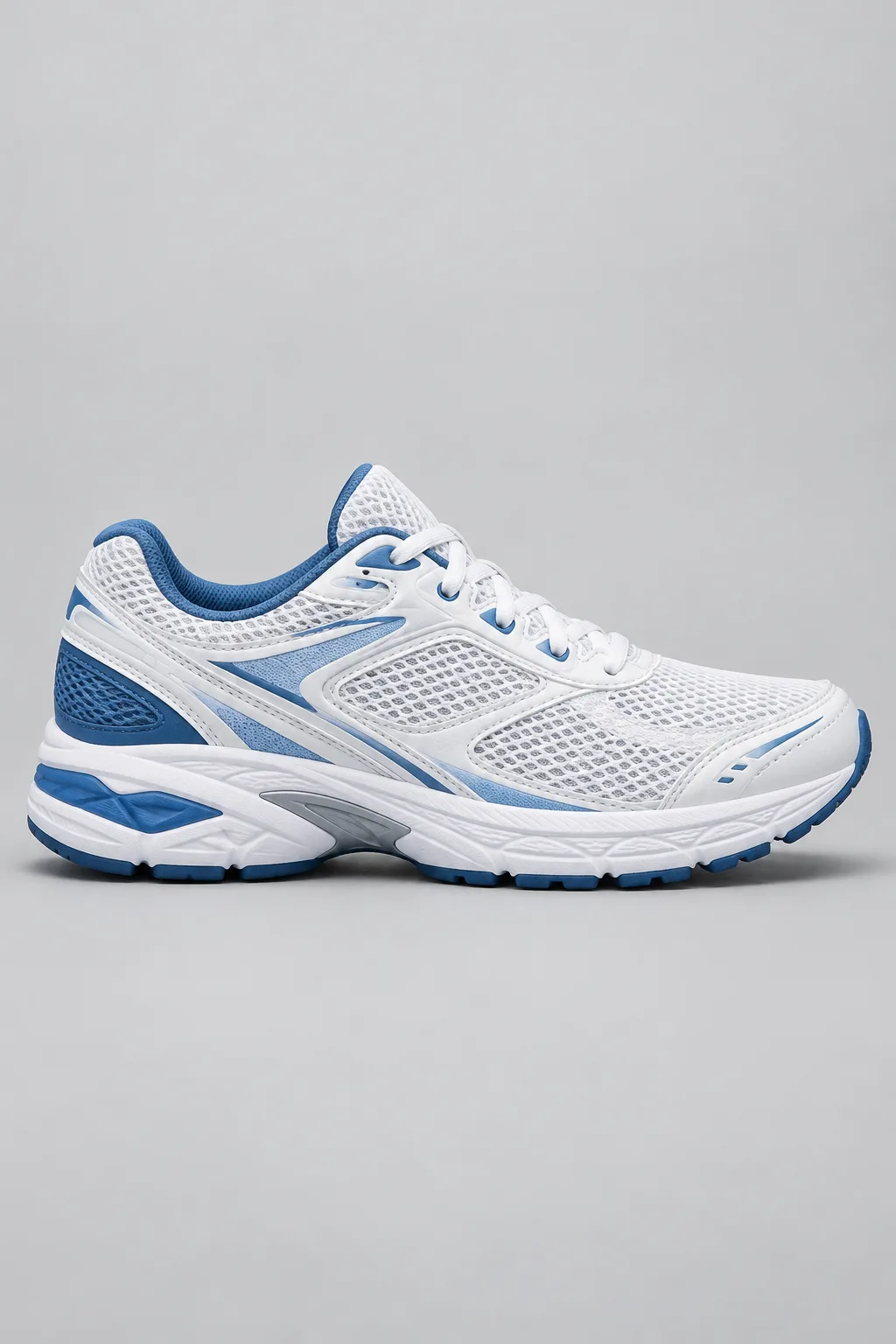
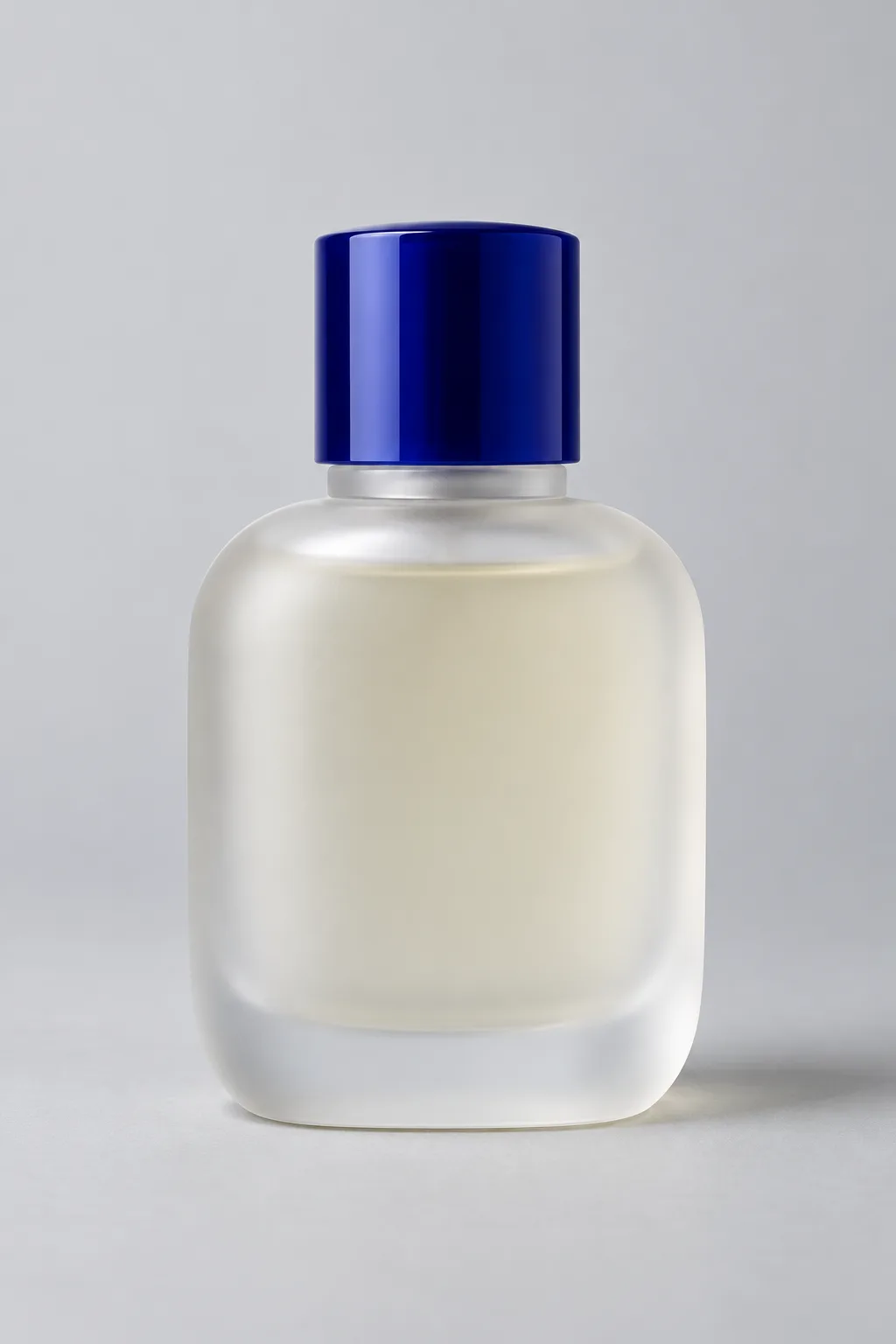
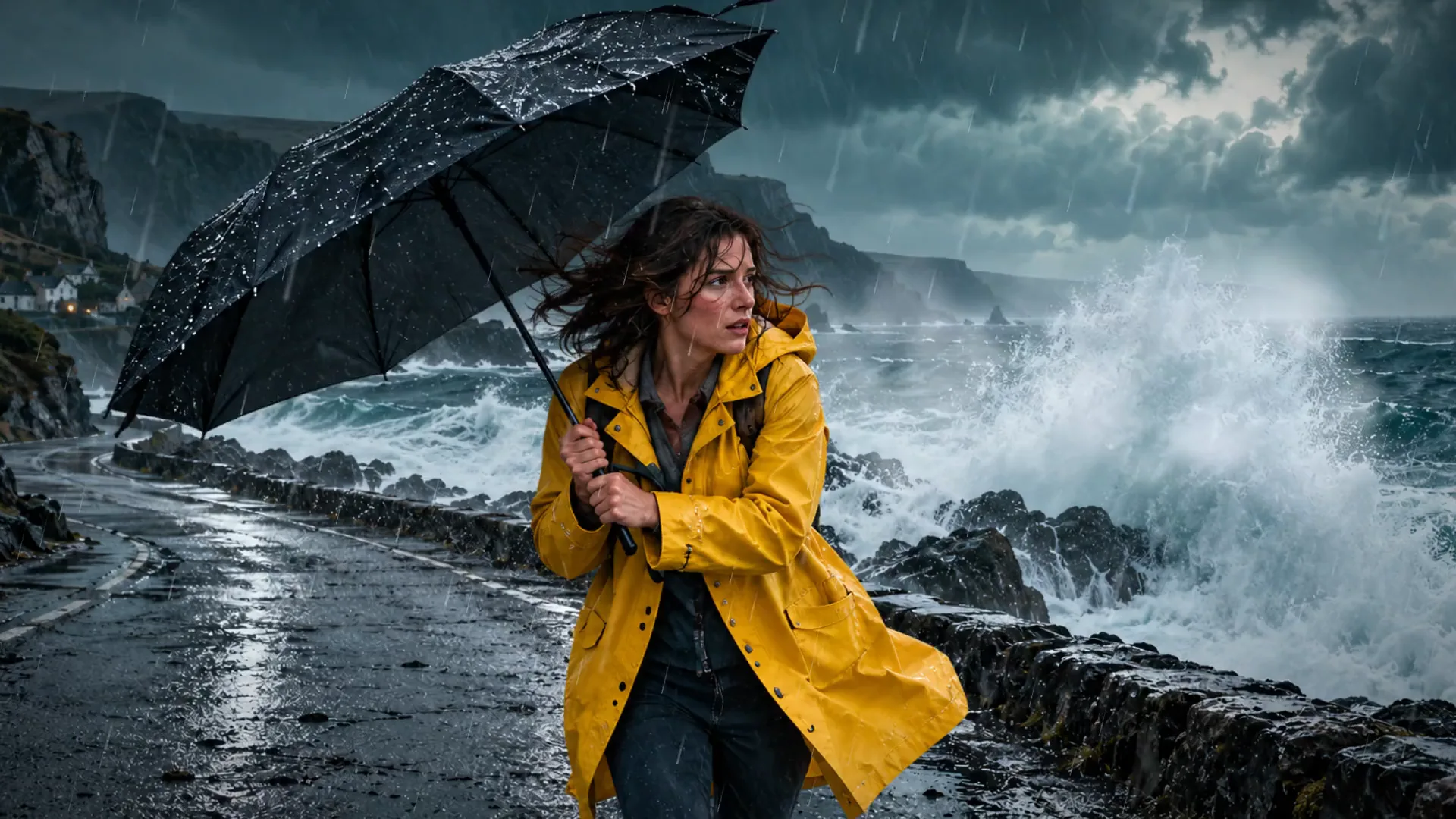
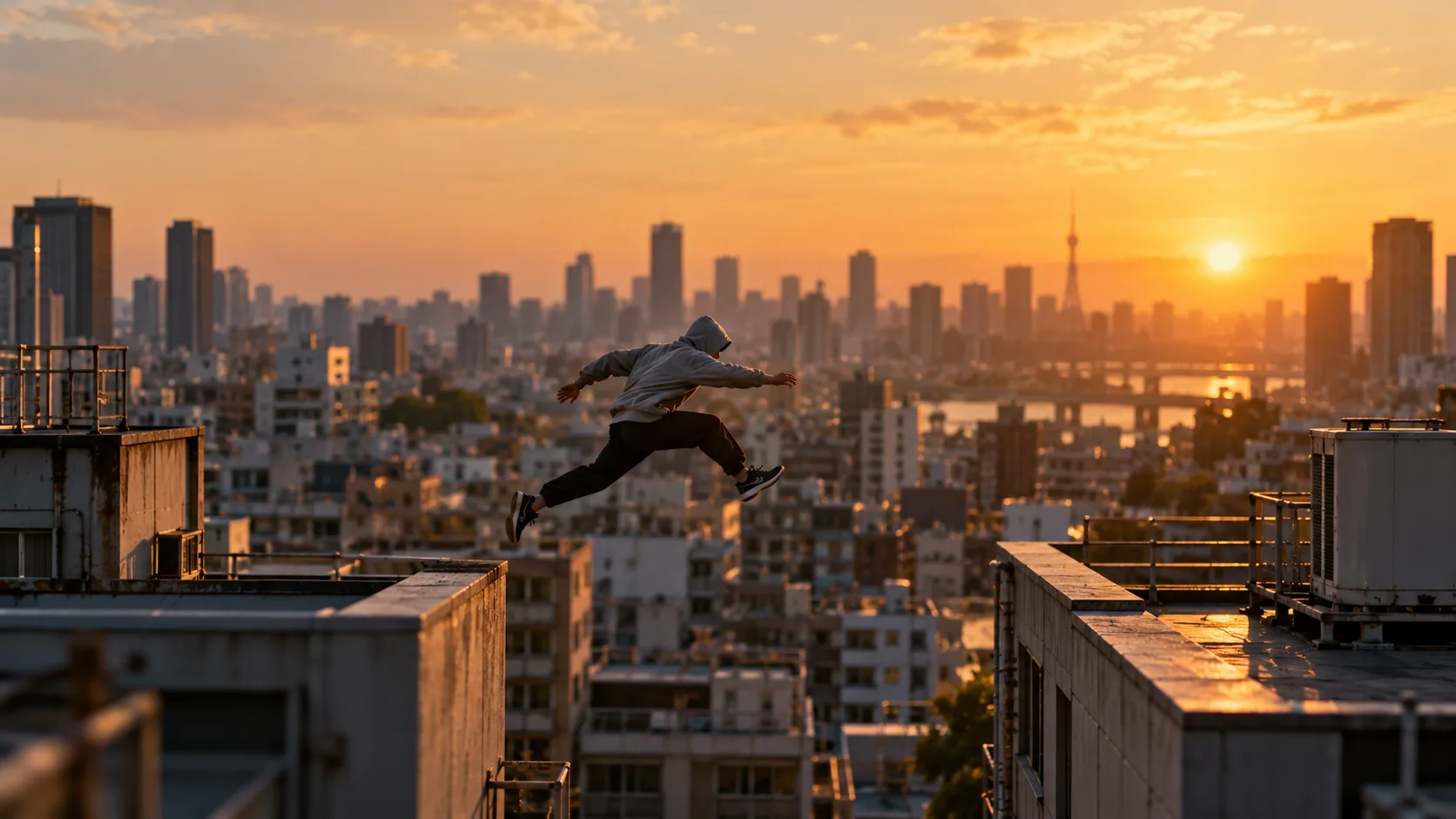
Product ads. Opening, product moment, end card. Seedance 2.5 renders a full 30-second spot in one pass, with sound, ready to cut into your campaign.
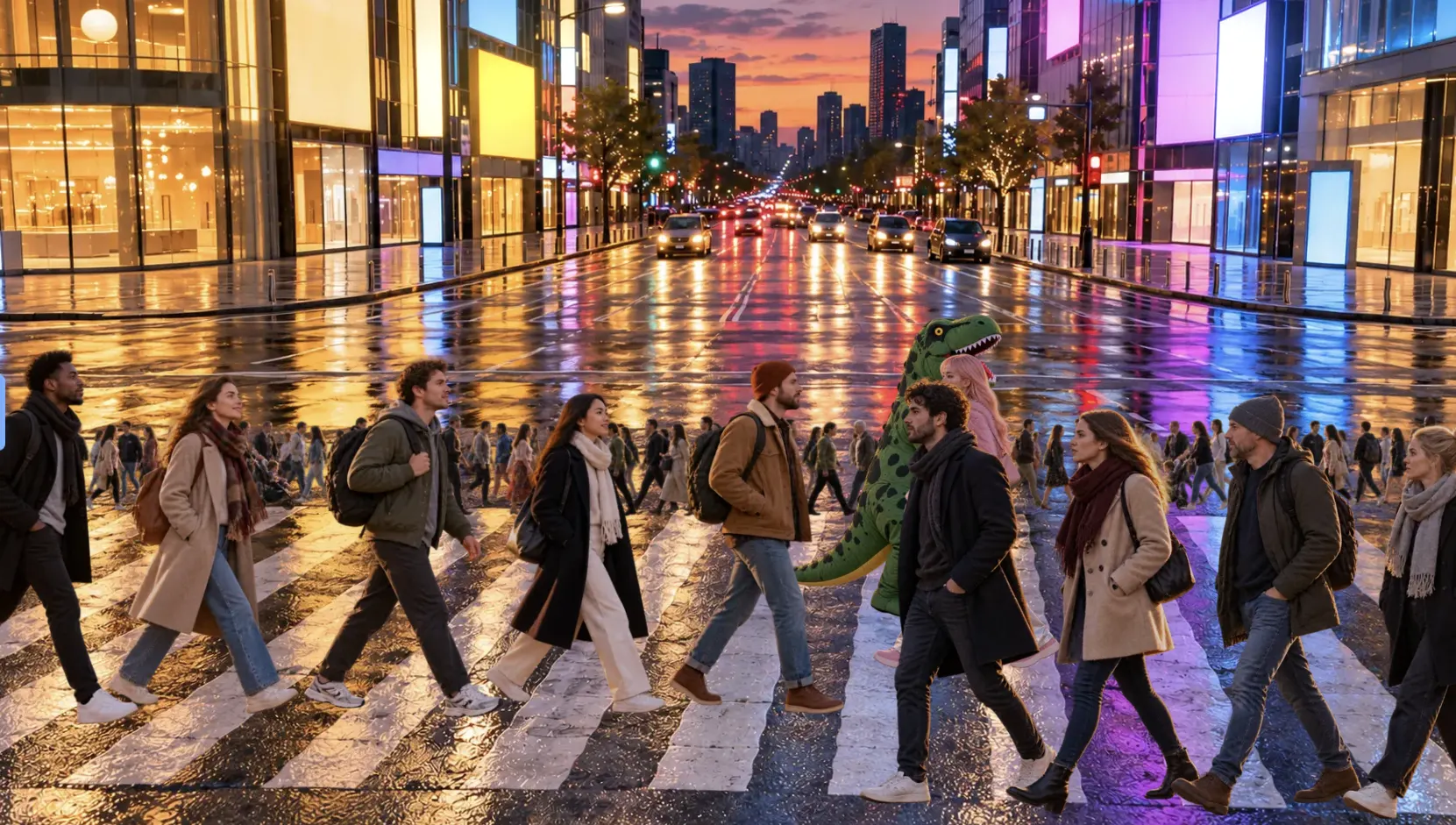
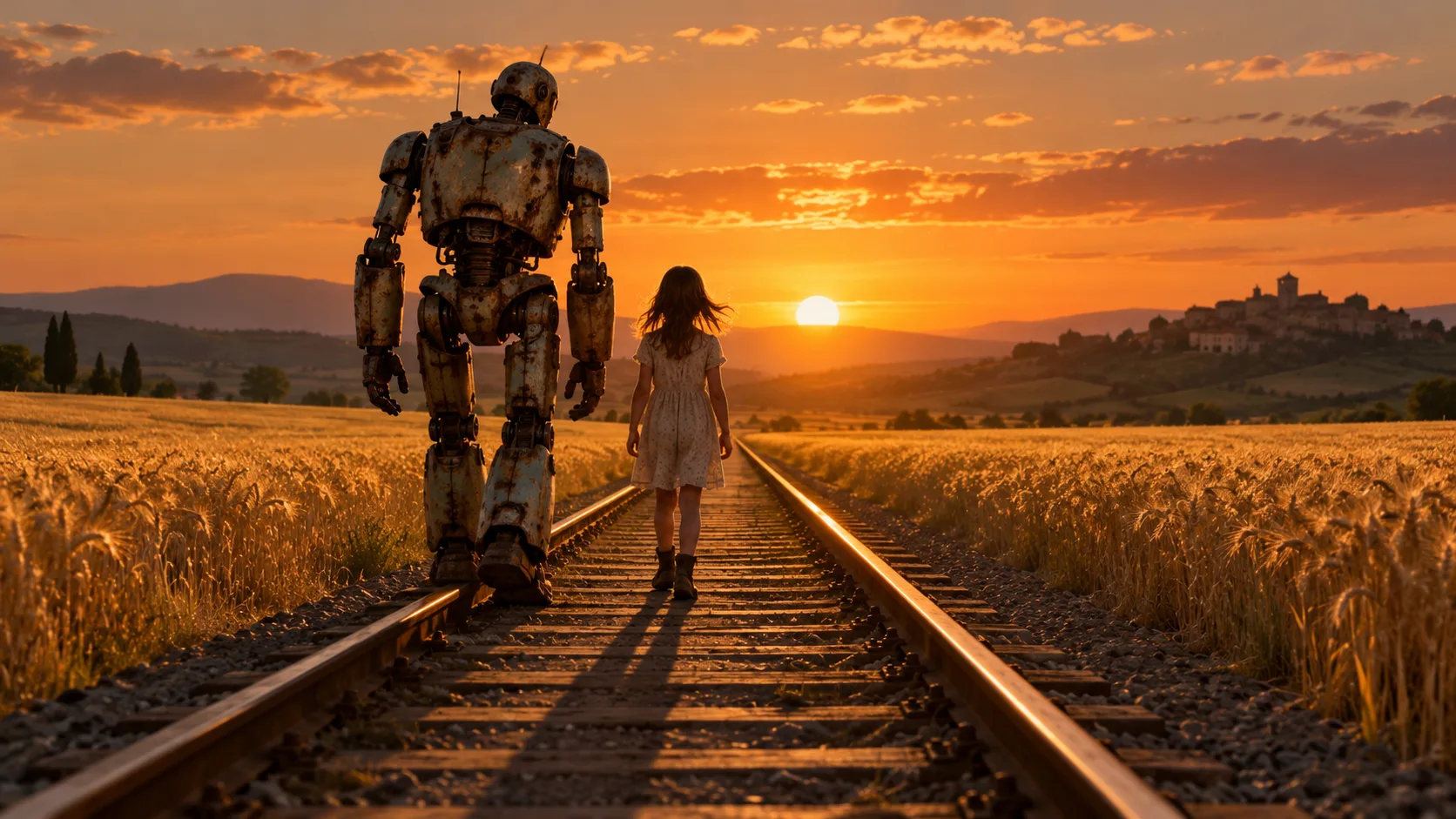
Seedance 2.5 showcase 2

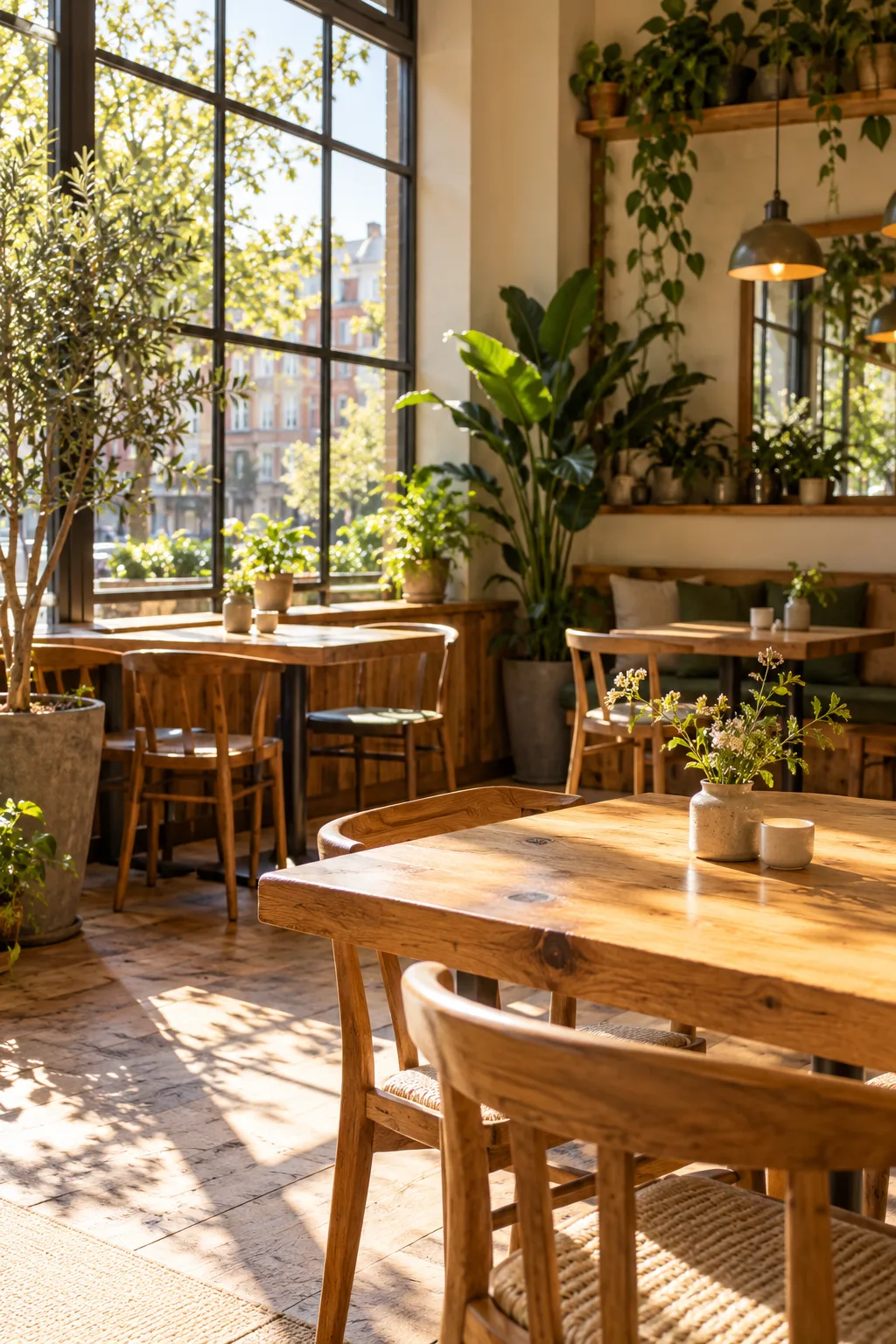
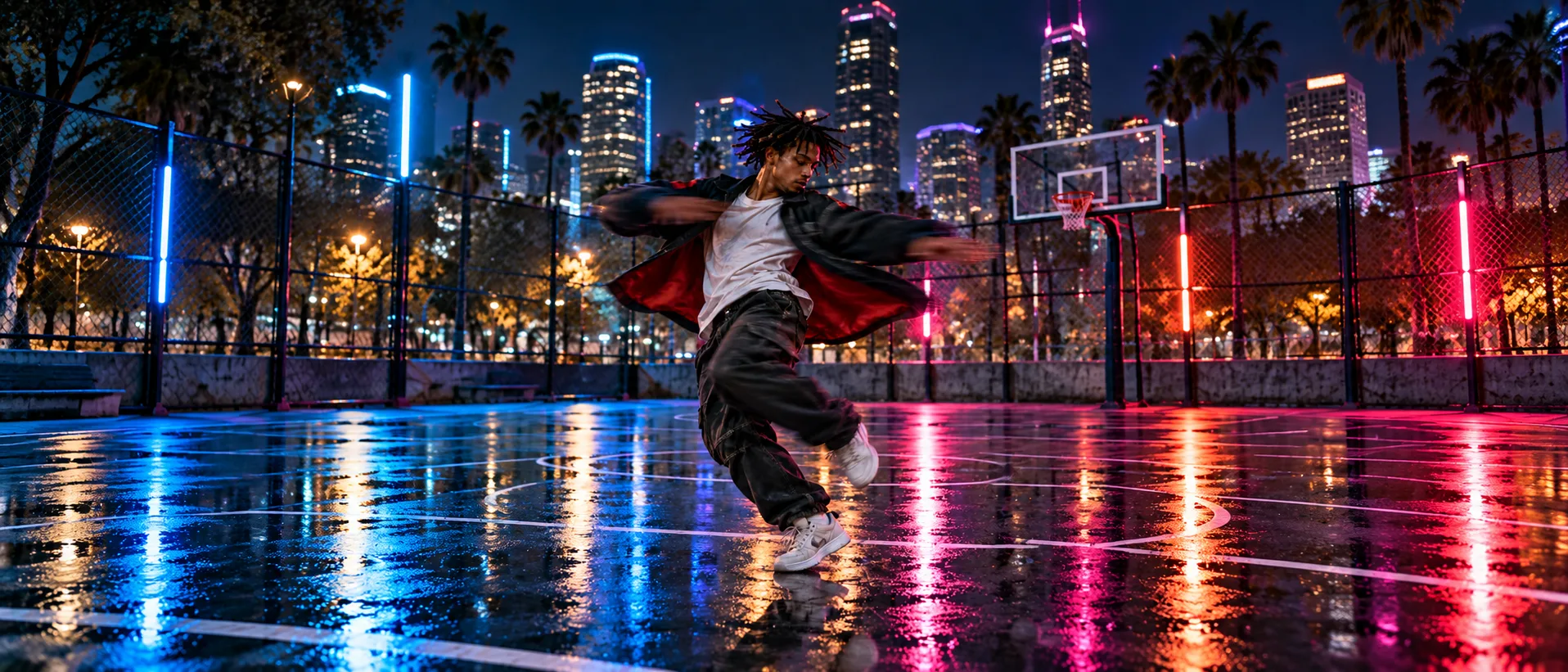
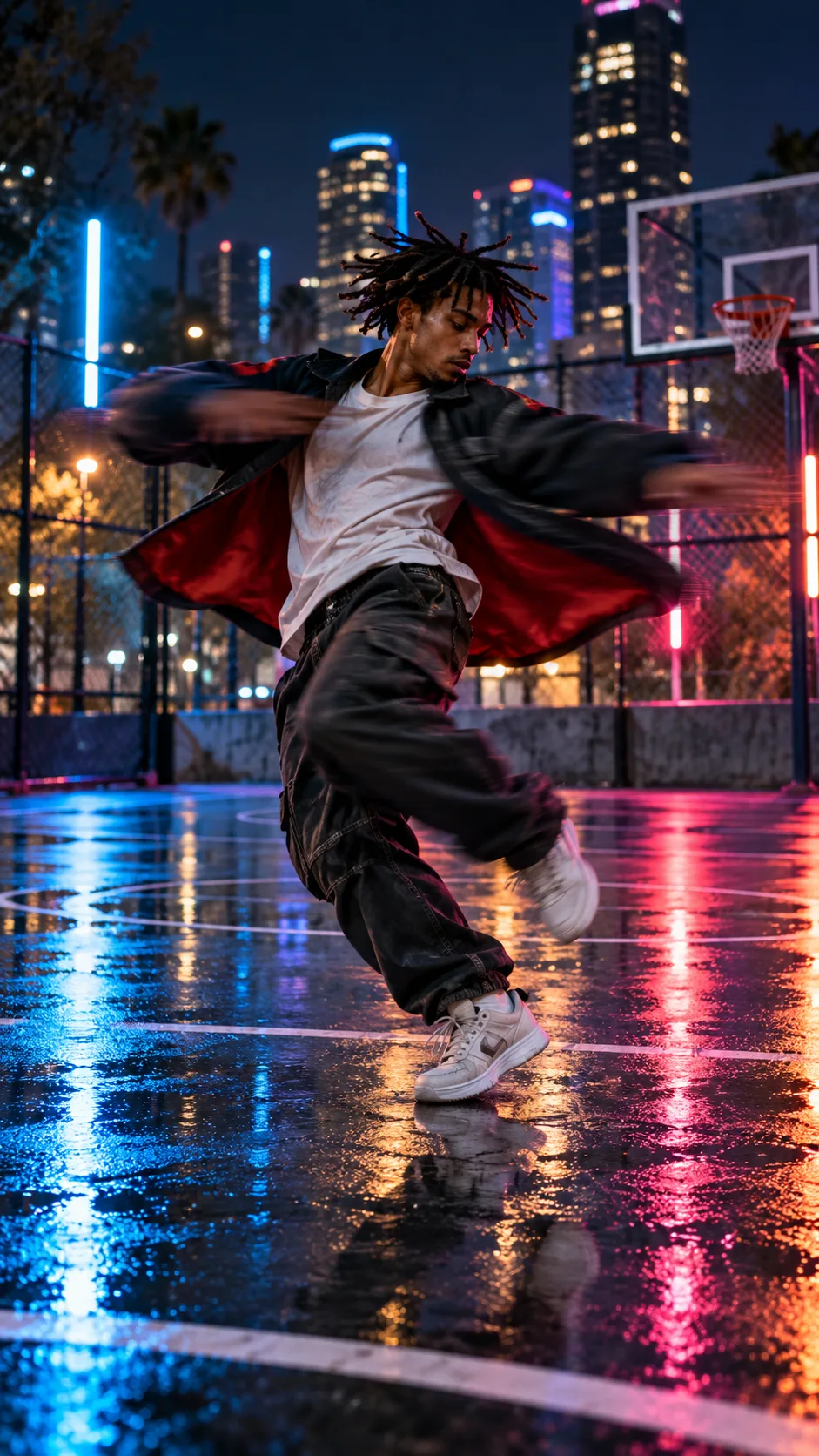
Storytelling. Add a reference for every character, product and location, and Seedance 2.5 keeps them consistent across a multi-scene story.
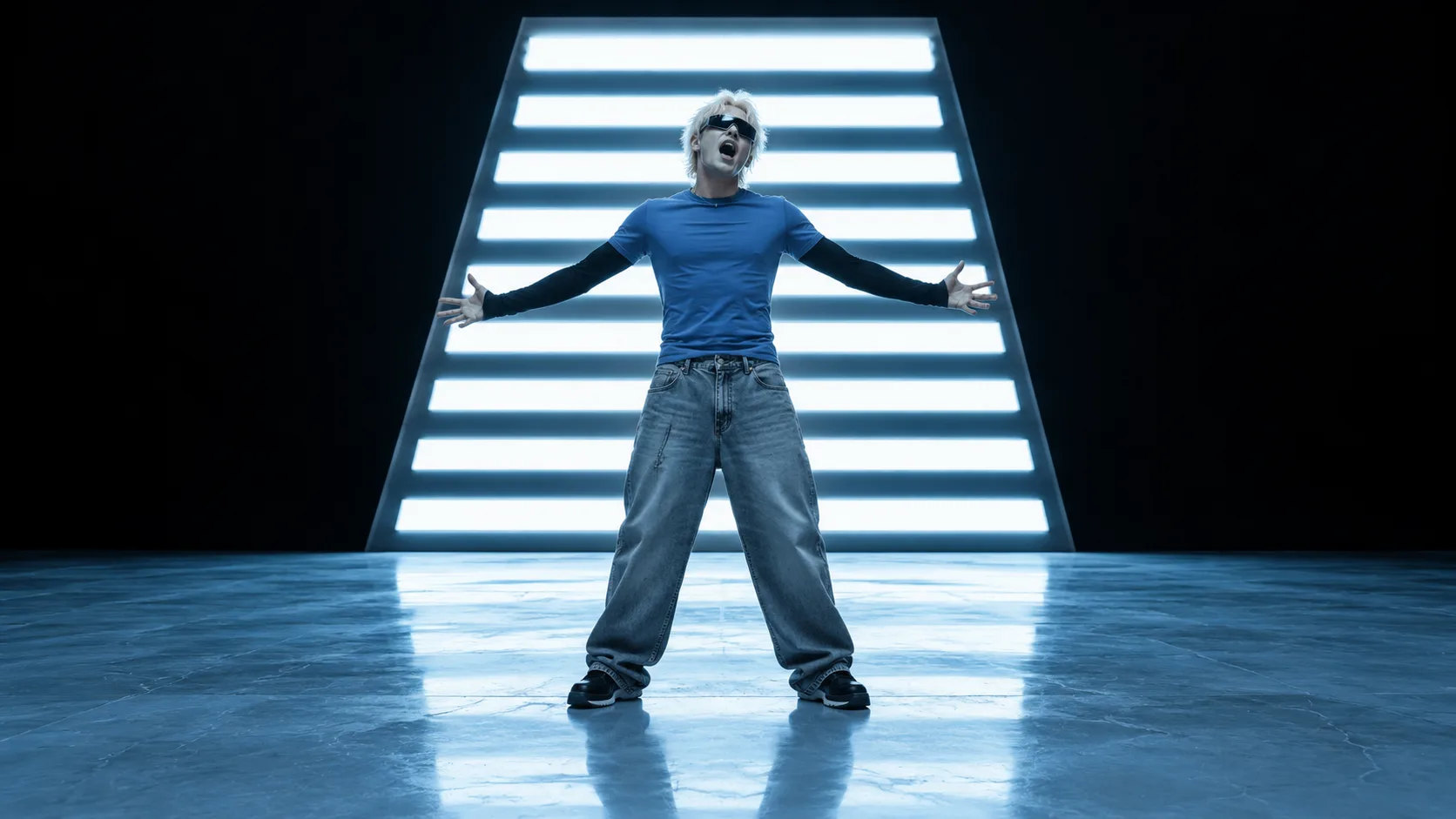
Seedance 2.5 showcase 3

New

Six reasons to make your next video with Seedance 2.5

Try Seedance 2.5

Video references

Show it a clip and it follows the motion

30refs

Images and clips in one generation

Nothing drifts

Characters, lighting and scenes stay consistent

Audio

Sound is generated with the picture, not added later

Frame lock

Pin the first frame, or the first and last

30s

Up to 30 seconds in one continuous take

0:05
0:15
0:30

Built for 1080P, made for everything. From ads to short films, social and e-commerce, Seedance 2.5 renders native 1080P with detail that holds up full screen.

See more
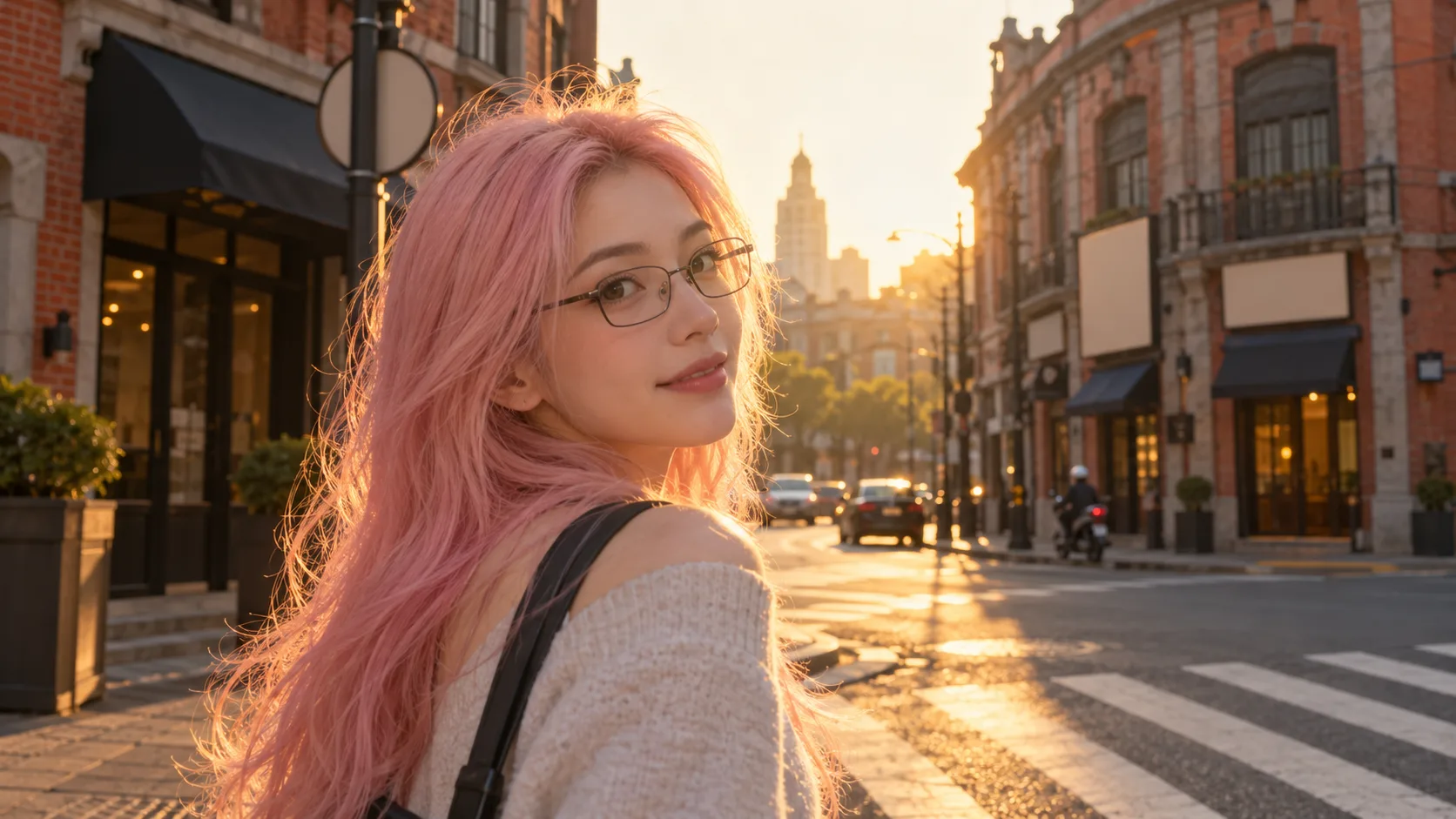
Seedance 2.5 example 1
Seedance 2.5 example 2
Seedance 2.5 example 3

How to use Seedance 2.5

Create a Seedance 2.5 video in three steps

  1. 1

    Add references (optional)

    Upload a first frame, a first and last frame, or up to 30 reference images to guide the look.

  2. Prompt

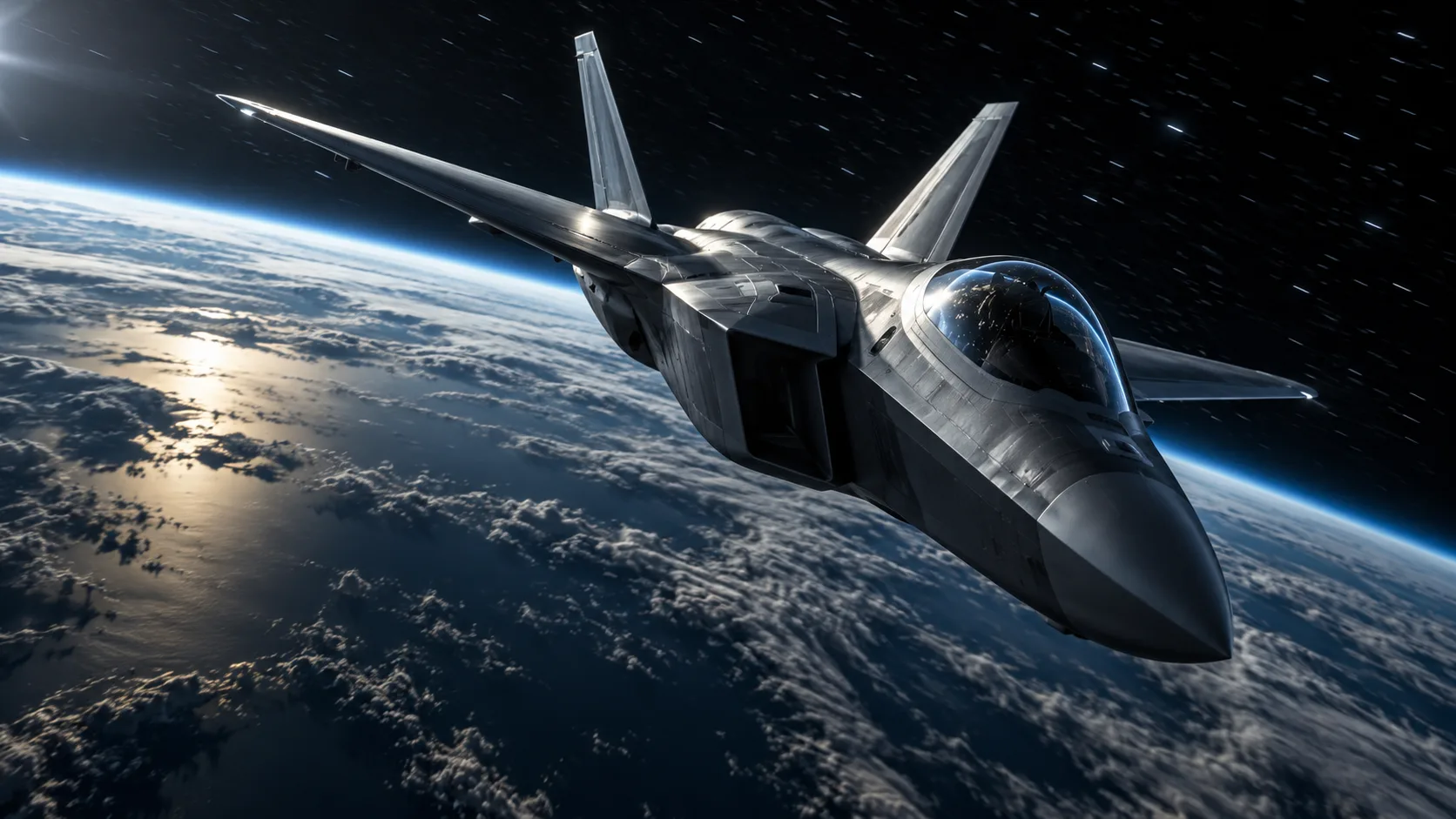
    Cinematic shot in near-Earth space, a sleek fighter jet banking against the darkness, star streaks behind it, Earth's dark ocean and clouds far below, cold rim light on the fuselage, canopy reflections, deep contrast.

    Seedance 2.51080P10s16:9
    2

    Write the prompt

    Describe the shot like a shot list: subject, camera move, lighting, mood and sound.

  3. 3

    Generate and download

    Pick duration, aspect ratio and resolution, then generate. Your Seedance 2.5 video lands in your history, ready to download.

Made with Seedance 2.5

See more

Pricing

Pick your plan

Seedance 2.5 is billed per second of video: 9 credits per second at 480P, 20 at 720P and 48 at 1080P. Every plan's credits work across all models on Auteo.

Starter

For first-time AI creators

200 credits/mo.

  • = 100 Nano Banana 2.1 Generations
  • ~ 4 Seedance 2.5 videos
Fixed amount of 200 credits/mo
$15per month, billed monthly
UNLIMITED & FREE GENS
  • Z ImageNo unlimited
  • FLUX.2No unlimited

Unlimited with Plus & Ultra.

  • Download License Certificate
  • Early access to advanced AI features
  • Access to unlimited marketplace
  • Lowest cost per credit

Plus

For everyday AI creation

500 credits/mo.

  • = 250 Nano Banana 2.1 Generations
$29per month, billed monthly
UNLIMITED & FREE GENS
  • Z Image1K / 2KUnlimited
  • FLUX.21K / 2KUnlimited

Unlimited while your subscription is active.

  • New
  • Access to unlimited marketplace
  • Download License Certificate
  • Lowest cost per credit

Ultra

Best value

For ambitious AI projects

3,000 credits/mo.

  • = 1,500 Nano Banana 2.1 Generations
$129per month, billed monthly
UNLIMITED & FREE GENS
  • Z Image1K / 2KUnlimited
  • FLUX.21K / 2KUnlimited

Unlimited while your subscription is active.

  • New
  • Access to unlimited marketplace
  • Download License Certificate
  • Lowest cost per credit60% cheaper

Seedance 2.5 questions, answered

What is Seedance 2.5?
Seedance 2.5 is ByteDance's latest AI video model. On Auteo it turns a text prompt, a first frame or a set of references into a clip of up to 30 seconds, at up to 1080P, with optional synchronized audio.
How long can a Seedance 2.5 video be?
Between 4 and 30 seconds per generation. You choose the duration before you generate, and the cost scales with it.
What resolutions and aspect ratios does Seedance 2.5 support?
480P, 720P and 1080P, in six aspect ratios: 21:9, 16:9, 4:3, 1:1, 3:4 and 9:16. When you start from a first frame, the video follows the shape of that image.
Does Seedance 2.5 generate sound?
Yes. Turn audio on and ambience, effects and music are generated together with the picture. The price is the same with audio on or off.
How many references can I use with Seedance 2.5?
Up to 30 reference images, plus up to 10 reference clips from videos you have generated on Auteo, 30 seconds in total. References and first/last frames are separate modes and can't be combined in one generation.
Can I set the first and last frame in Seedance 2.5?
Yes. Upload a first frame on its own, or a first and a last frame together, and Seedance 2.5 generates the motion between them. A last frame on its own is not supported.
How much does Seedance 2.5 cost on Auteo?
9 credits per second at 480P, 20 at 720P and 48 at 1080P, so a 5-second 480P clip costs 45 credits. Clips that use reference videos are priced differently; the generate button always shows the exact cost before you start.
How is Seedance 2.5 different from Seedance 2.0?
Seedance 2.5 runs up to 30 seconds per clip (Seedance 2.0 tops out at 15) and accepts up to 30 reference images instead of 9. Seedance 2.0 can render in 4K, and Seedance 2.0 Fast is the quicker, lower-cost choice for drafts.
How do I get the best results from Seedance 2.5?
Write the prompt like a shot list: subject, camera, lighting, mood, sound. Add references for anything that must stay consistent, and test the idea at 480P before rendering the final version at 1080P.