OpenAI · Released November 4, 2026
GPT Image 2.6 Generator
Write a prompt, choose GPT Image 2.6 Flare for fast iteration or Sunburst for detailed visual work, add up to 16 reference images, then open it in the Auteo image studio to generate.
Generate opens the Auteo image studio with your prompt and settings filled in. Nothing is charged until you confirm there.
What is GPT Image 2.6?
GPT Image 2.6 is OpenAI's image generation and editing model family, released on November 4, 2026. In ChatGPT it ships as ChatGPT Images 2.6 and is available on every plan across web, desktop and mobile apps. The same release also reached Codex and the OpenAI API, where it comes as two models: gpt-image-2.6-flare and gpt-image-2.6-sunburst.
Both models create images from a text prompt and edit images you already have. OpenAI positions Flare for fast iteration and Sunburst for detailed visual work, and says both run about 50% faster than before, without naming the baseline. In the API they are served through the v1/images/generations and v1/images/edits endpoints only; Chat Completions, the Responses API and the Batch API are not supported.
On Auteo you don't need an API key or any code. Type a prompt in the box above, pick a tier, attach reference images if you have them, and the image studio takes care of the rest, from aspect ratio and resolution to keeping every result in your history.
- ReleasedNov 4, 2026
- API modelsFlare · Sunburst
- API endpointsGenerations · Edits
- In ChatGPTChatGPT Images 2.6
GPT Image 2.6 Flare vs Sunburst: which one should you use?
Both tiers share the same prompt format, the same endpoints and the same API price. The difference is what each one is tuned for.
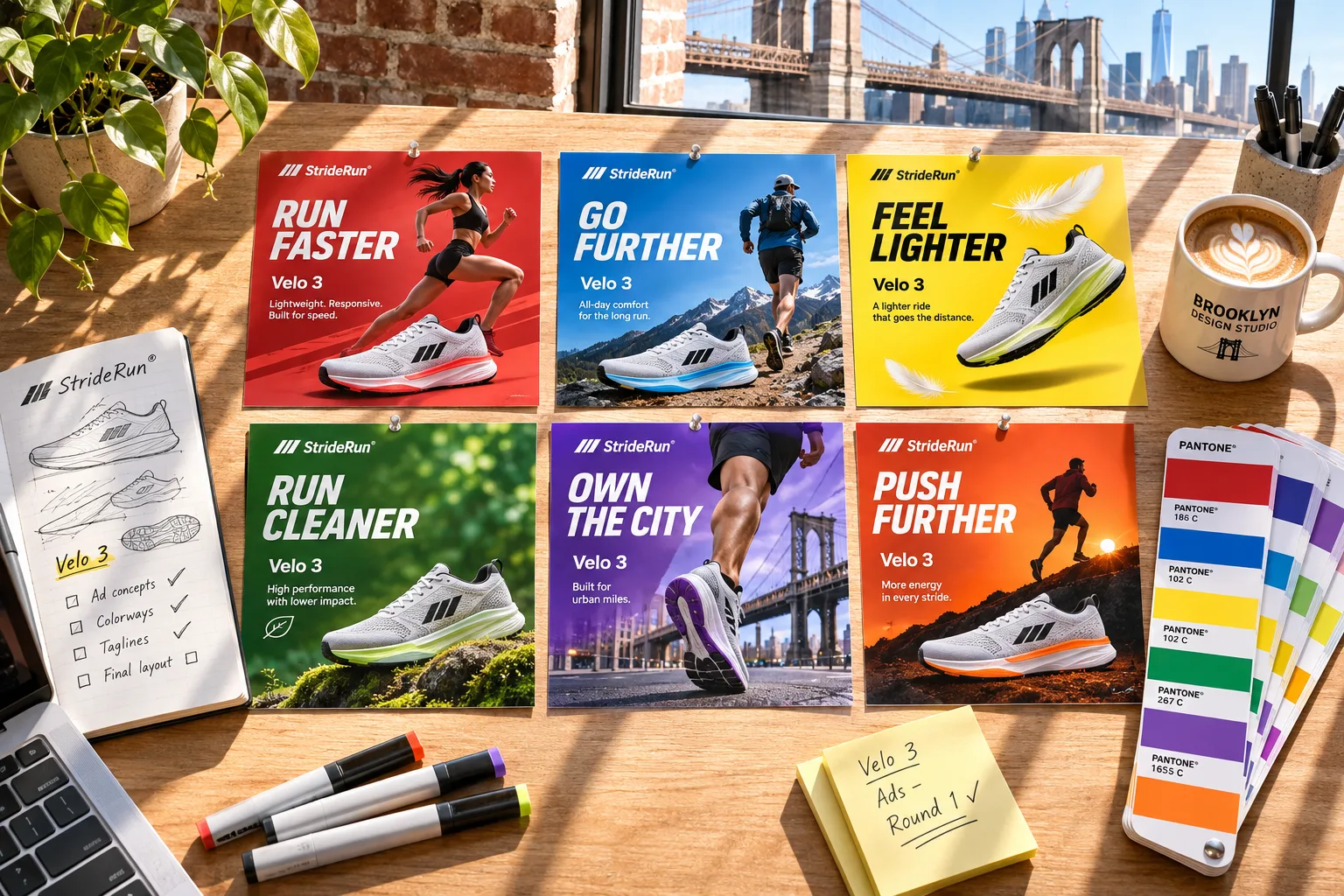
GPT Image 2.6 Flare
Image generation and editing for fast iteration
~6 s at its fastest- The faster of the two tiers: OpenAI quotes about 6 seconds per image at its quickest.
- Built for exploring many directions, such as ad variations, thumbnails, mood boards and storyboards.
- A cheap first pass before you commit to a final, detailed render.
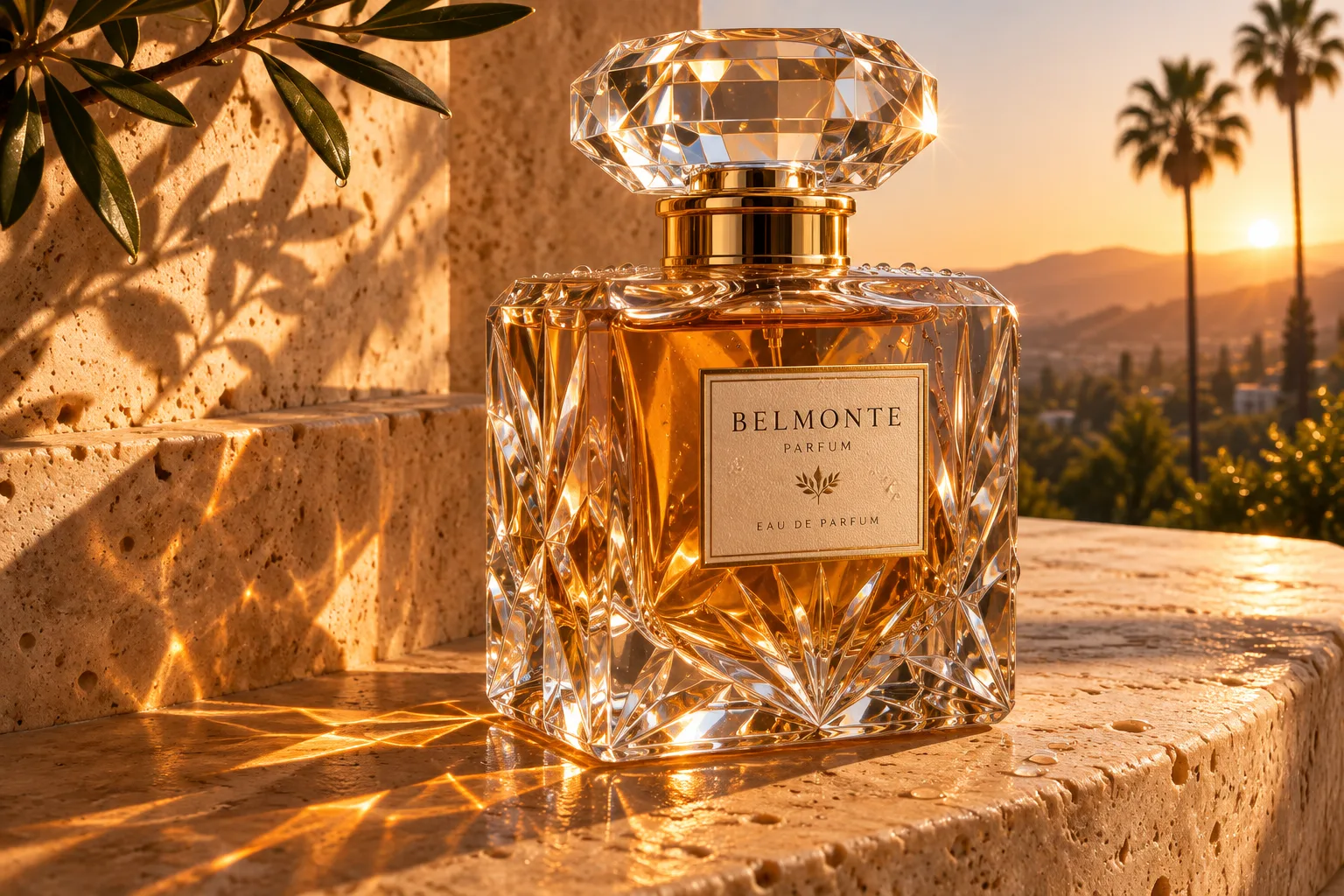
GPT Image 2.6 Sunburst
Image generation and editing for detailed visual work
Detail first- Made for finished visuals where texture, materials and small details matter.
- According to OpenAI, it keeps details more consistent across repeated edits at medium and high quality.
- Scores above Flare on preliminary, third-party Arena leaderboards for both generation and editing.
A simple rule: draft with Flare, finish with Sunburst. Because both tiers read prompts the same way, a prompt you refine on Flare carries over to Sunburst without rewriting.
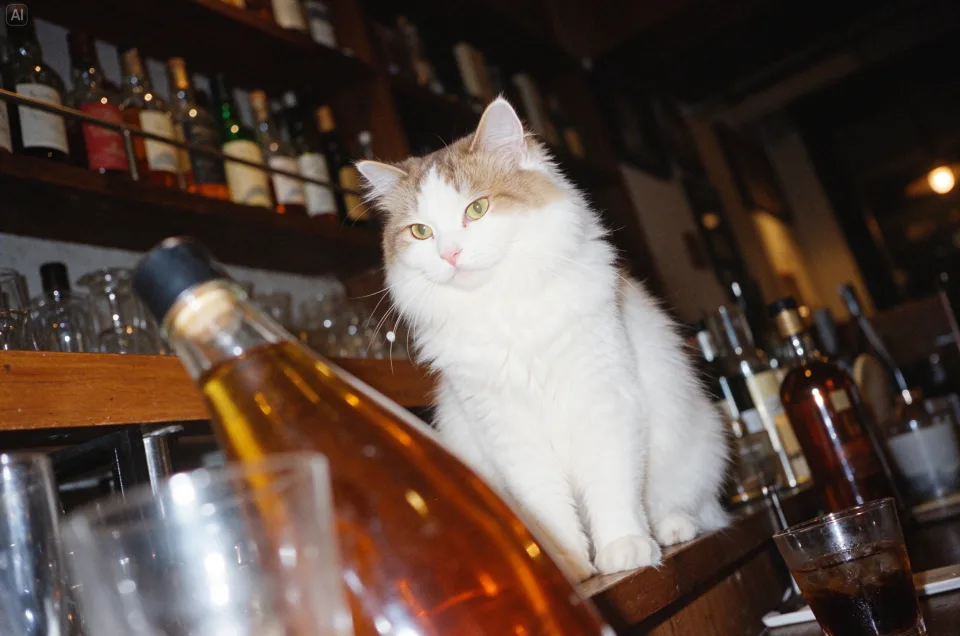
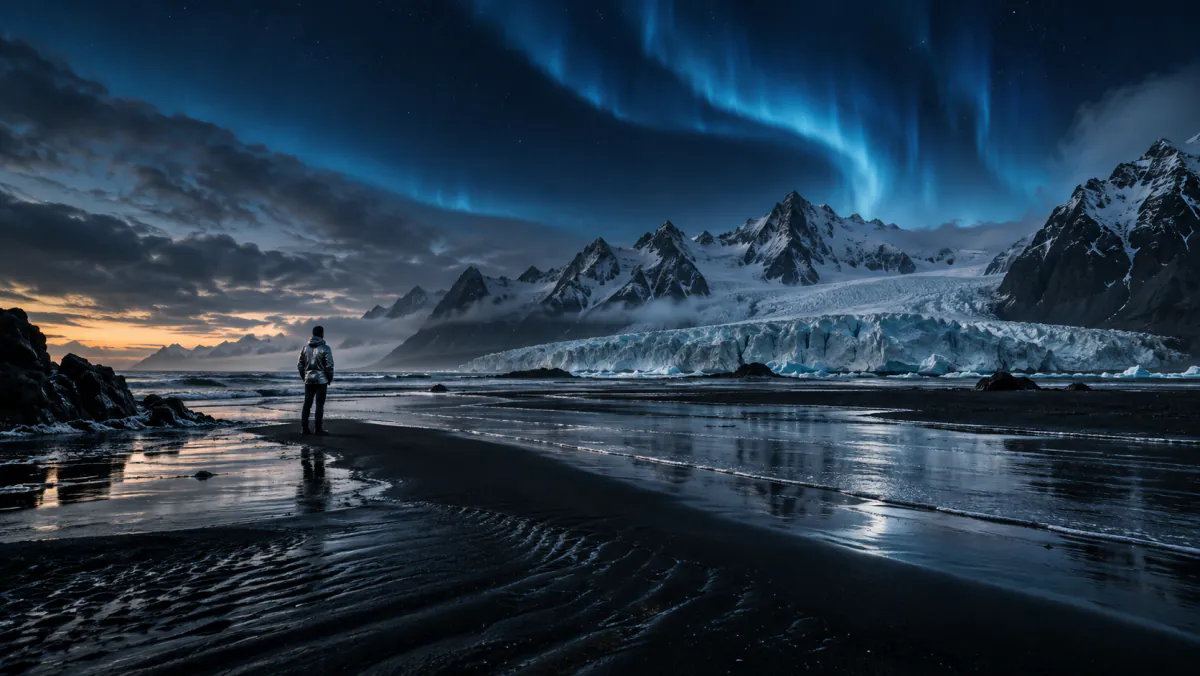
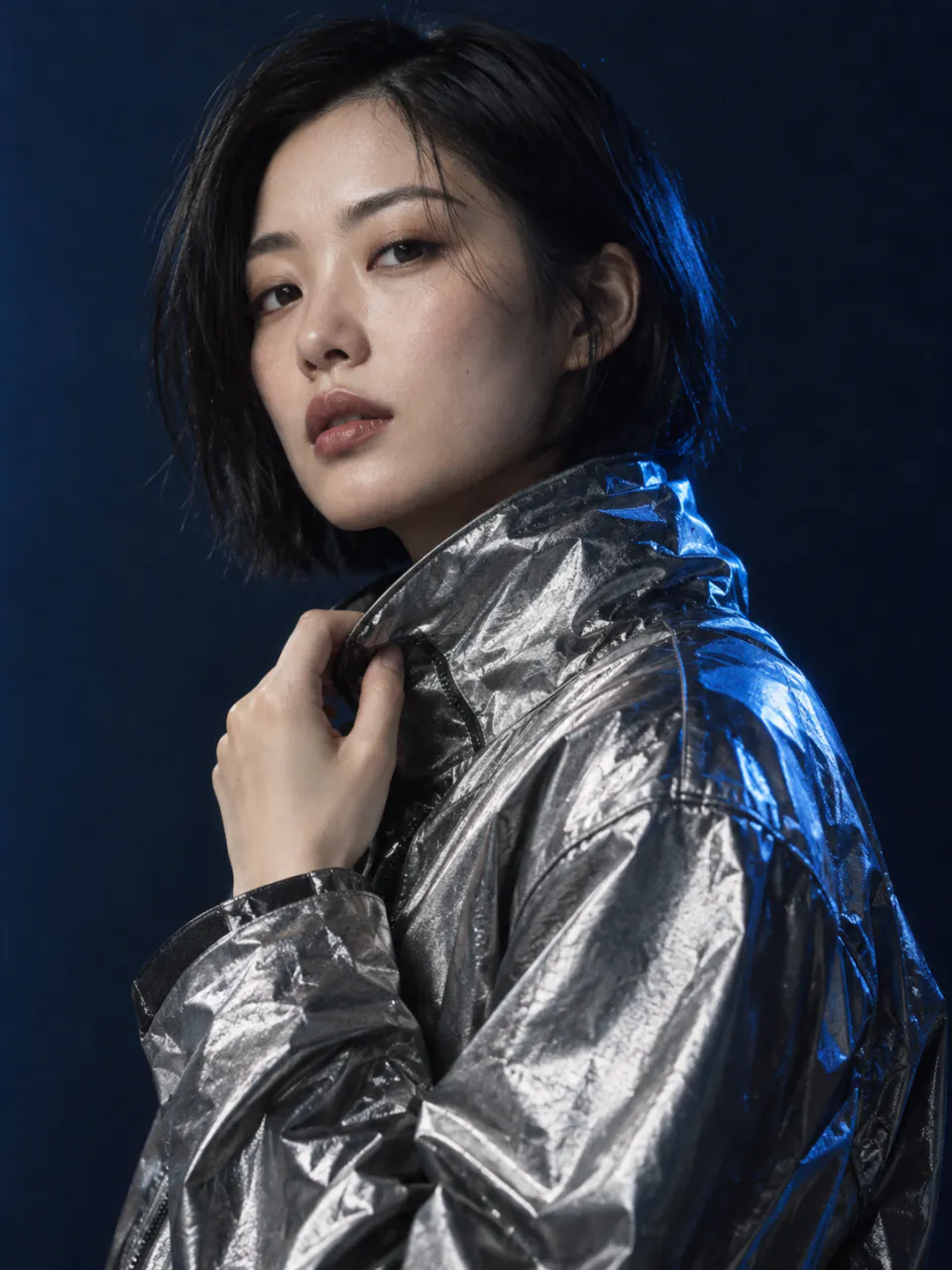
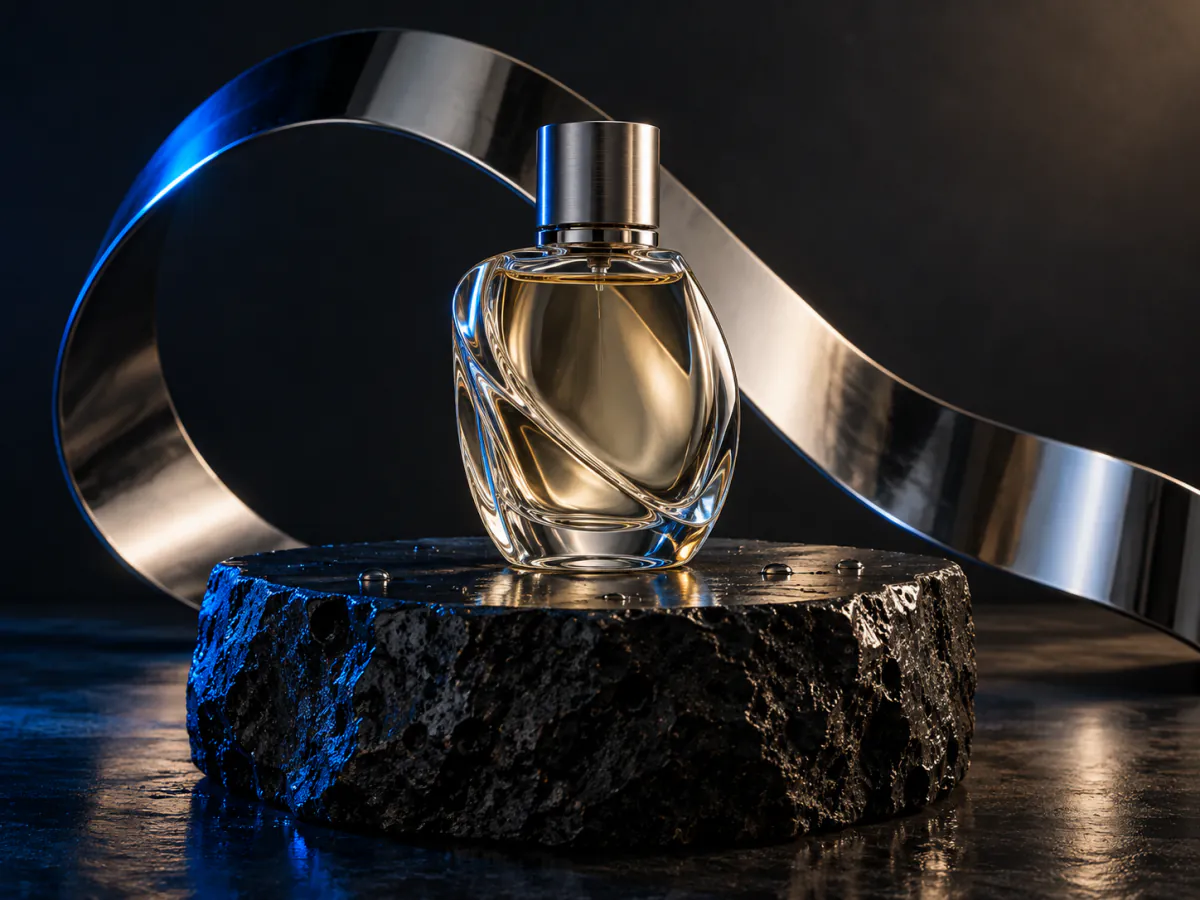
Images generated with GPT Image 2.6: Flare (left) and Sunburst (right).
GPT Image 2.6 vs GPT Image 2.5
Version 2.6 keeps the two-tier lineup and the price list of GPT Image 2.5, and adds new output types and controls in the API. Here is what changed, based on OpenAI's release notes.
| GPT Image 2.6 | GPT Image 2.5 | |
|---|---|---|
| Tiers | Flare and Sunburst | Flare and Sunburst |
| Speed | About 50% faster than before (baseline not stated); Flare can return an image in about 6 seconds | Previous generation |
| API price per 1M tokens | $5 text input, $8 image input, $30 image output | Same price list |
| Animated GIF output | Yes, on the generations endpoint | No, new in 2.6 |
| SVG output | Yes, static, one image per request | No, new in 2.6 |
| Markup edits | Yes, on the edits endpoint | Yes, on the edits endpoint |
| complexity parameter | low, medium or high | No, new in 2.6 |
If you already use GPT Image 2.5 Flare or Sunburst on Auteo, your prompts work with 2.6 as they are. Run the same prompt on both versions and keep the result you like best.
New GPT Image 2.6 capabilities in the OpenAI API
These features are part of OpenAI's API release. They are covered here so you know what the model can do; the Auteo studio does not offer GIF, markup, SVG or complexity controls today.
frame_count 9 · 200 ms
Animated GIFs
The generations endpoint can return a short animated GIF. frame_count sets 2 to 64 frames (9 by default) and frame_duration_ms sets 20 to 2,000 ms per frame (200 by default).
- make the label black
Markup edits
On the edits endpoint you can send a transparent PNG with circles, arrows and scribbles, the same size as the first input image, to point at what should change. It can't be combined with a mask, and it works with GPT Image 2.5 as well as 2.6.
Static SVG · n=1
SVG output
The model can return a static SVG instead of a bitmap, on the generations endpoint only and with one image per request (n=1). Handy for icons, logos and simple illustrations.
Latency
lowmediumhighComplexity control
A new complexity parameter takes low, medium or high, with high as the default. It doesn't change the price; higher settings simply take longer to render.
In ChatGPT, Images 2.6 can also save reference images and reuse them across conversations.
GPT Image 2.6 pricing
OpenAI bills the model by tokens. Flare and Sunburst share one price list, which is the same as GPT Image 2.5.
| Token type | Per 1M tokens | Cached input |
|---|---|---|
| Text input | $5 | $1.25 |
| Image input | $8 | $2 |
| Image output | $30 | — |
Paying on Auteo
On Auteo you pay in credits instead of tokens, and there is no separate OpenAI bill. Flare and Sunburst cost the same; the total depends on how many images you make and how many reference images you attach, and the studio shows the exact credits on the Generate button before anything is charged.
How to use GPT Image 2.6 on Auteo
1Describe the image
Write what you want in the prompt box at the top of this page: the subject, the setting, the style, the light and any text that must appear.
2Pick a tier and settings
Choose Flare or Sunburst, then pick one of 16 aspect ratios and a 1K, 2K or 4K resolution. Add up to 16 reference images for products, faces or styles to follow.
3Generate in the studio
Press Generate. The Auteo image studio opens with your prompt and settings filled in; check the credits and create.
GPT Image 2.6 prompt tips
The model responds best to plain, specific language. These habits help on both tiers.
- 01
Lead with the subject
Start with what the image is about, then add the setting, the style and the light. "A ceramic coffee mug on a walnut desk, morning window light, product photo" beats a long list of adjectives.
- 02
Quote exact text
Put words that must appear in quotes and say where they go. Text rendering is better than it used to be but can still slip, so keep it short and proofread the result.
- 03
Name the format
Say whether you want a photo, a poster, an infographic, a 3D render or a flat illustration, and pick the matching aspect ratio before you generate.
- 04
Use references for consistency
For a recurring product, character or brand element, attach reference images instead of describing it again. Consistency can still drift, so reuse the same references every time.
- 05
Edit in small steps
Ask for one change at a time, such as "make the jacket red" or "remove the second chair", instead of rewriting the whole prompt.
What you can make with GPT Image 2.6
Hover or tap a card to read its prompt, then send it to the generator at the top of the page.
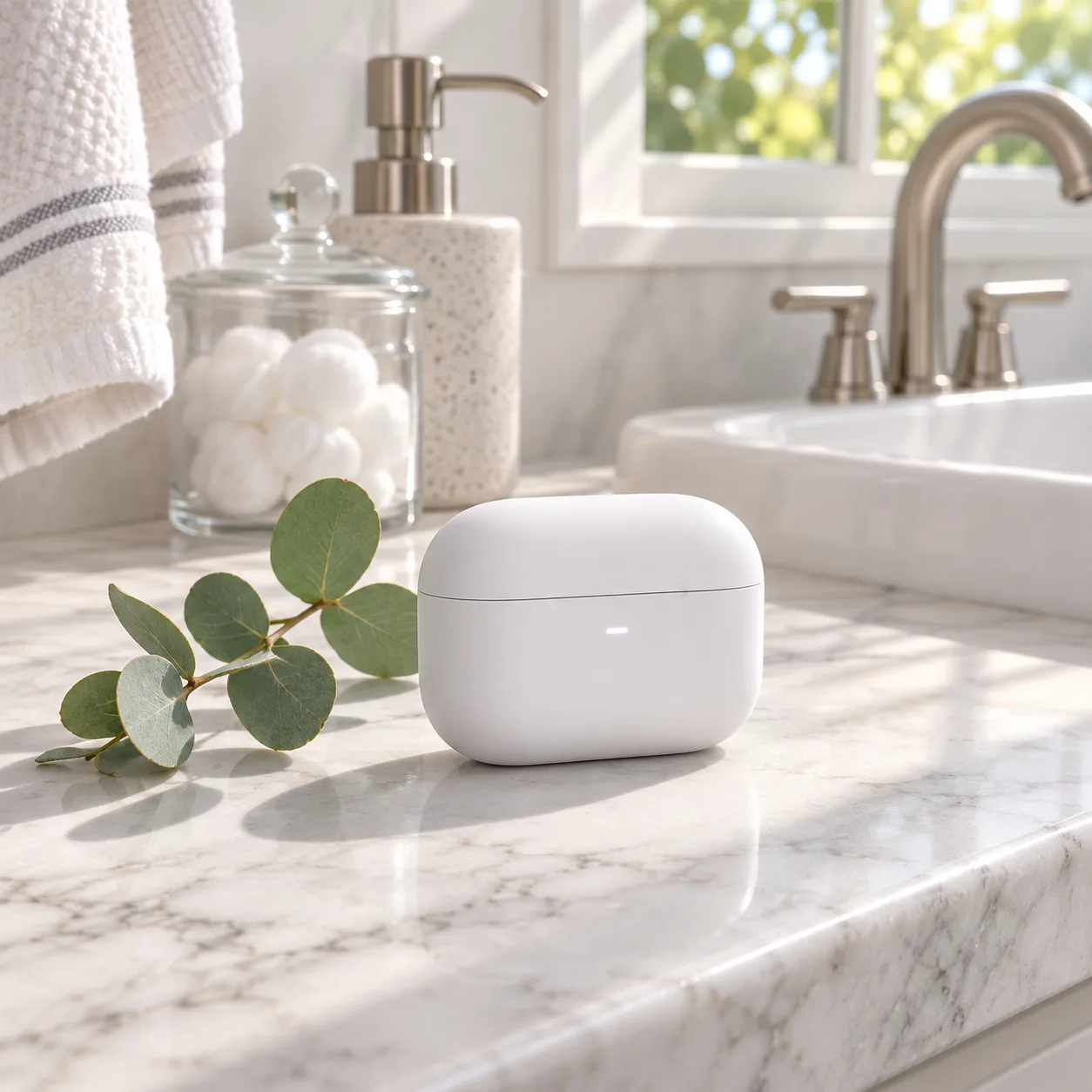
Matte white wireless earbuds case on a sunlit white marble bathroom counter beside a small eucalyptus sprig, soft morning window light, clean American lifestyle product photo
Product shots 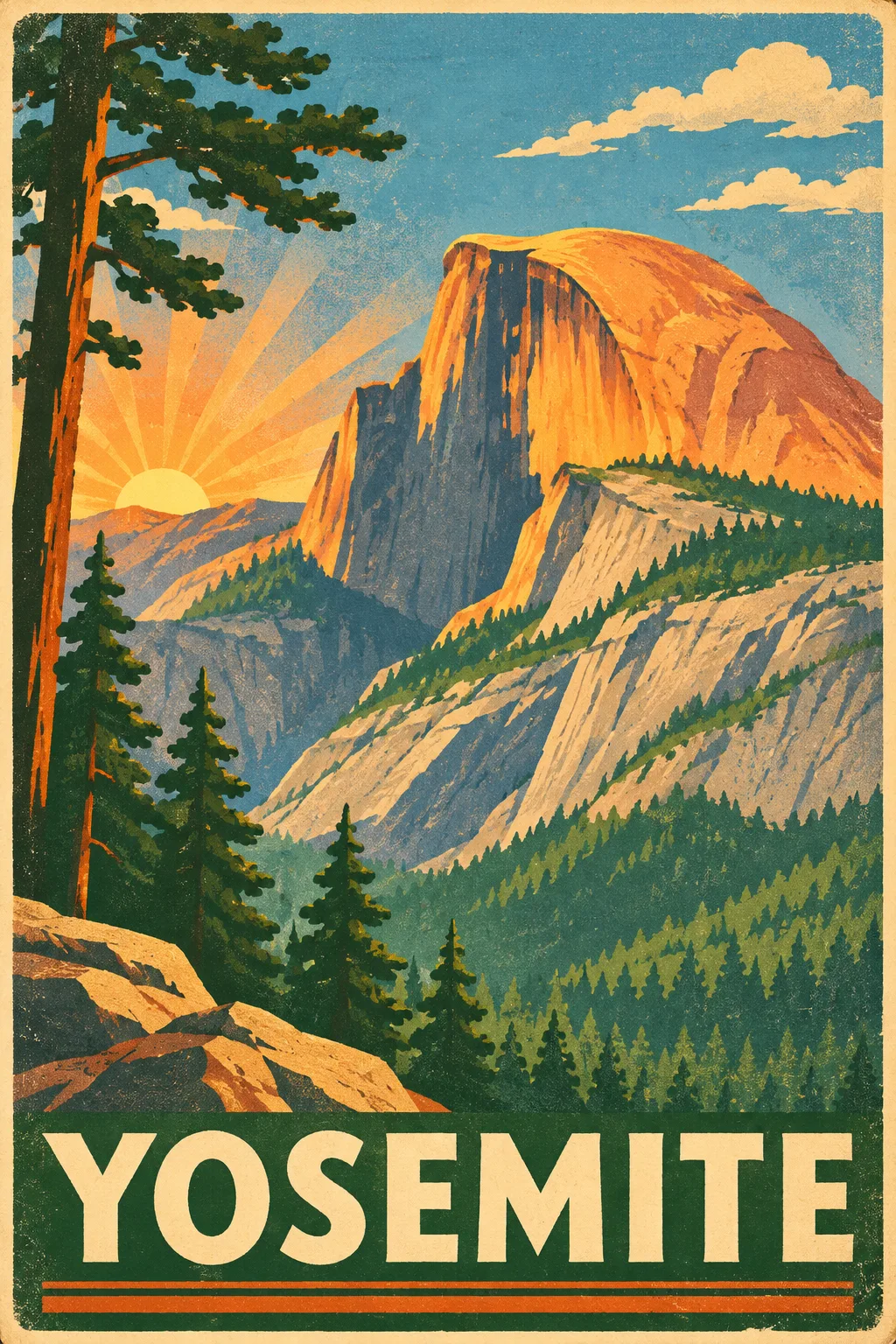
Vintage 1930s national park travel poster of Yosemite's Half Dome at sunrise, bold flat shapes, warm orange, pine green and sky blue, screen print texture, the word "YOSEMITE" in large letters at the bottom
Posters 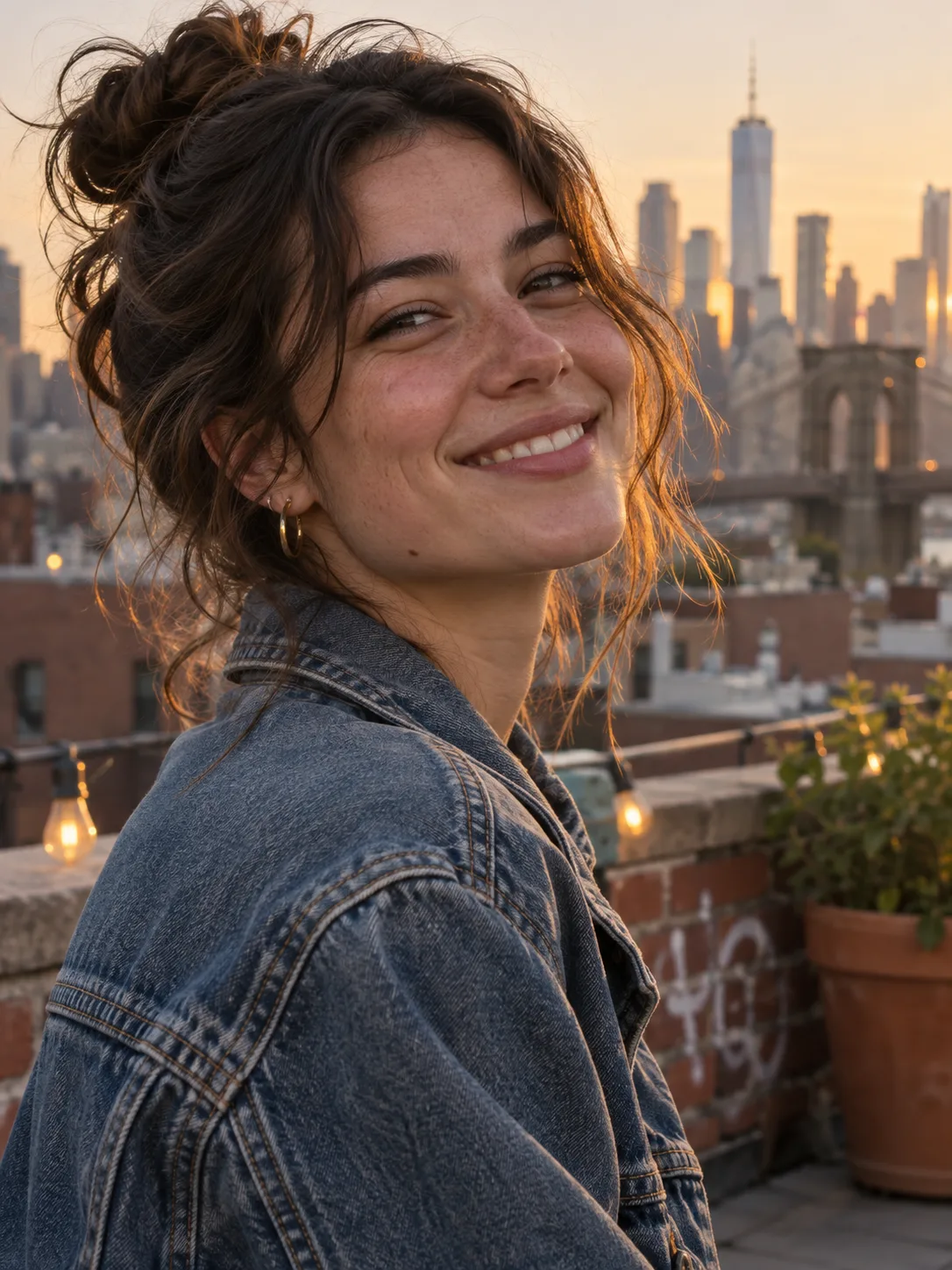
Candid portrait of a smiling young woman in a denim jacket on a Brooklyn rooftop at golden hour, Manhattan skyline softly out of focus behind her, natural skin texture, 85mm lens look
Portraits 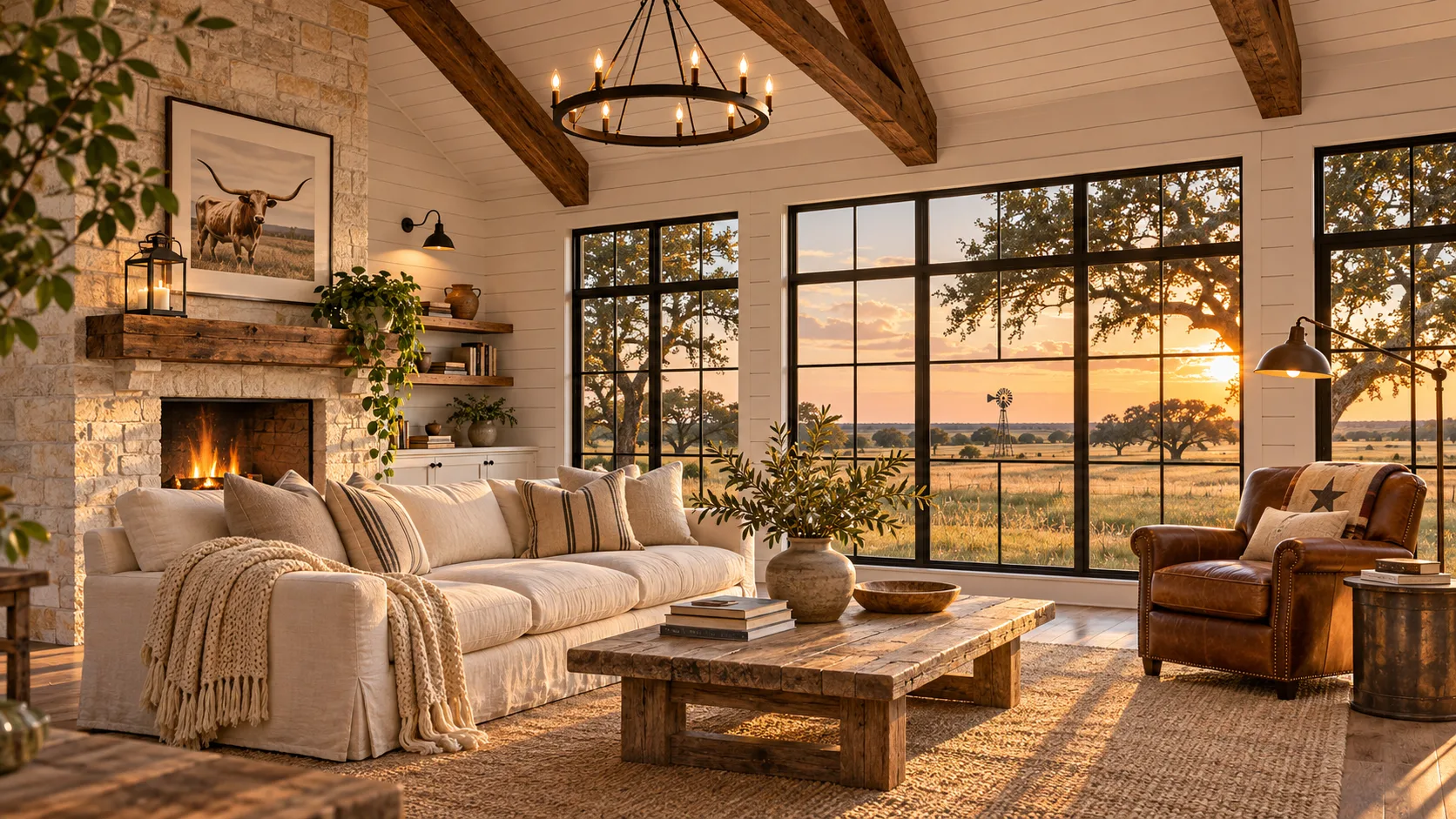
Modern farmhouse living room in Texas at golden hour, white shiplap walls, exposed wood beams, a large linen sofa, leather armchair and wide windows onto open fields, architectural photography
Interiors 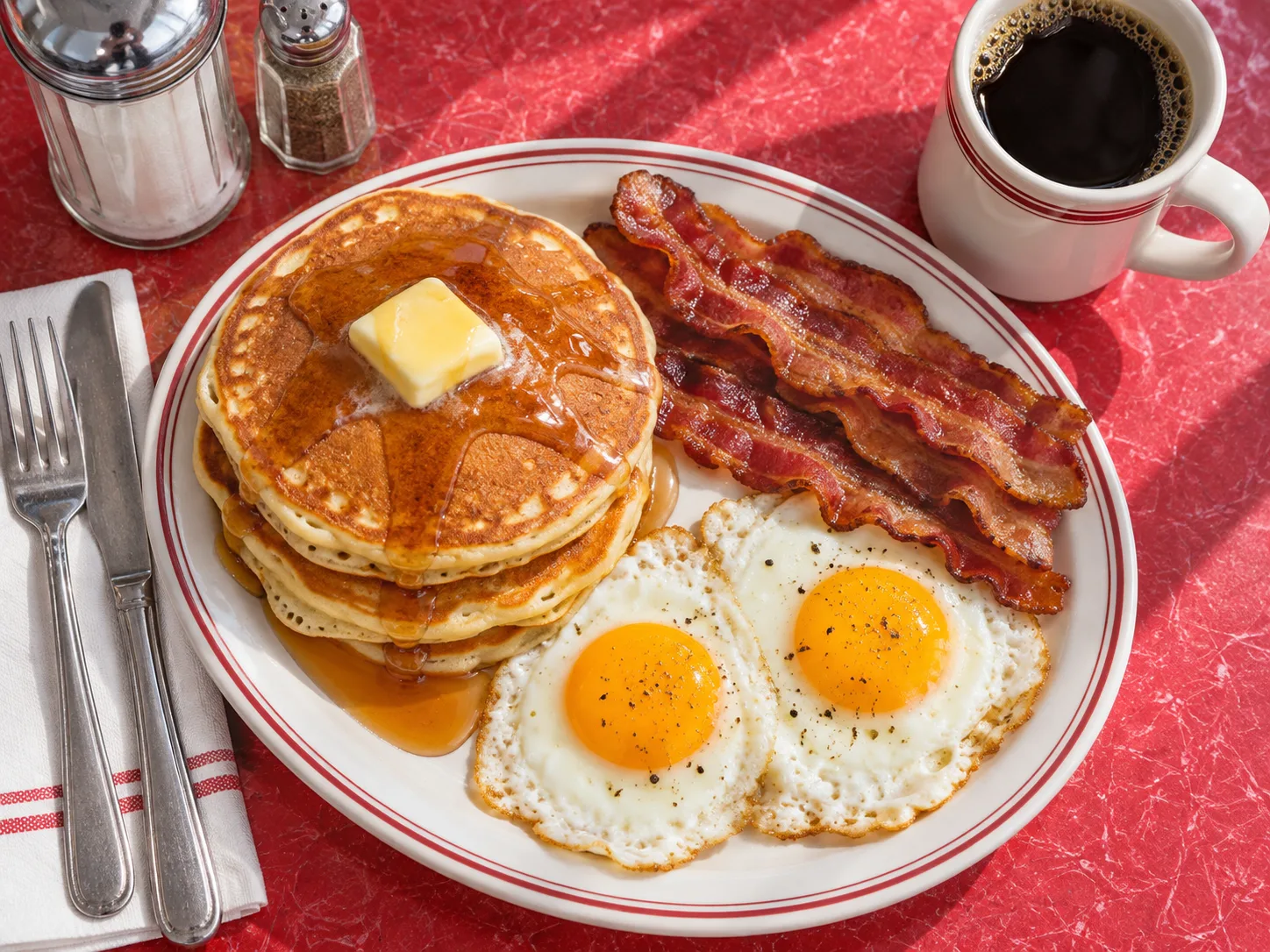
Overhead photo of a classic American diner breakfast: a stack of buttermilk pancakes with maple syrup, crispy bacon, sunny-side-up eggs and black coffee on a red formica table, bright natural light
Food 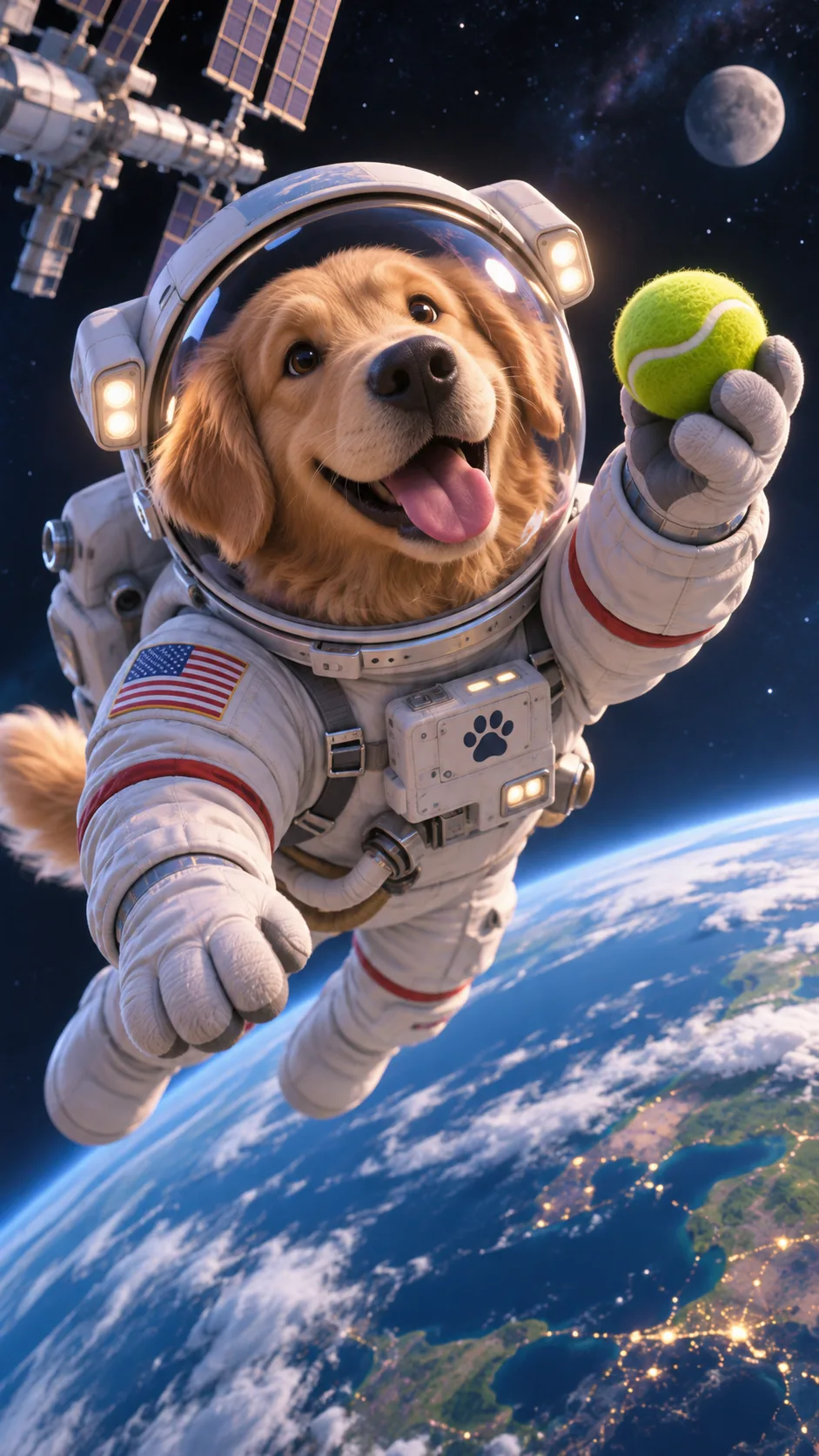
Stylized 3D animated-film render of a friendly golden retriever astronaut in a white space suit floating above Earth, holding a tennis ball, soft cinematic lighting
Characters
Every example image was generated with GPT Image 2.6 Sunburst from the prompt shown on its card.
Known GPT Image 2.6 limitations
OpenAI lists a few limits for this release. Plan your work around them.
- Complex prompts can take up to about 2 minutes to render.
- Text and typography can still come out wrong, so proofread every word.
- Recurring characters or brand elements may drift from one image to the next.
- Precise control over layout-sensitive compositions is still limited.
Early leaderboard results
Preliminary, third-party Arena scores published before launch:
| Arena category | Sunburst | Flare |
|---|---|---|
| Text to image | 1409 | 1384 |
| Single-image editing | 1476 | 1462 |
Preliminary and third-party; scores may change as more votes come in.
GPT Image 2.6 FAQ
What is GPT Image 2.6?
When was GPT Image 2.6 released?
What is the difference between GPT Image 2.6 Flare and Sunburst?
How much does GPT Image 2.6 cost?
Is GPT Image 2.6 better than GPT Image 2.5?
Can I make GIFs or SVGs with GPT Image 2.6 on Auteo?
How many reference images can I add?
Which aspect ratios and resolutions can I choose?
Do I need an OpenAI API key to use GPT Image 2.6 here?
Why does the text in my GPT Image 2.6 image look wrong?
Ready to try GPT Image 2.6?
Start with Flare for quick drafts, then switch to Sunburst for the final image.
Start creating