New video model · Released November 24, 2026
MAGI 2 Video Generator
Write a scene, pick a length and aspect ratio, add reference images if you have them, and send it to MAGI 2. You get a 1080p clip with dialogue, effects and music generated together with the picture.
Generate opens the Auteo video studio with your settings filled in. Nothing is charged until you confirm. A MAGI 2 clip takes about 13 to 20 minutes, so you can leave the page while it renders.
What MAGI 2 videos look like
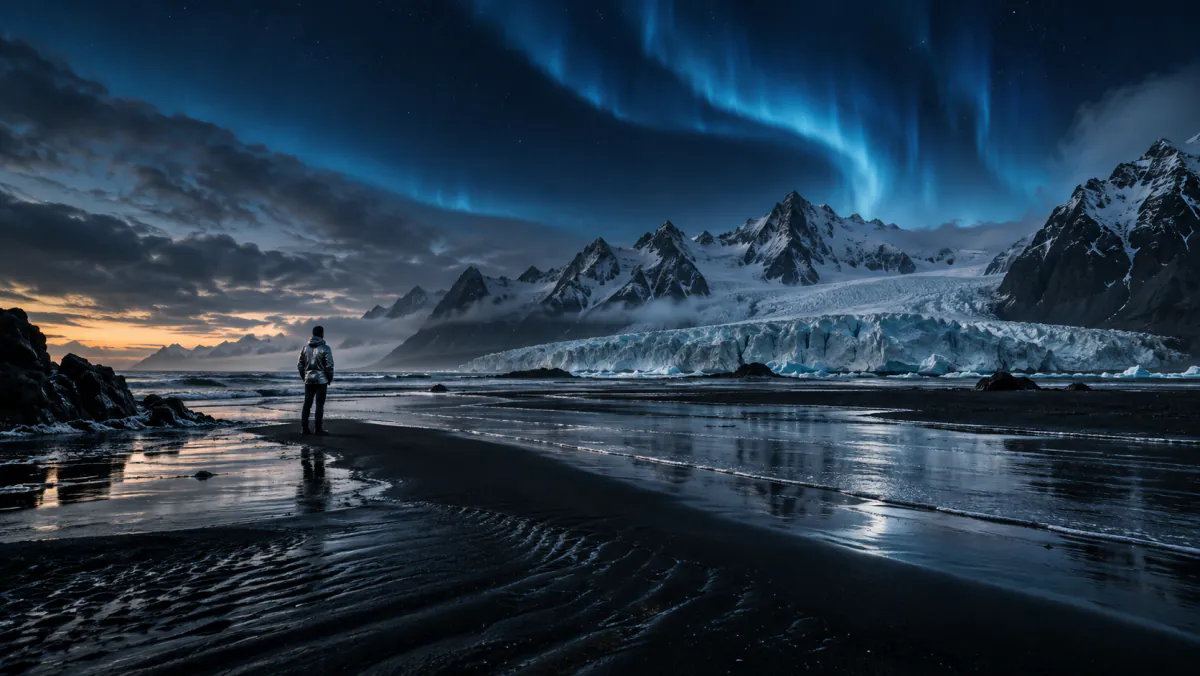
Frames from Sand.ai's MAGI 2 demos. The model moves between styles without a separate setting: describe the look in the prompt.
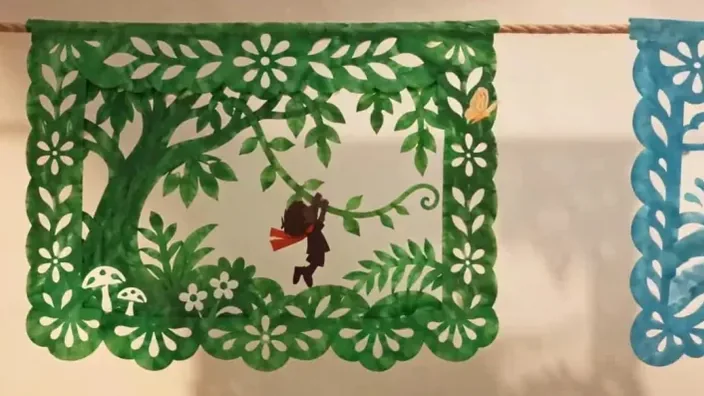
Paper-cut animation

Cinematic city
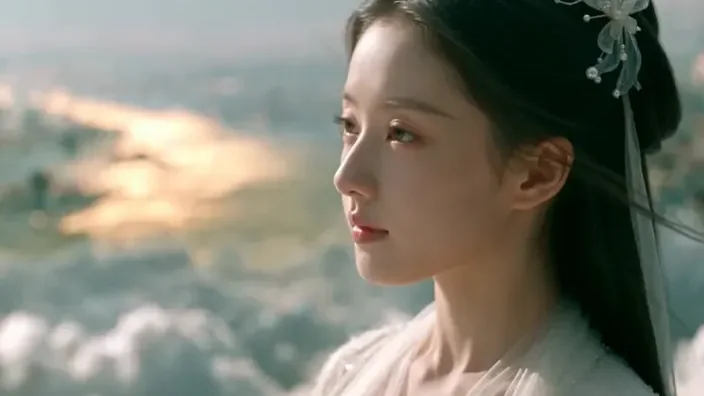
Portrait
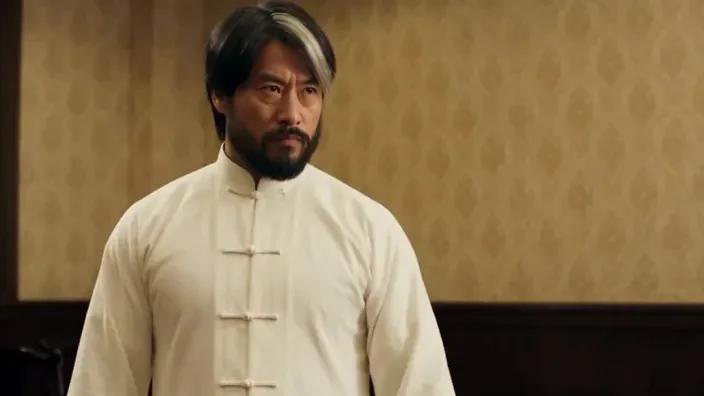
Martial arts

Anime
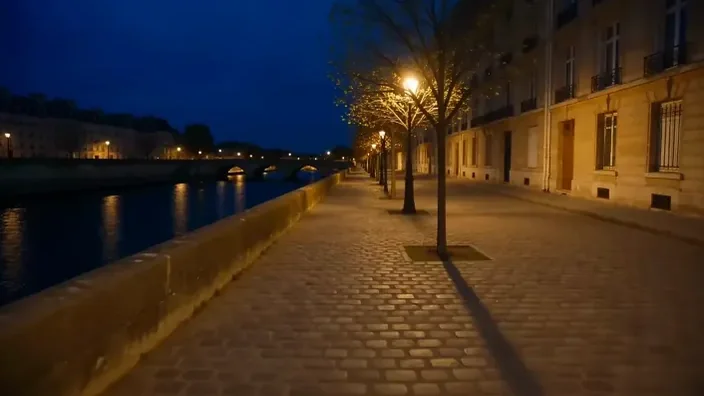
Night street
Why people pick MAGI 2
MAGI 2 generates sound with the picture
Speech, footsteps, room tone and music come out of the same pass as the video, so lips match the words without a dubbing step. Put dialogue in quotes and it gets voiced. Sound is on by default on Auteo and does not change the credit price; switch it off when you plan to score the clip yourself.
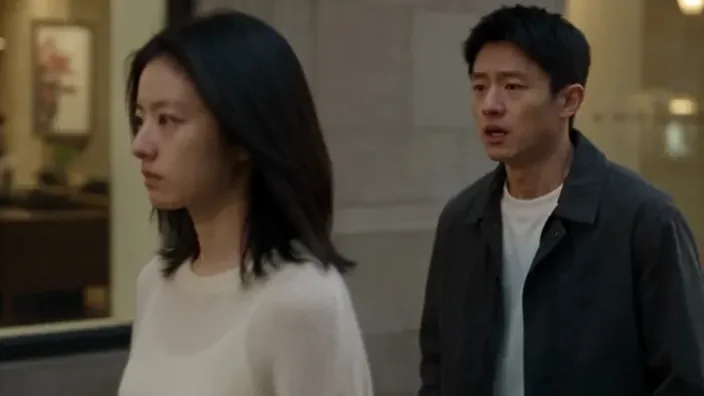
Up to 30 seconds and shot changes in one MAGI 2 clip
Many video models stop at 10 or 15 seconds. MAGI 2 runs from 4 to 30 seconds in a single generation, and you can write "Shot 1, Shot 2" in the prompt to cut between angles. Characters keep their faces and clothes across the cuts, which makes short scenes and ad spots possible without stitching clips.
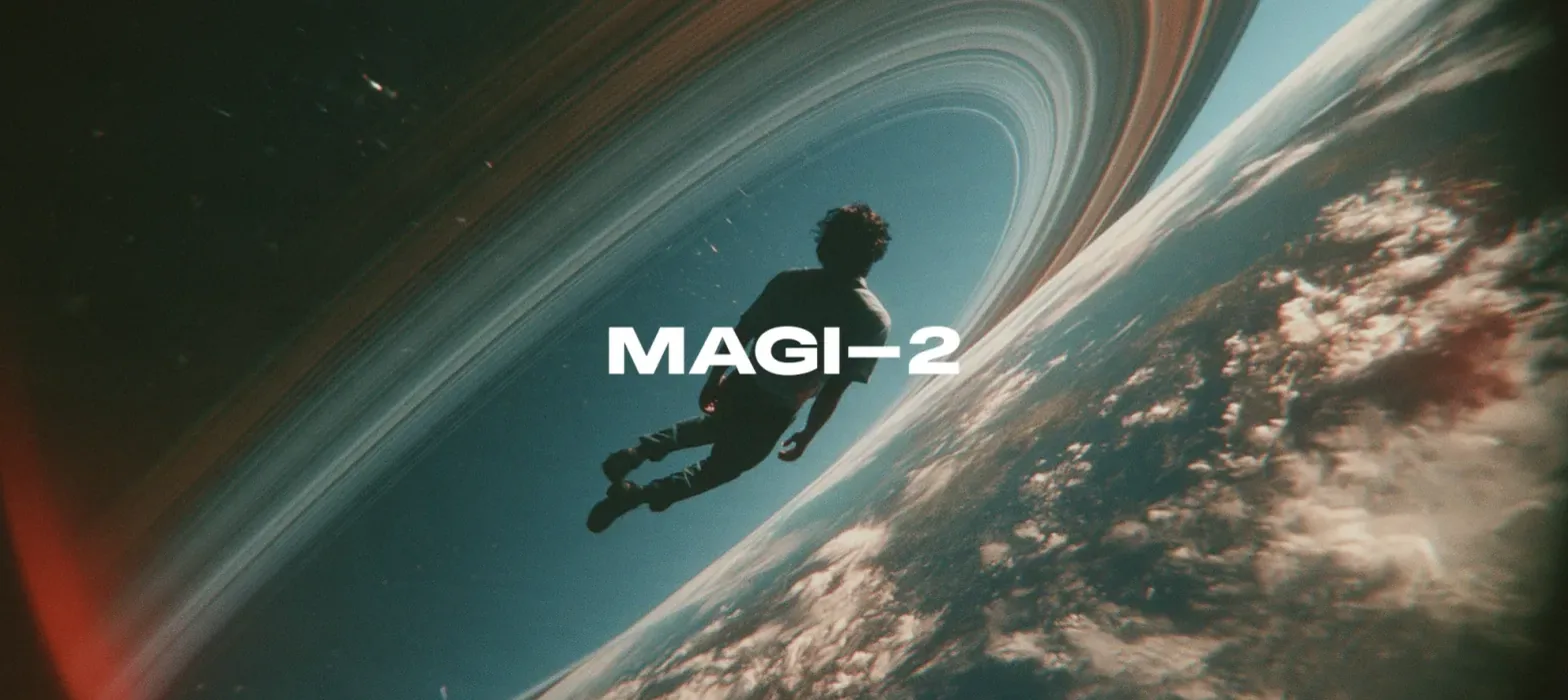
Steer MAGI 2 with a first frame or up to 10 reference images
Give it a start frame, or a start and end frame, to control where the shot begins and lands. Or add up to 10 reference images of a product, a character or a location, plus up to five clips you made on Auteo, and describe how they should appear. References and frames are separate modes; pick one per clip.
MAGI 2 on Auteo: credits and limits
What you can set in the Auteo studio and what each MAGI 2 clip costs. Prices are read from our live price list.
| Setting | MAGI 2 on Auteo |
|---|---|
| Length | 4 to 30 seconds, any whole second |
| Resolution | 1080p, 25 fps |
| Aspect ratios | 16:9, 9:16, 4:3, 3:4, 1:1, 21:9 (Auto follows the first frame) |
| Sound | On or off, same price |
| Inputs | Text only, first frame, first and last frame, or up to 10 reference images and 5 Auteo videos |
| Render time | About 13 to 20 minutes per clip |
| Price | 5 credits per second |
Credits per MAGI 2 clip
- 4-second clip20 credits
- 5-second clip25 credits
- 10-second clip50 credits
- 15-second clip75 credits
- 30-second clip150 credits
If a MAGI 2 generation fails, every credit goes back to your balance.
MAGI 2 vs Seedance 2.5 vs Seedance 2.0
The three longest-running video models on Auteo, compared by what you can actually order here.
| MAGI 2 | Seedance 2.5 | Seedance 2.0 | |
|---|---|---|---|
| Length | 4–30 s | 4–30 s | 4–15 s |
| Resolutions | 1080p | 480p, 720p, 1080p | 480p, 720p, 1080p, 4k |
| Native sound | Yes | Yes | Yes |
| Credits per second at 1080p | 5 | 48 | 31 |
Pick MAGI 2 for 1080p scenes with dialogue and cuts: it costs the fewest credits per second here and has sound on by default. Pick Seedance 2.5 when you need more references or a 480p or 720p draft, and Seedance 2.0 when you need 4K.
Who MAGI 2 is for
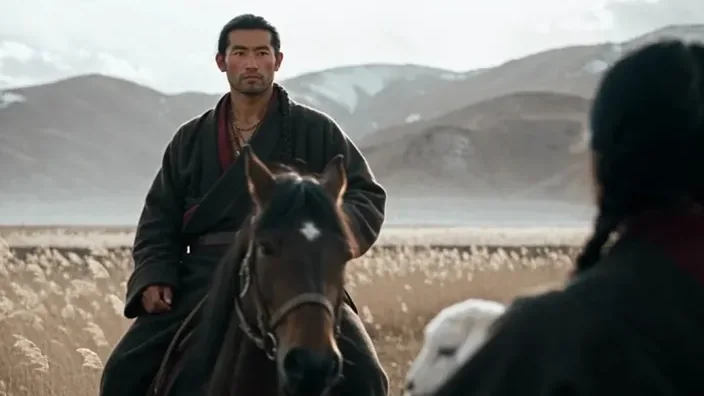
Short film makers
Block out a 30-second scene with cuts and spoken lines, then refine it shot by shot.

Brands and ad teams
Drop in product photos as references and get a 1080p spot with sound in one run.
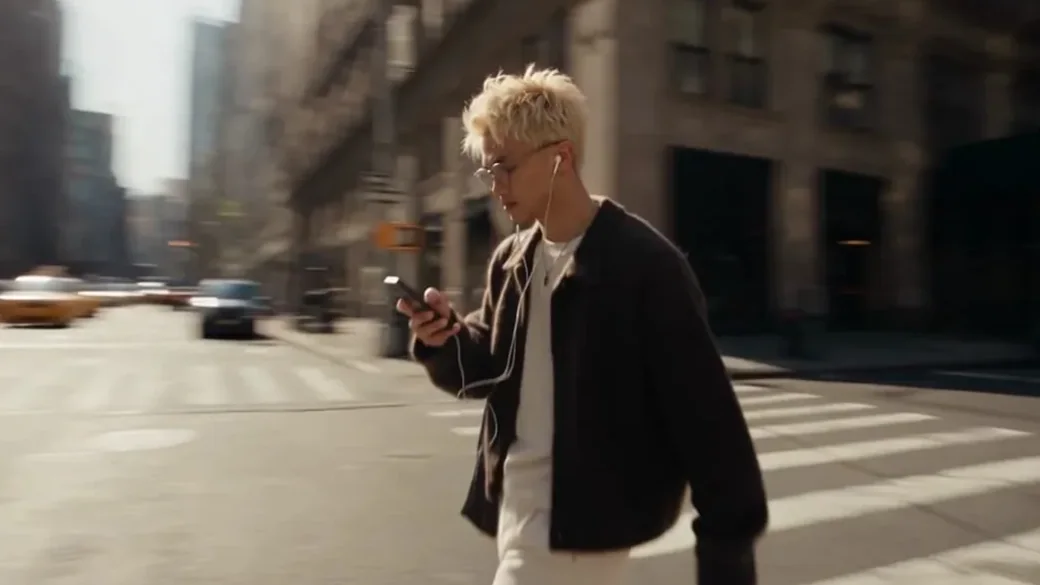
Social creators
Make 9:16 talking clips and street-style vlogs without filming.
How to use MAGI 2 on Auteo
- 1
Describe the scene
Write who is in the shot, what happens, how the camera moves and what we hear. Put spoken lines in quotes.
- 2
Set length and aspect ratio
Choose 4 to 30 seconds and a ratio: 16:9 for YouTube, 9:16 for Shorts and Reels.
- 3
Add frames or references (optional)
Upload reference images here, or open the Frames tab in the studio to pin a first and last frame.
- 4
Generate and confirm
Click Generate, check the settings in the Auteo studio and confirm. The credits shown on the button are all you pay.
- 5
Come back for your clip
Rendering takes about 13 to 20 minutes. The finished video waits in your history, ready to download.
MAGI 2 questions, answered
What is MAGI 2?
Is Auteo the official MAGI 2 website?
How long does a MAGI 2 video take?
How many credits does MAGI 2 cost?
What inputs does MAGI 2 accept on Auteo?
Can MAGI 2 make dialogue and music?
MAGI 2 or Seedance 2.5: which should I use?
Is MAGI 2 open source?
Make your first MAGI 2 video
Write a scene with a line of dialogue and see what comes back.
Start with MAGI 2