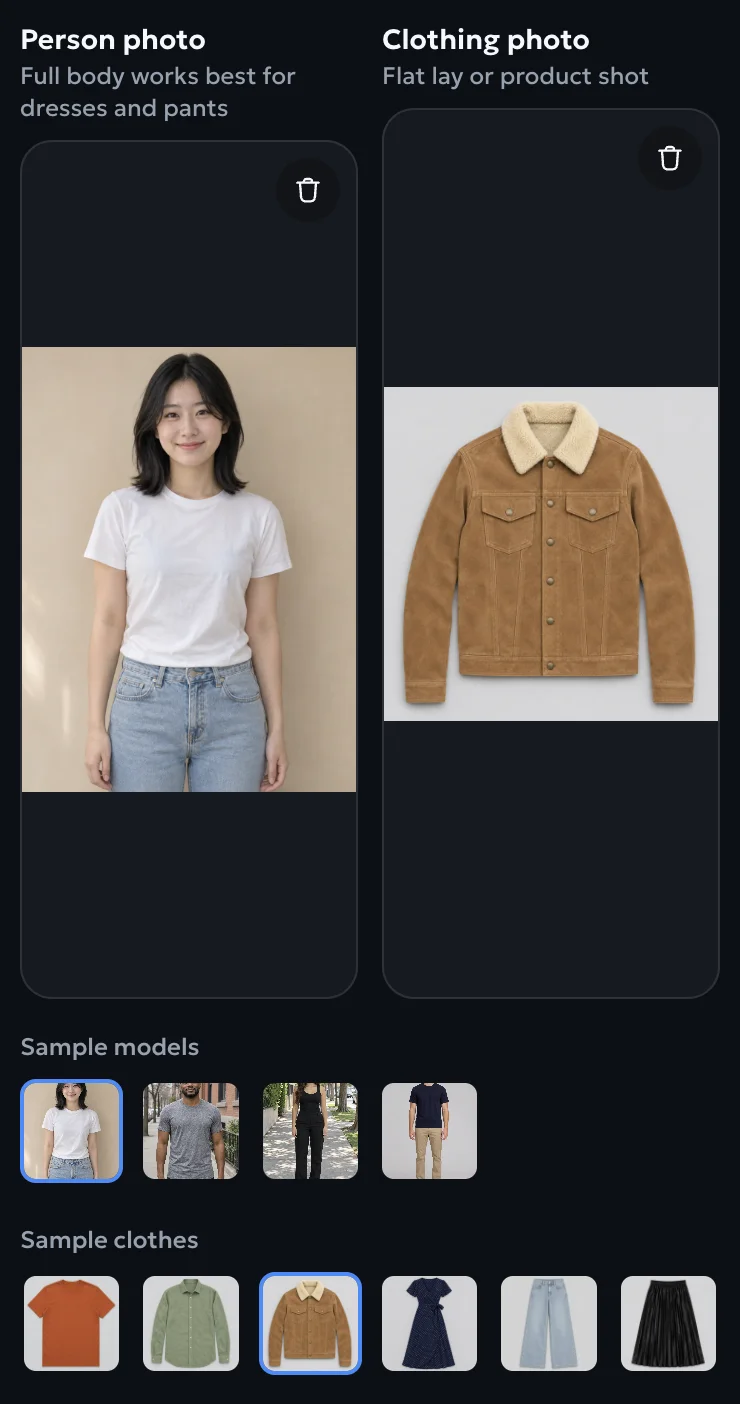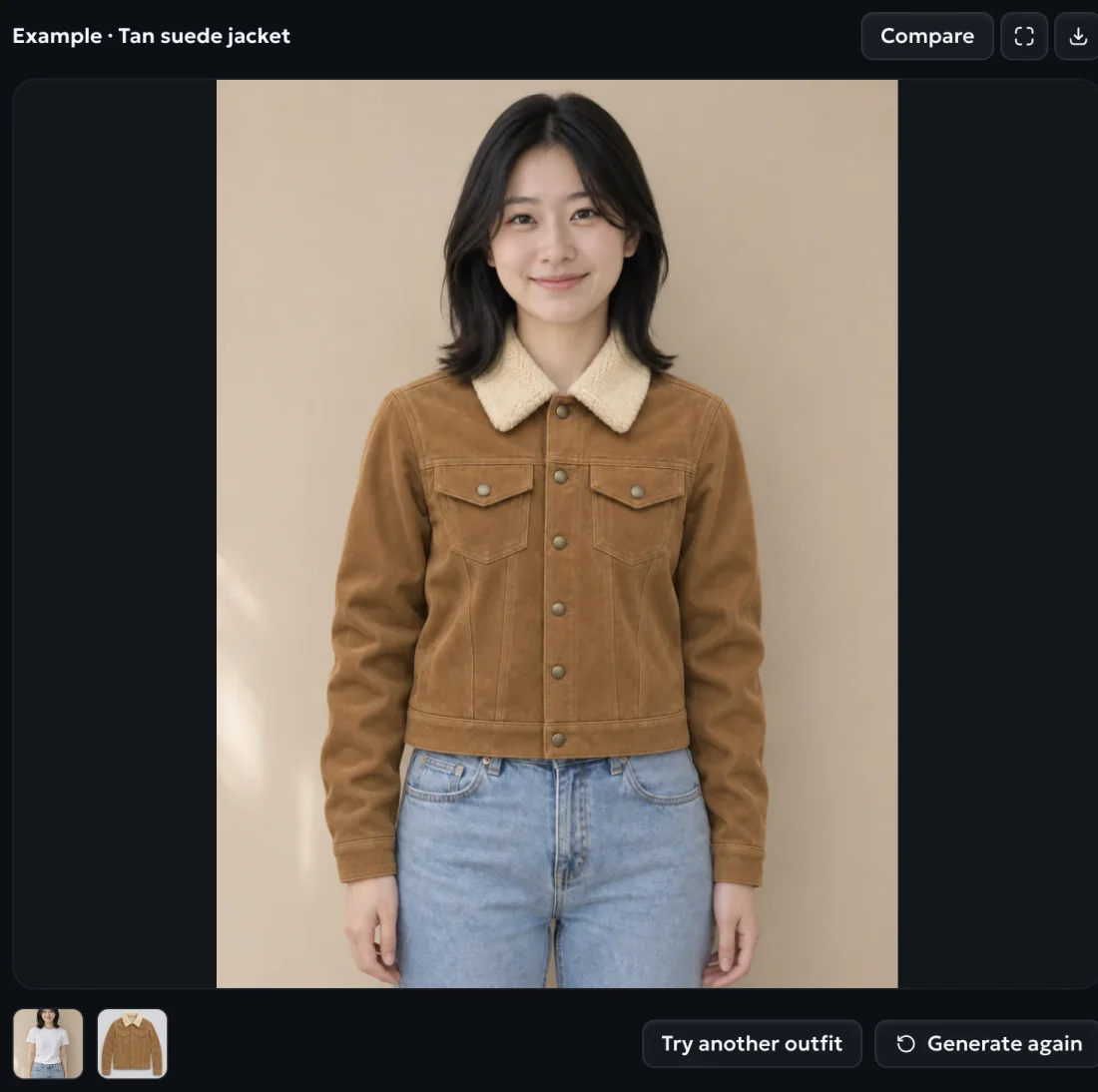
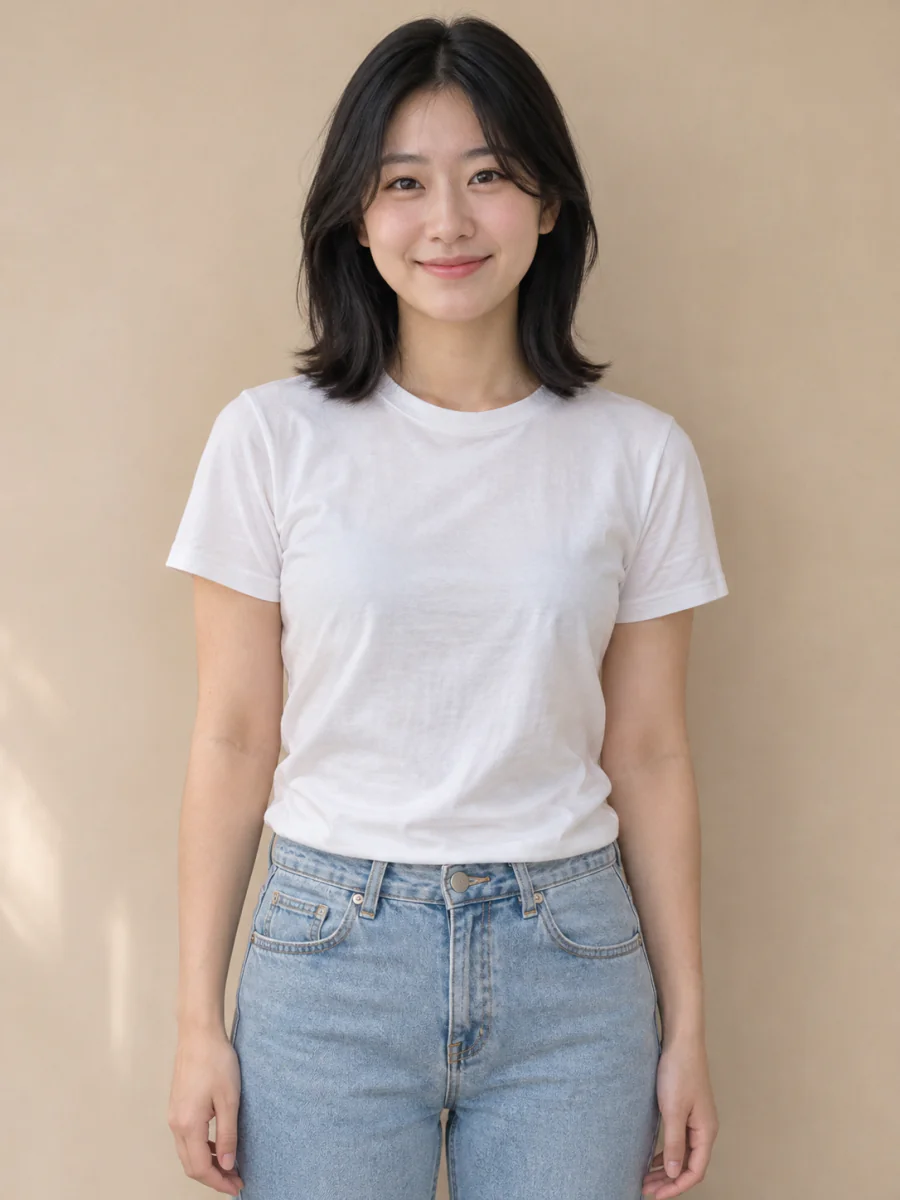
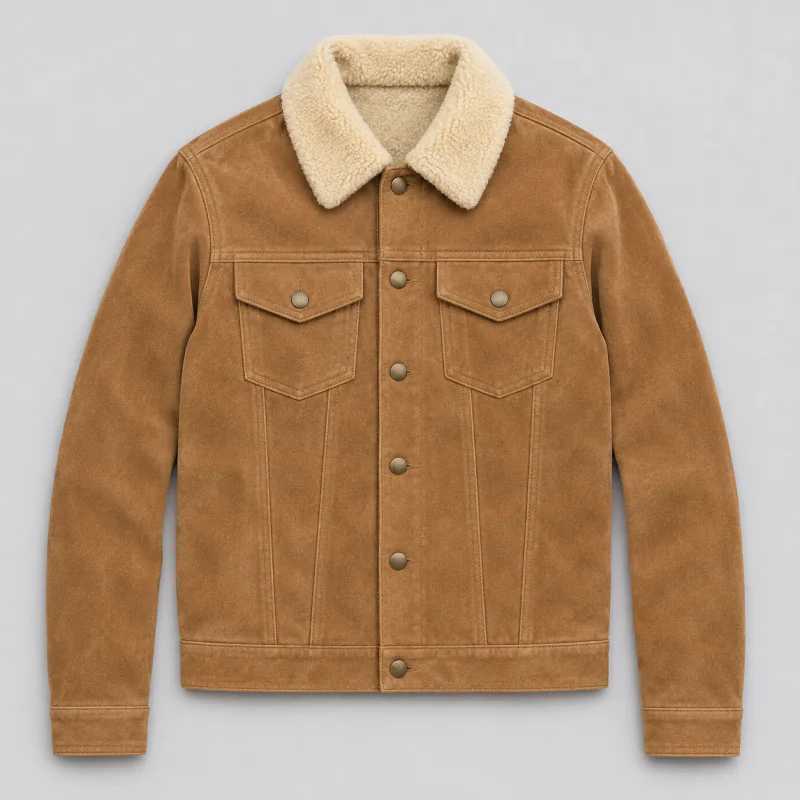
Example · Tan suede jacket

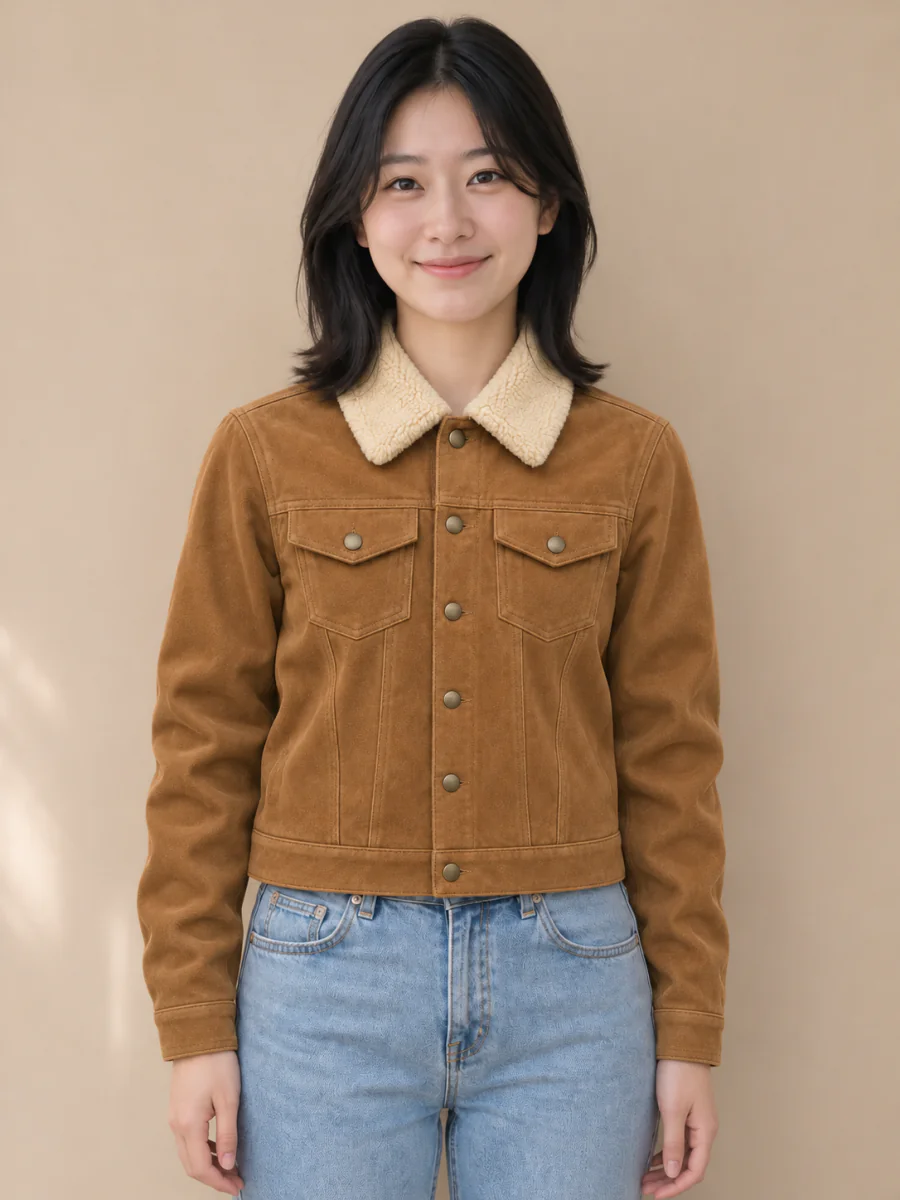
Woman wearing a tan suede jacket over jeans
Person photoClothing photo

Your new look will appear here.

Add a person photo and a clothing photo, then press Change clothes.

Outfit swap with AI

See the AI clothes changer at work

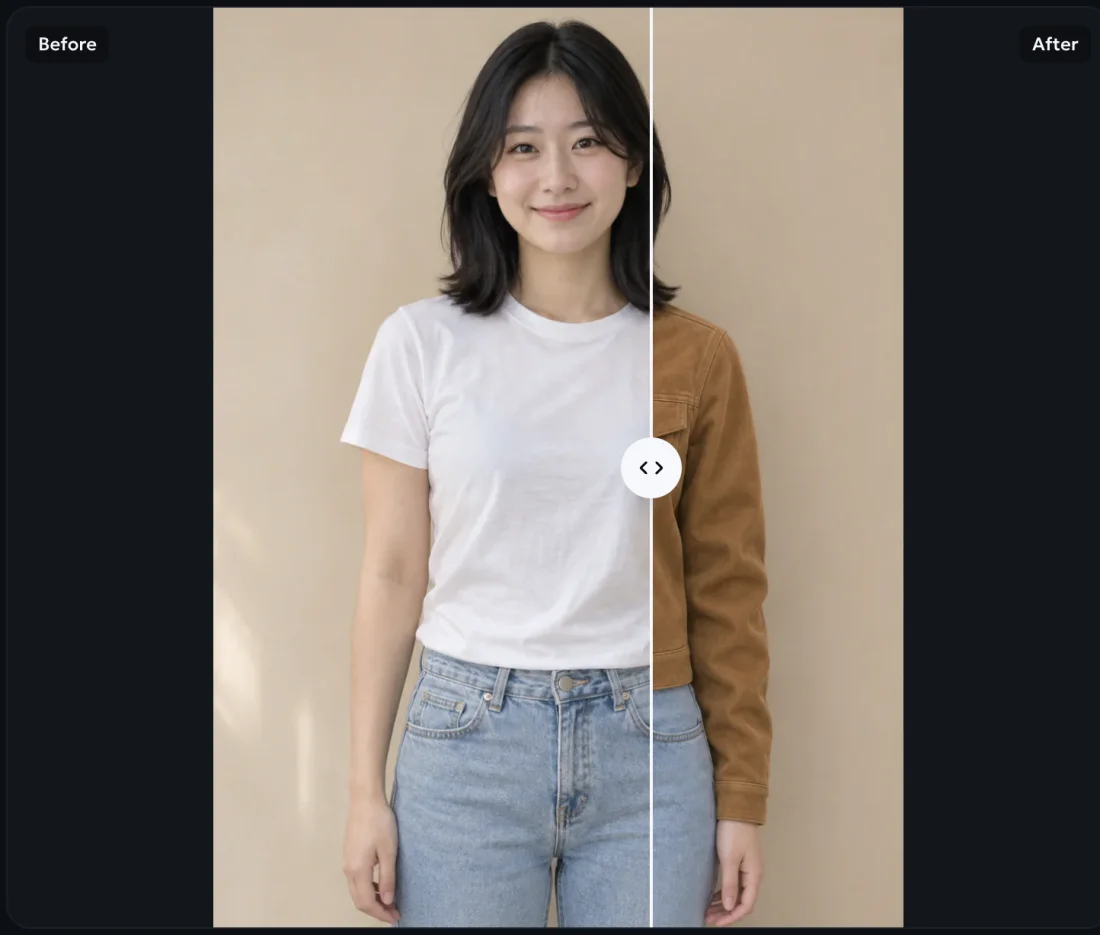
Upload a photo of yourself and a photo of a garment, and the AI clothes changer dresses you in it while your face, pose and background stay the same. Pick an example to compare the original photo with the AI clothes changer result. Drag the slider to see what changed and what stayed the same.

Woman wearing a tan suede jacket over jeans
BeforeAfter

Compare before and after with the AI clothes changer

Every result from the AI clothes changer opens with a before-and-after slider. Drag it across the photo to check the neckline, sleeves and fabric against your original, and see that your face, hair and background did not move. You decide whether the new outfit works before you download or share it.

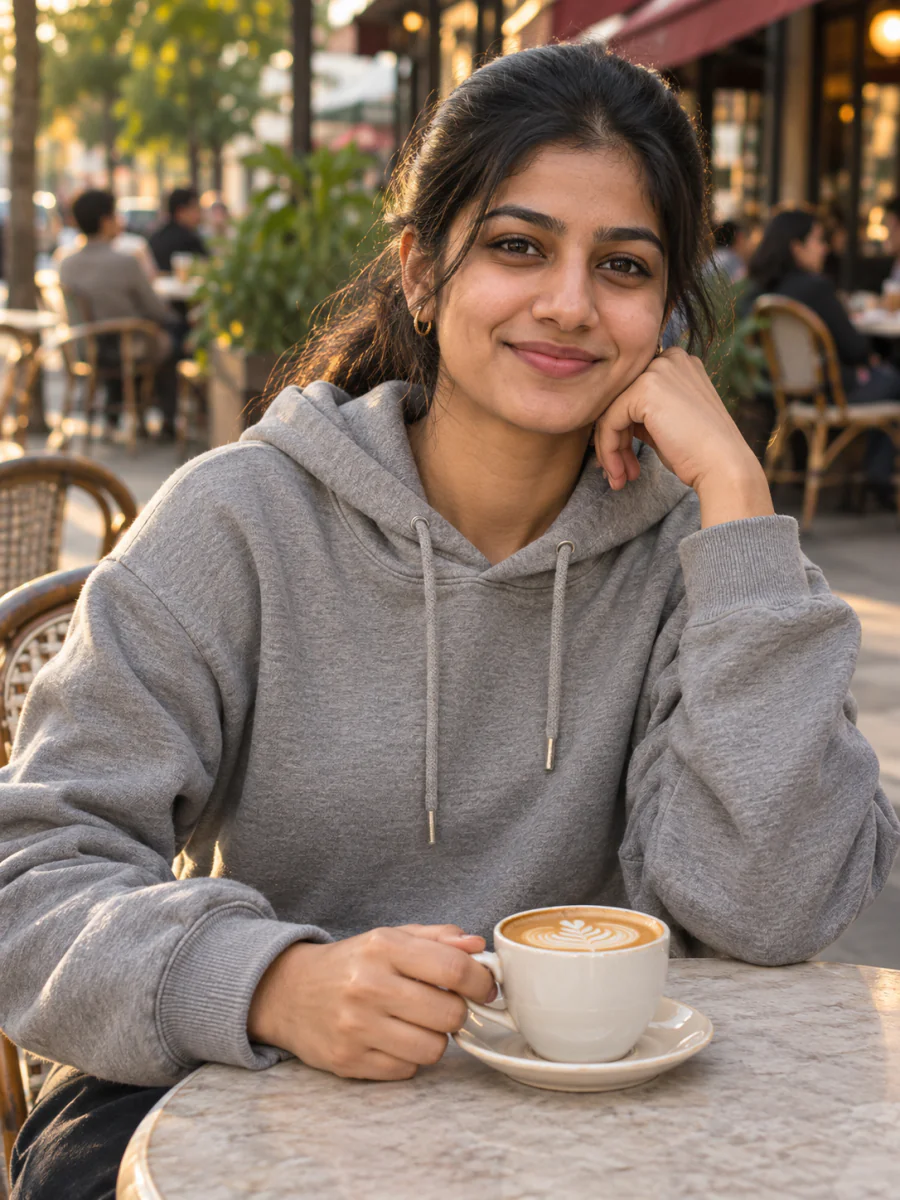
Woman at a cafe in a grey hoodie and in a green satin blouseBeforeAfter
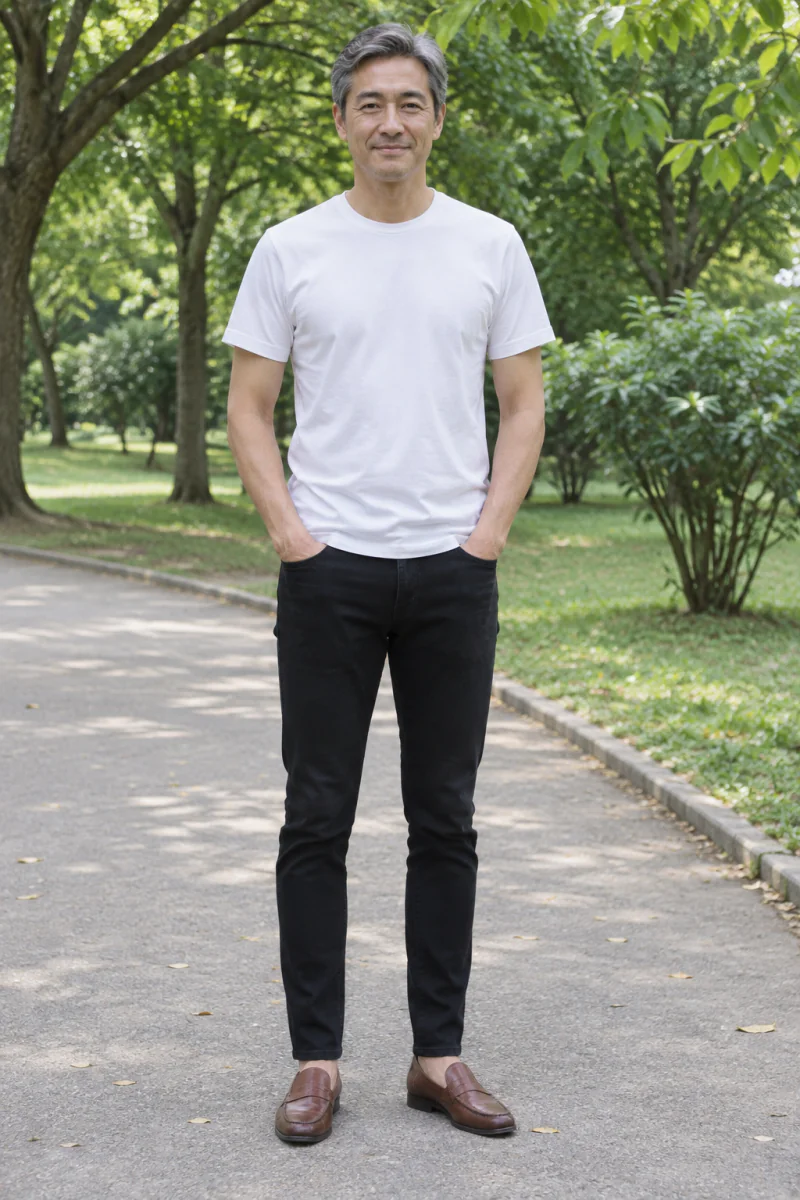
Before
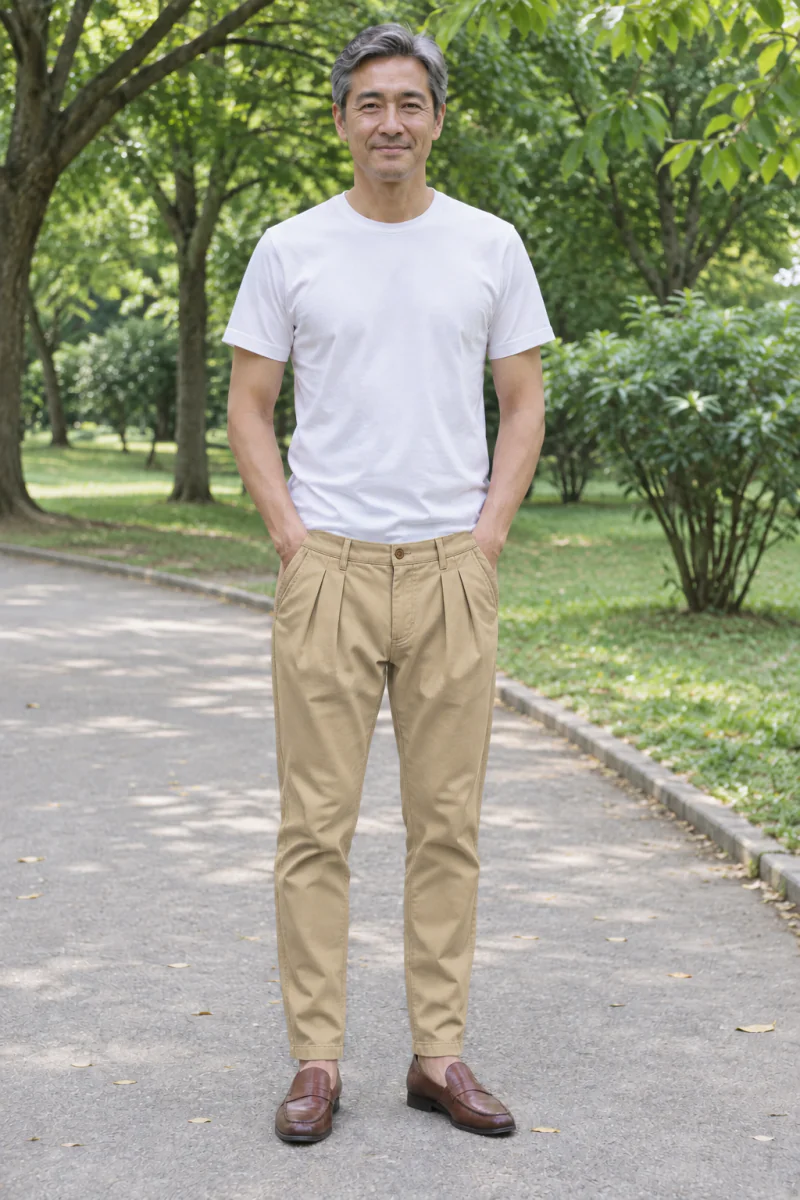
Man in a park changing black jeans for beige pleated trousersAfter

Only the garment in your photo changes

The AI clothes changer works out whether your garment photo shows a top, a jacket, a dress, pants or a skirt, and swaps just that piece. A shirt keeps your trousers and shoes, a pair of trousers keeps your shirt, and a dress replaces the whole outfit. Your pose, framing and lighting stay as they were.

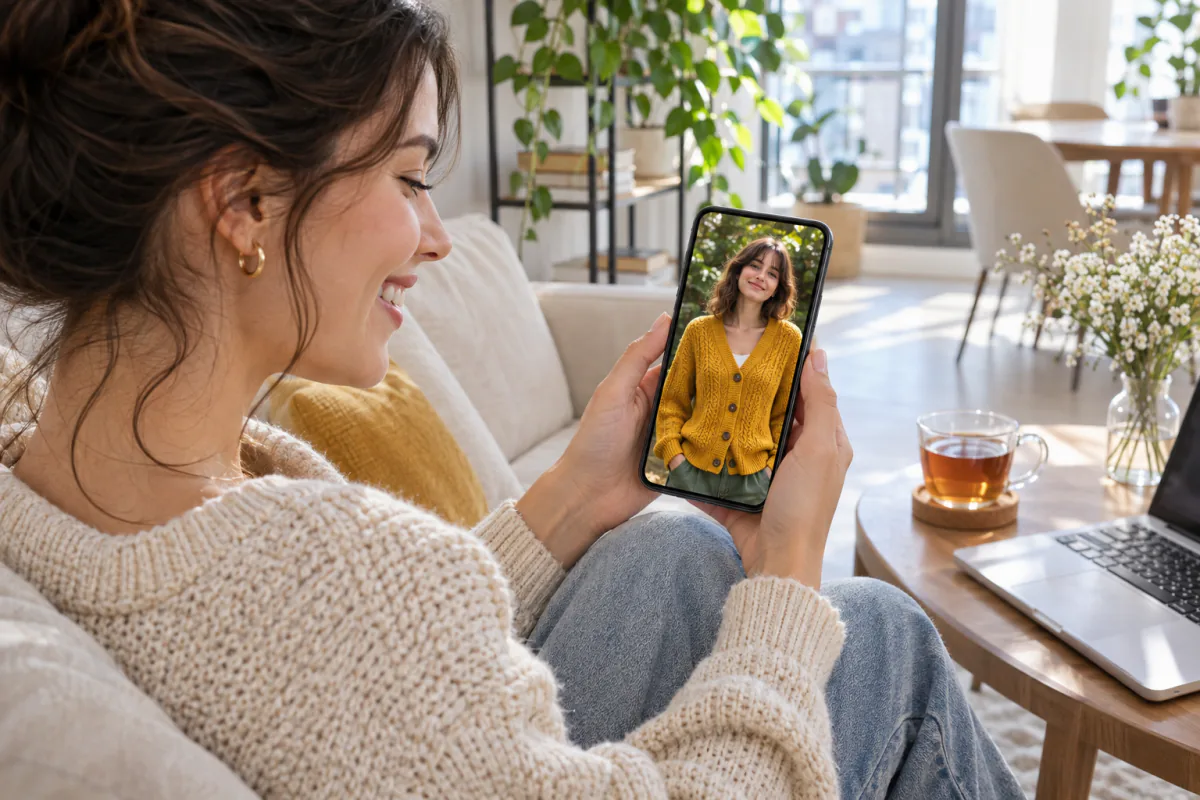
Woman on a sofa looking at an outfit photo on her phone

A clean 1K image, no watermark

The AI clothes changer saves a full 1K image to your history with no watermark, so you can download it, post it or send it to a friend for a second opinion. Results stay in your account, ready for the next comparison.

Who uses an AI clothes changer

From checking a cart to planning a shoot, an AI clothes changer saves a trip to the fitting room.

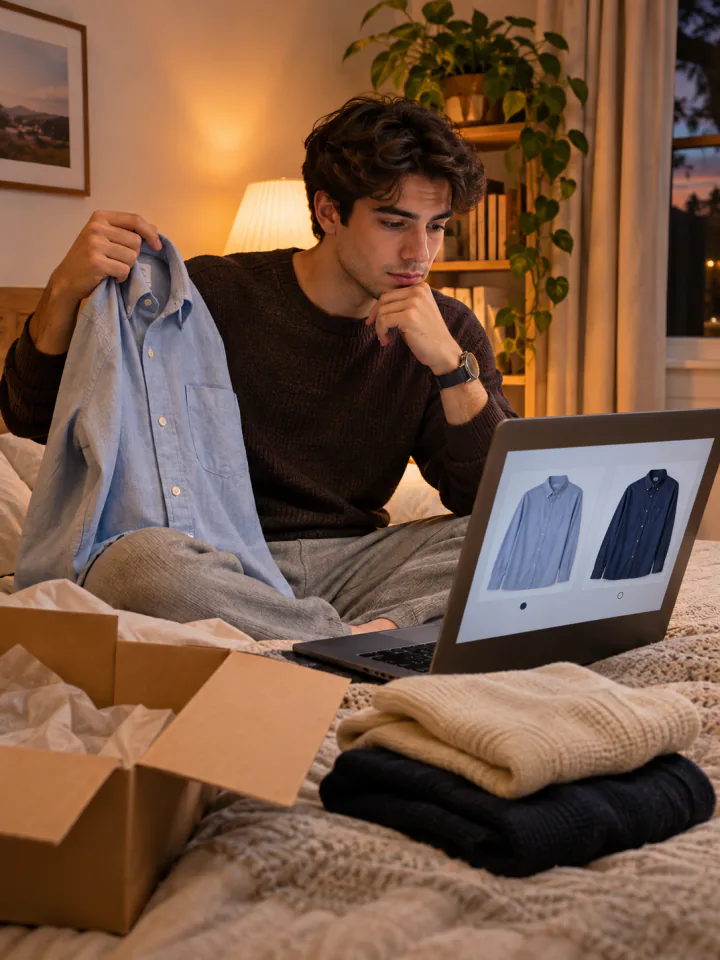
  • Young man comparing shirts from an online store on his laptop

    Online shoppers

    Try a shirt or dress from a product photo on your own picture before you buy, and return fewer orders.

  • Boutique owner photographing a folded sweater for her online shop

    Small fashion sellers

    Turn a flat lay into an on-body photo with the AI clothes changer instead of booking a model for every item.

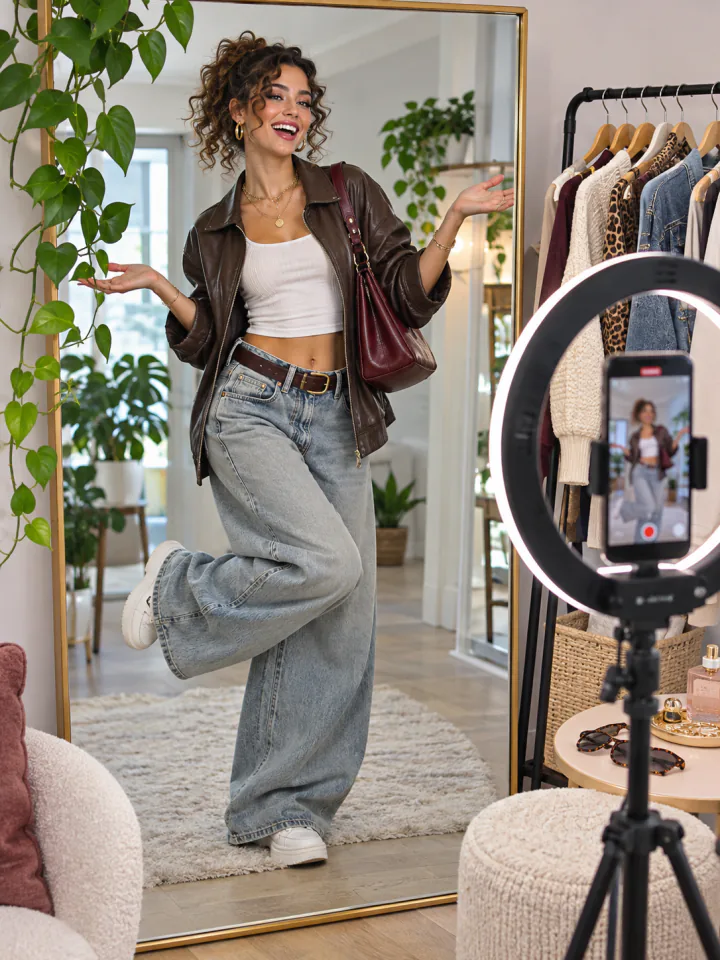
  • Fashion creator filming an outfit video in front of a mirror

    Stylists and creators

    Mock up outfit ideas, lookbooks and posts in minutes, then shoot only the looks that work.

How to use the AI clothes changer

Five steps from two photos to a new look.

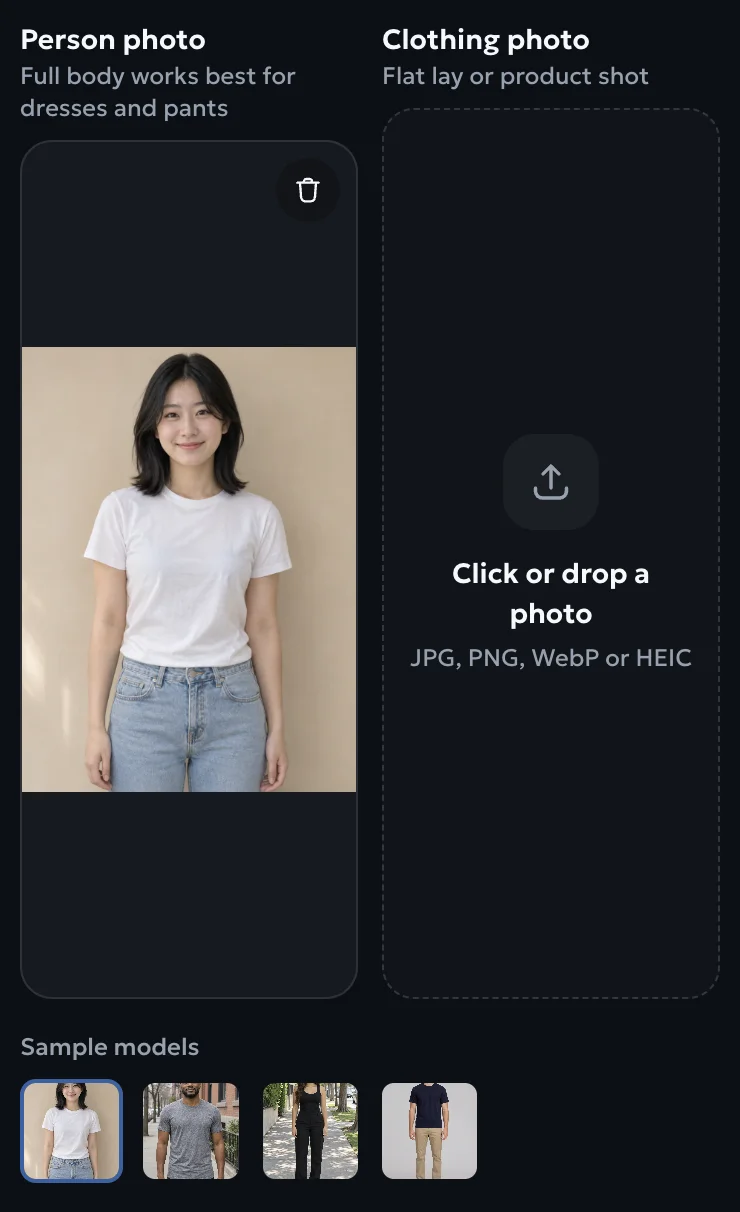
  1. Add a clear photo of the person, or pick a sample model. A full-body photo works best for dresses and trousers.

Person photo upload area in the AI clothes changer

AI clothes changer FAQ

Is the AI clothes changer free?

Your first successful change with the AI clothes changer is free on every Auteo account. After that, each change uses 3 credits. Credits come with Auteo plans and credit packs; signing up does not add credits on its own. If a change fails, nothing is charged.

Do I need an account to use the AI clothes changer?

You can browse the examples and samples without signing in. To run the AI clothes changer on your own photos you need a free Auteo account, which also keeps your results in your history.

Does the AI clothes changer add a watermark?

No. Images from the AI clothes changer, including your free first change, are saved without a watermark at 1K resolution.

Can I use AI clothes changer images commercially?

Yes, with a subscription: the commercial license for images made with the AI clothes changer is included in Auteo's paid plans. Images made without a subscription don't come with a separate written commercial license. The current Terms of Service and plan details apply.

What clothes work best in the AI clothes changer?

Shirts, sweaters, jackets, coats, dresses, skirts and trousers all work, and the AI clothes changer recognizes the type on its own. Use a clear photo of a single garment with the whole item visible, and a person photo where the body faces the camera. Hats, shoes and bags are not part of the AI clothes changer.

What if the AI clothes changer result doesn't look right?

Use a clear photo of one garment with the whole item visible, and a full-body photo for dresses, pants and skirts. Then press Generate again; each try can come out a little differently. A failed change keeps both photos so you can retry.

How are my photos stored?

Photos you upload to the AI clothes changer are saved in your Auteo account storage so they can be processed and shown in your history next to the result. They are not published in any public gallery.

Try the AI clothes changer now

Two photos, one click, about 30 seconds. Your first change is free.

Change clothes now