Free AI Object Remover
Brush over anything you don't want in a photo and our AI object remover erases it, filling the gap with background that matches.
- Free
- Unlimited
- No sign-up
- No watermark


No photo handy? Try a sample:
What the AI object remover can do for your photos
Pick a use case and drag the slider to compare the photo before and after.


Remove tourists from travel photos
Two tourists taking photos on a Santorini terrace are gone, shadows and all. The AI object remover fills in the white terrace and the sea behind them.
Clean product photos
A binder clip, a price tag with its string and a few dust spots come off a handbag shot in a few strokes, ready for your store.
Declutter real estate photos
Paper towels, a cloth, bottles and a charging cable disappear from the kitchen counter. Paint each item together with its shadow so no dark patch stays behind.
Tidy up food photos
Take the car keys, sugar packets, receipt and phone off the marble table and keep the brunch exactly as it was.
Fix cracks in old photos
Trace each crack with a thin brush and let go. Cracks across the sky and the tree in this 1960s picnic photo fill in well; torn corners and missing faces cannot be rebuilt.
How to remove an object from a photo
Three steps, no account and no software to install.
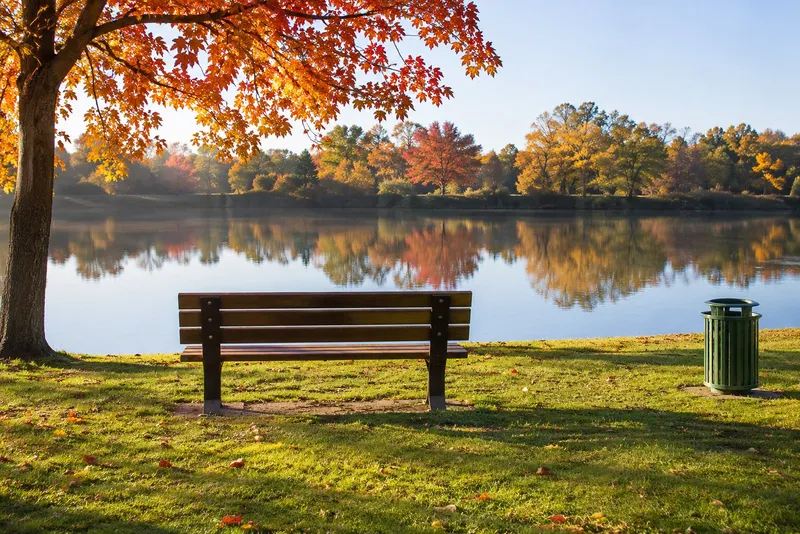
Upload a photo
Drop, paste or pick a JPG, PNG or WebP photo.
Paint over what you want gone
Cover the object and its shadow, then let go.
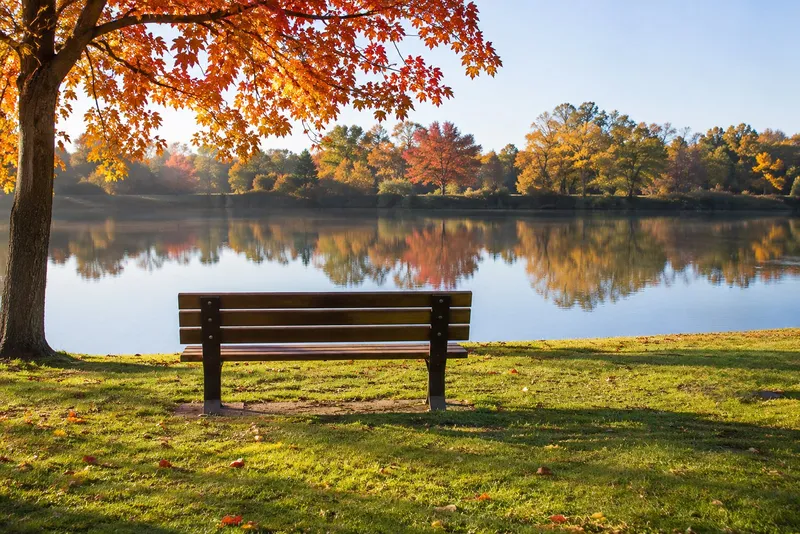
Compare and download
Slide to check the result and save a full resolution PNG.
Why use the Auteo AI object remover
Built to keep your photo looking like your photo.
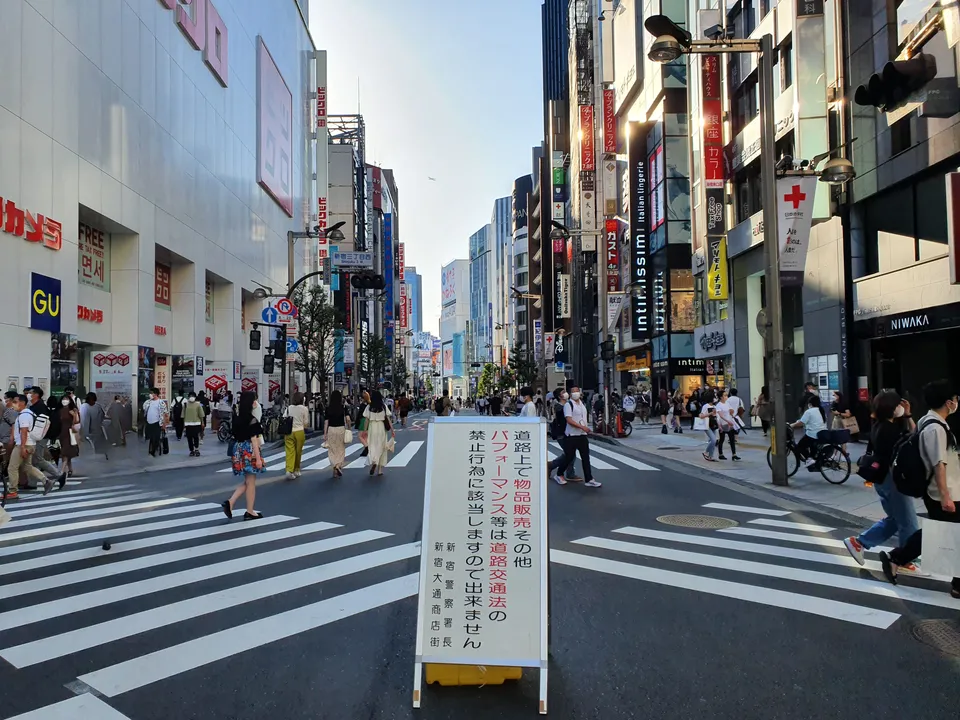 Input 4032 × 3024Output 4032 × 3024
Repaired area, 100% Your original resolution, untouched
Your download is the same size as your upload, and the repaired area stays sharp.
- 0.0sRemoving…Usually 2–5 seconds, depending on your connection
Results in a few seconds
Most removals come back in a few seconds, so you can paint, check and paint again.
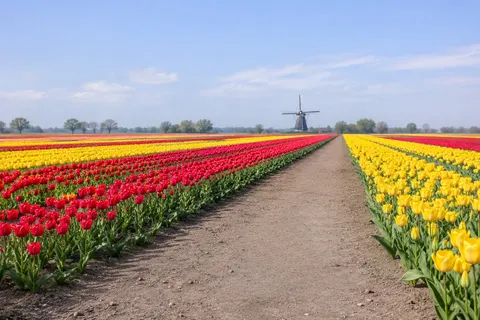 auteo-object-remover.png1600 × 1067 · PNGNo watermarkNo sign-up
No sign-up, no watermark
Start editing right away and download a clean PNG every time.
- The rest of the photo never leaves your browserOnly this crop is sent
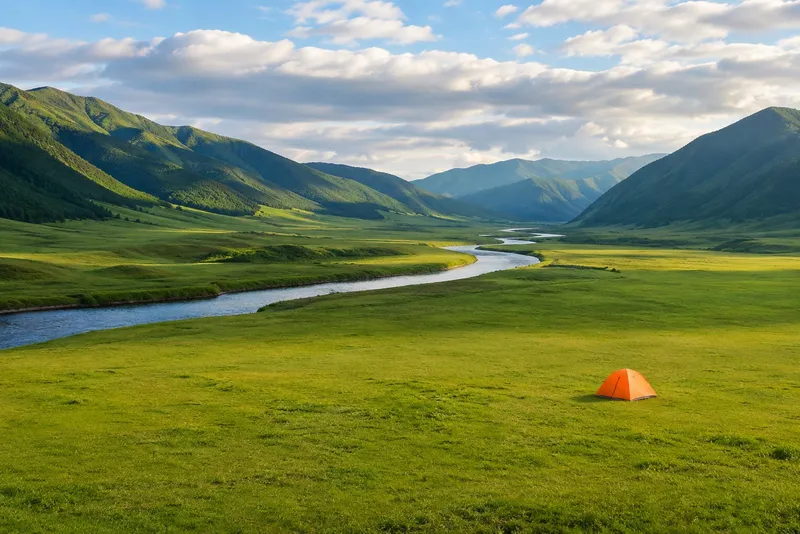
Your photo stays in your browser
Only a small crop around your brush strokes is sent for processing, and it is not kept.
Made with the AI object remover
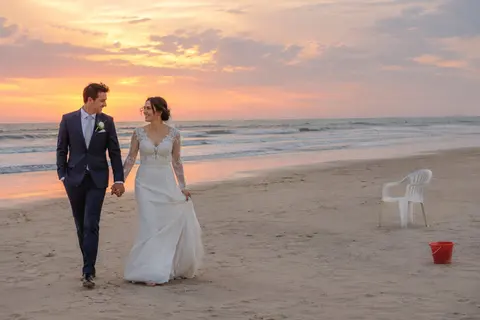
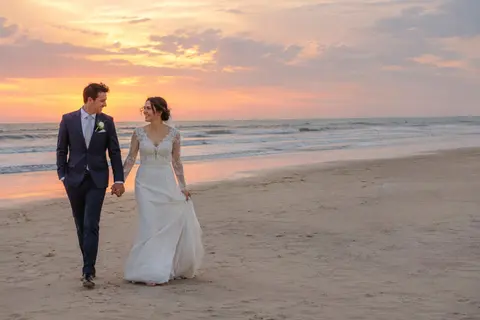
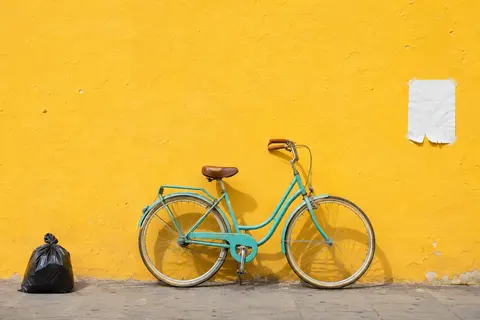
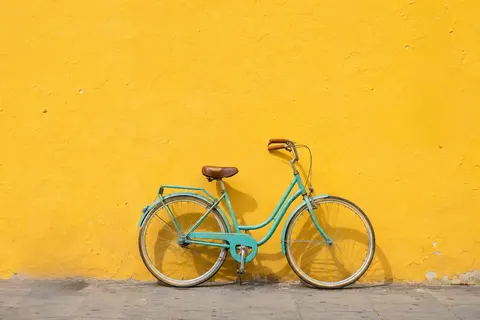
Real results from our model. Hover or press a photo to see it after the fix.
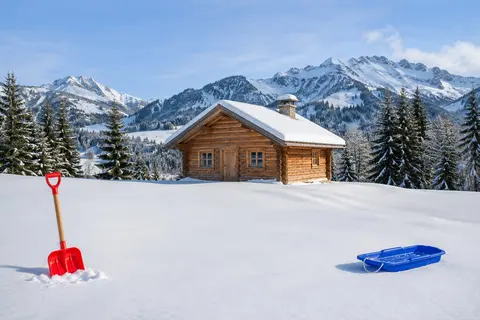
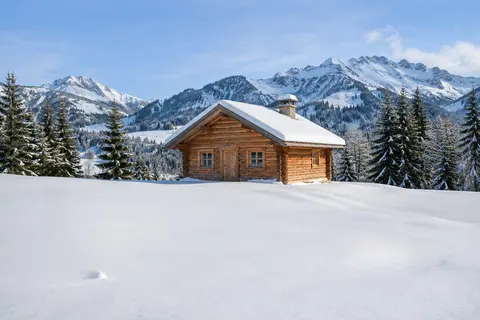 BeforeAfter
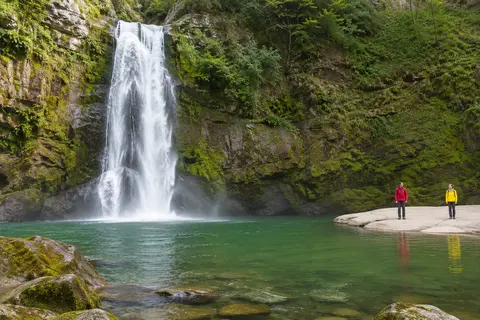
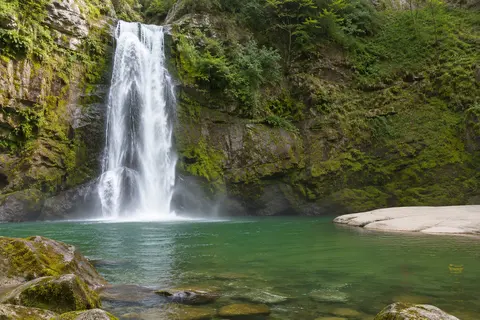 BeforeAfter
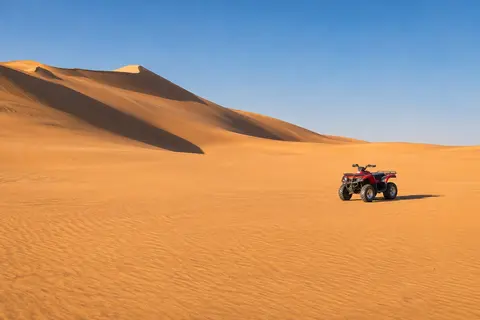
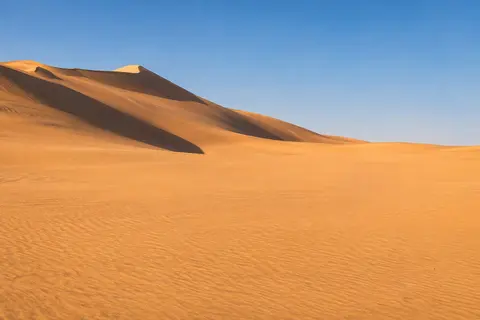 BeforeAfter
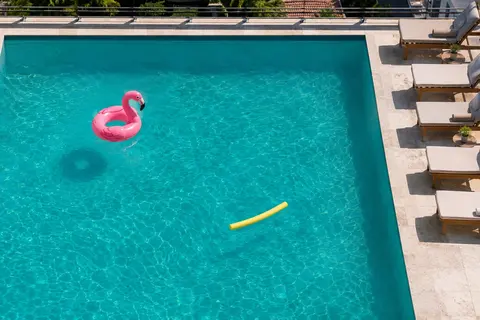
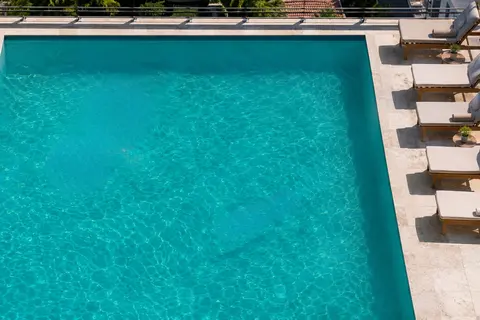 BeforeAfter
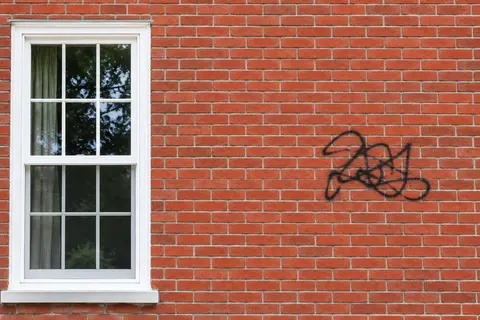
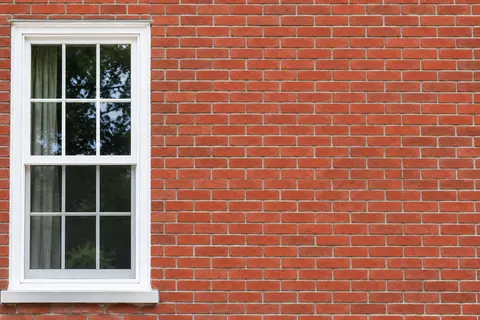 BeforeAfter
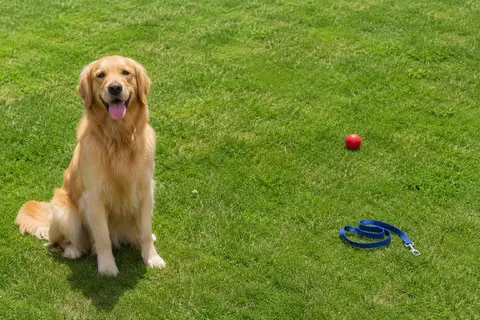
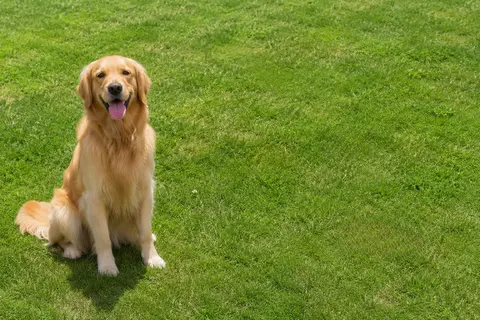 BeforeAfter
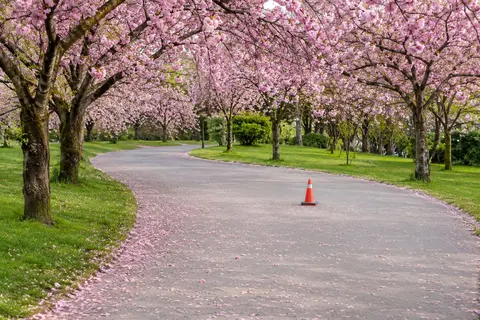
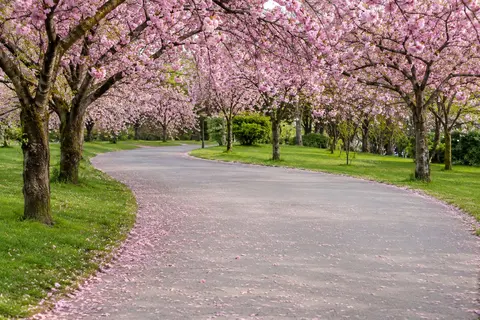 BeforeAfter
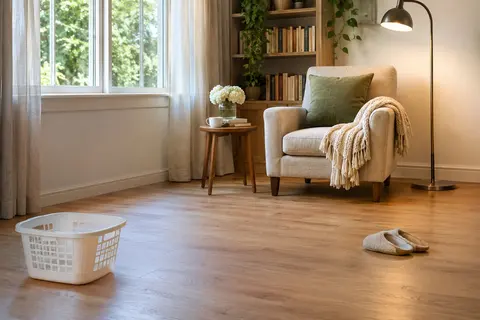
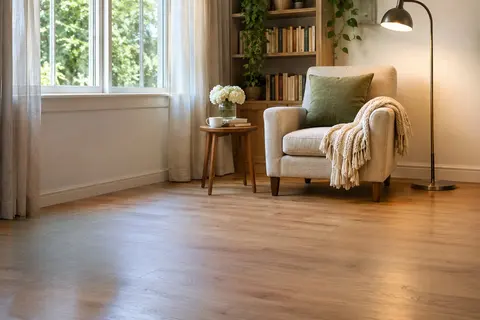 BeforeAfter
 BeforeAfter
 BeforeAfter
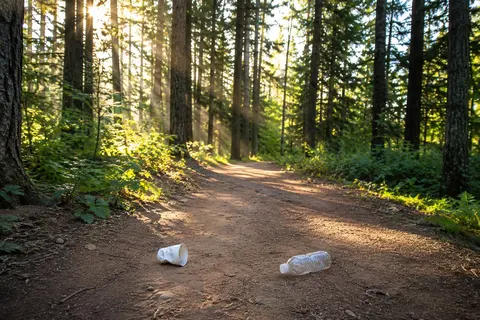
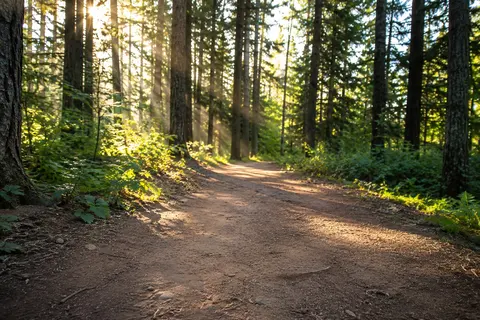 BeforeAfter
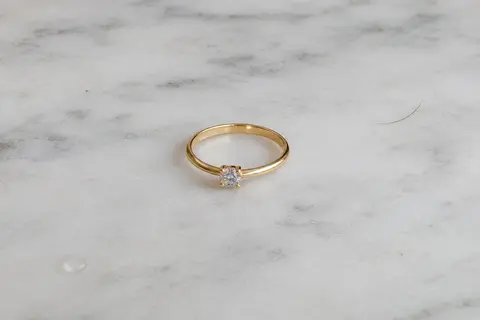
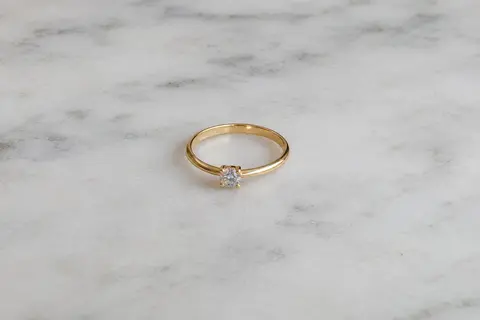 BeforeAfter
What it can't do well
Like every AI object remover, ours guesses what was behind the thing you erase. These are real results from our own model.
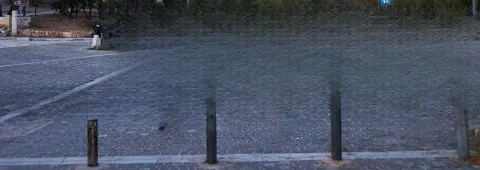
Very large areas
Huge strokes leave little real background to copy, so the fill can turn into a grid or a flat smear. Remove big things in smaller passes.
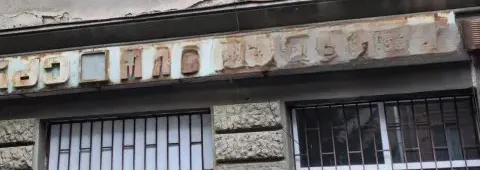
Long blocks of text
Big lettering can leave ghost shapes behind. Work one word or one line at a time and touch up what remains.
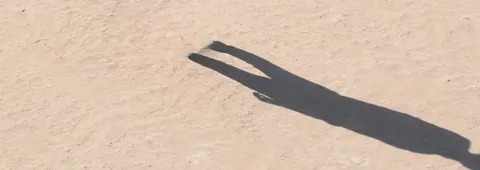
Shadows you didn't paint
Paint only the person and the shadow stays behind on its own. Paint a little wider, shadow included.
AI object remover FAQ
Is this AI object remover really free?
Do I need to sign up?
How do I remove people from a photo?
Will my photo lose quality?
How fast is it?
What image formats are supported?
Does it work on my phone?
Are my photos stored or used for training?
Why does part of the object still show?
Can the AI object remover remove text from an image?
Can it retouch skin and small blemishes?
What kinds of photos is it good for?
Can it restore old or damaged photos?
Try the AI object remover on your photo
Drop a photo here and it opens in the editor at the top of the page.
or drag and drop it anywhere in this box