



AI Song Cover Generator

Voice Model

  • Rook
  • Bram
  • Tavio
  • Velia
  • Roxa
  • Kumo
  • Feng
  • Noélie

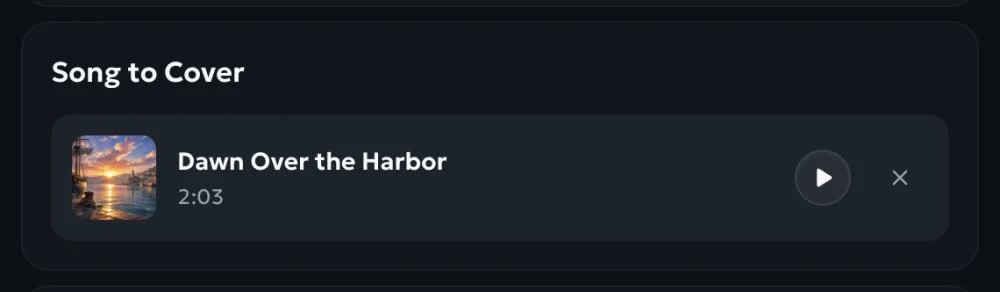
Song to Cover

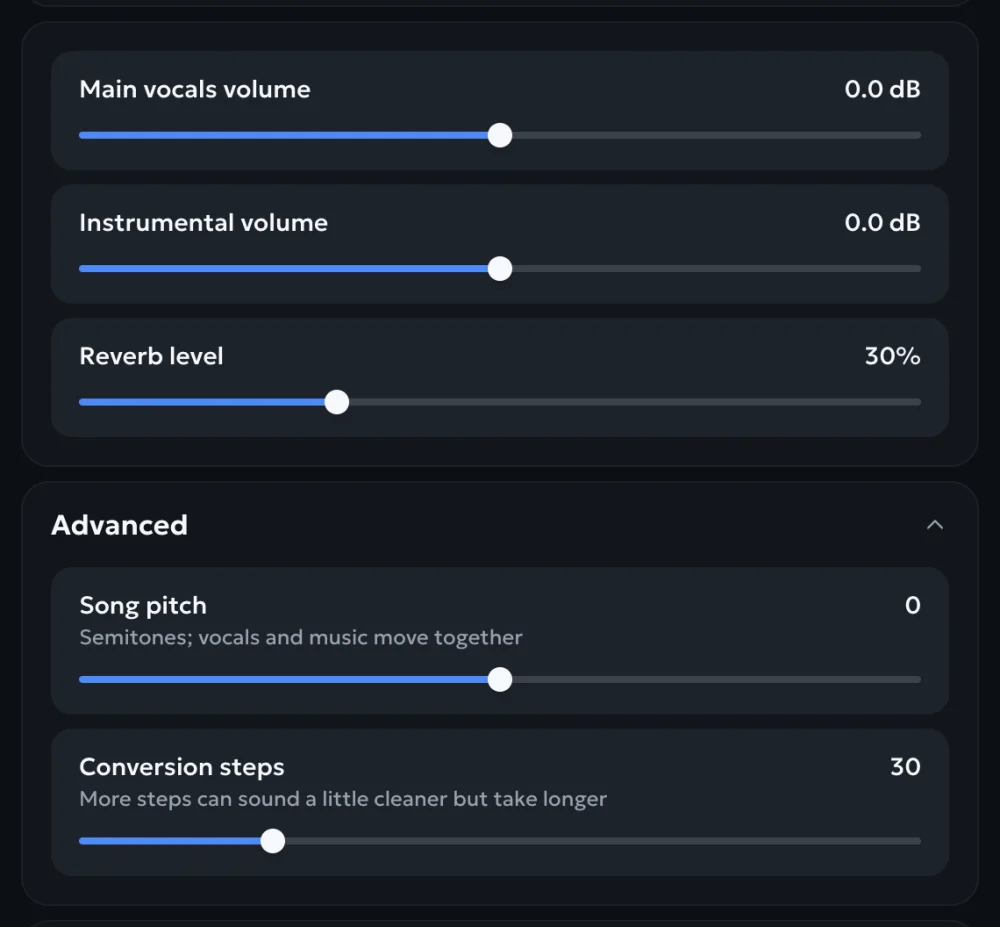
Main vocals volume0.0 dB
Instrumental volume0.0 dB
Reverb level28%
Advanced
Song pitchSemitones; vocals and music move together0
Conversion stepsMore steps can sound a little cleaner but take longer30

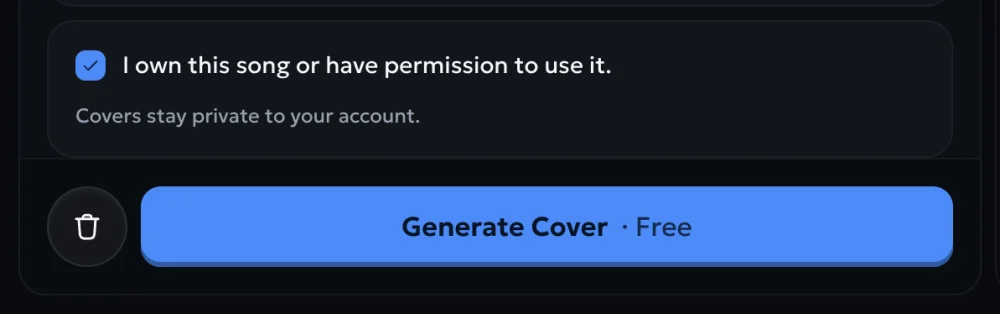
Covers stay private to your account.

Try the AI Song Cover Generator

Hear real covers made with our original AI voices; your first cover is free

  • Stand By You · sung by Rook
  • Disco Heart · sung by Velia
  • Paper Boats · sung by Roxa

My Covers

0 covers

No covers yet

Pick a voice, add a song and generate your first AI cover.

AI voice covers

Hear covers made with the AI song cover generator

Add a song, choose a voice and the AI song cover generator re-sings the lead vocal over the original music in minutes. Real, unedited clips: the original song, the AI singer it is switched to, then the same song in that new voice.

  • Cover art for Stand By You

    Stand By You

    Soul gospelBright tenor to deep baritone

    Sung by Rook

    • Original song
    • New voice
    • AI cover
  • Cover art for Disco Heart

    Disco Heart

    Disco popBright soprano to silky alto

    Sung by Velia

    • Original song
    • New voice
    • AI cover
  • Cover art for Paper Boats

    Paper Boats

    Piano balladSoft alto to bright soprano

    Sung by Roxa

    • Original song
    • New voice
    • AI cover
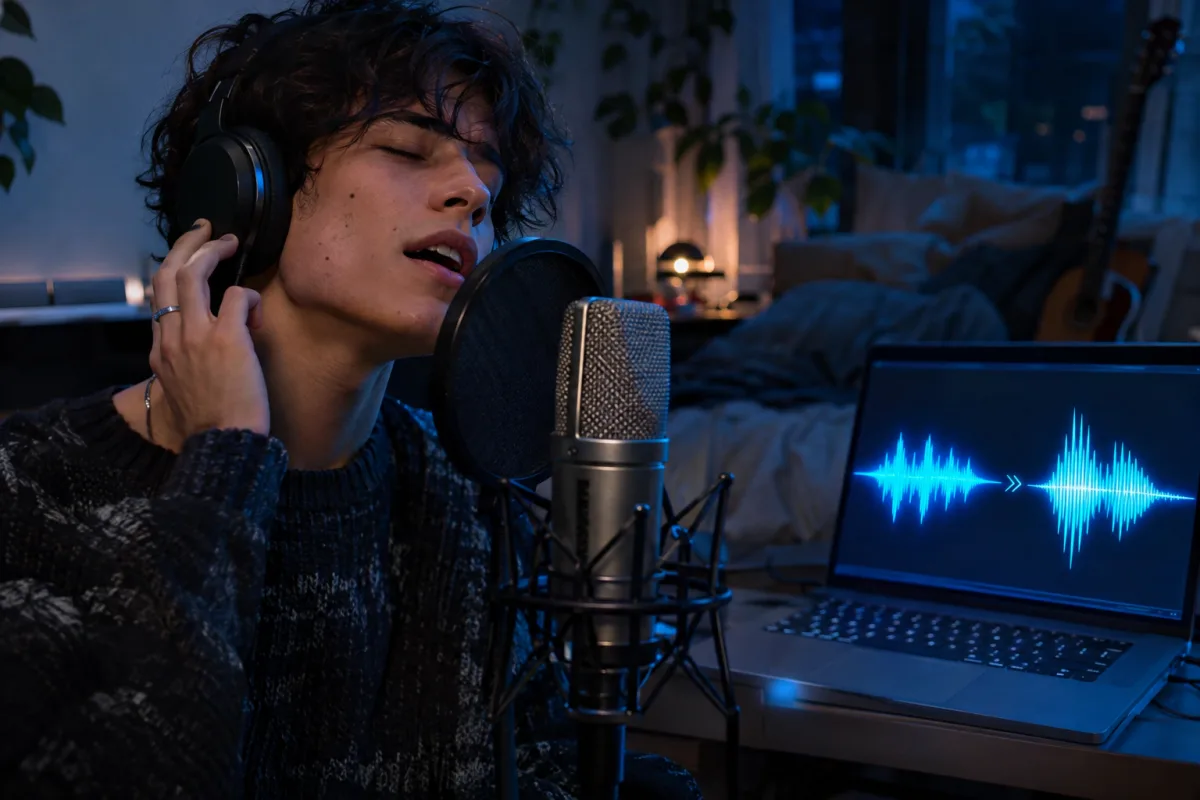
Young man in headphones singing into a studio microphone at home, waveform on a laptop

Sing covers in your own voice with the AI song cover generator

Choose My Voice and upload 5 to 60 seconds of yourself singing with no music; 10 to 30 seconds works best. There is no voice model to train and no waiting. The AI song cover generator learns your tone from that one clip and uses it on your next cover. Just confirm the voice is yours or used with the singer's consent.


Close-up of mixing desk faders and level meters

Get the full mix and both stems from the AI song cover generator

The AI song cover generator separates the lead vocal, re-sings it in the new voice and mixes it back with the music. Download the full cover, the AI vocals alone and the instrumental for your own edits. Shift the key up to 12 semitones, set vocal and music levels within ±6 dB and add reverb from 0 to 100%.

Illustrated portraits of the original AI singers framed on a studio wall

8 original singers, none of them real people

No recording of your own? Pick one of 8 virtual singers made for the AI song cover generator, from breezy city pop and Parisian chanson to gospel soul and folk country. Each is an original voice, not an imitation of a famous artist, and you can preview every singer first. Male and female voices are both included.

Who the AI song cover generator is for

Covers for videos, demos and pure fun.

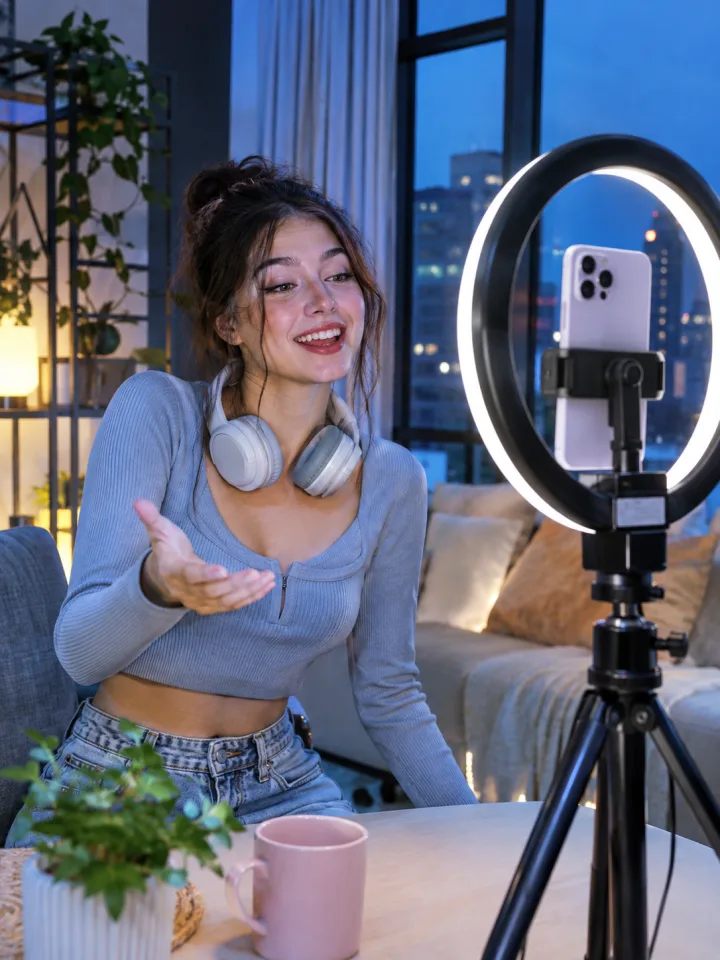
  • Creator talking to a phone on a ring light in her living room

    For content creators

    Use the AI song cover generator to make a cover for a short video or stream, and keep the instrumental for edits.

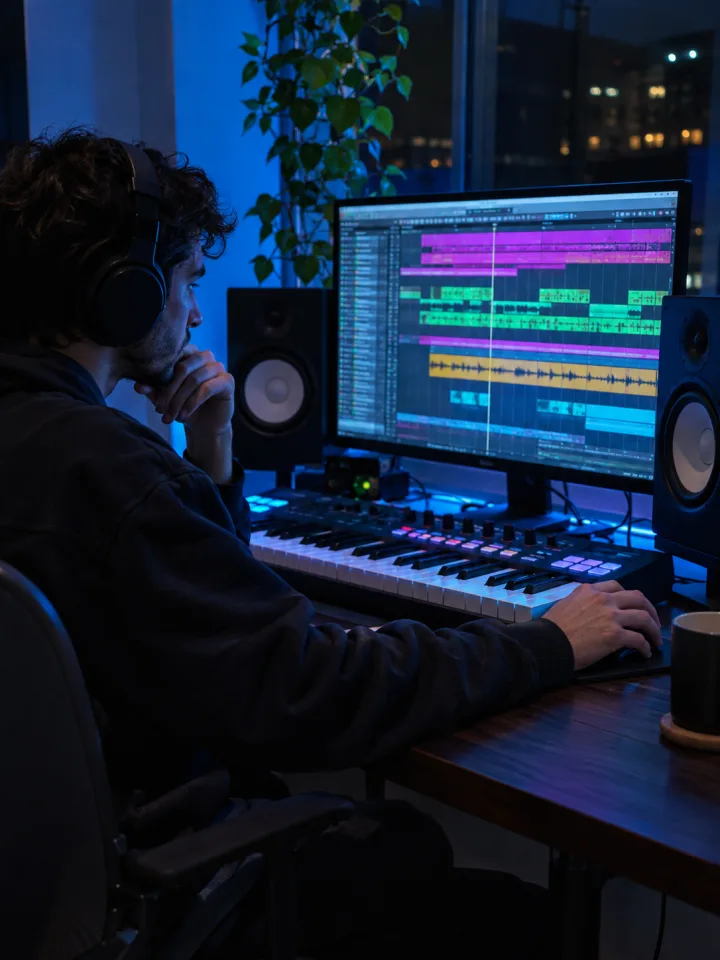
  • Musician arranging a track in a home studio

    For musicians

    Hear a demo in another voice or a higher key before you book a session.

  • Friends singing along together on a sofa

    For music fans

    Hear a song you are allowed to use in your own voice, then keep it private or share it with friends.

How to use the AI song cover generator in 5 steps

The AI song cover generator at the top of this page works in five steps.

  1. Upload an audio file from 5 seconds to 5 minutes, or pick a song you made on Auteo.

  2. Pick one of 8 AI singers, or choose My Voice and upload a short clip of yourself singing.

  3. Set the key, vocal volume, music volume and reverb; advanced settings add diffusion steps.

  4. Confirm you own the song or have permission, then run the AI song cover generator for 2 credits. Your first cover is free.

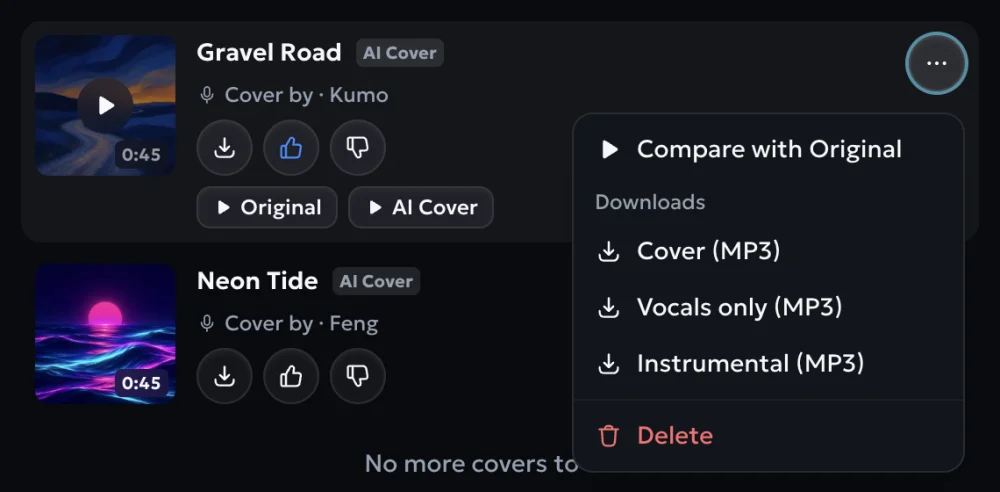
  5. Compare the cover with the original, then download the full cover, AI vocals or instrumental.

Song upload area with a picker for songs made on Auteo

AI song cover generator FAQ

What is an AI song cover generator?

An AI song cover generator swaps the lead vocal of a song for a different voice and keeps the original music. Auteo separates the vocal, converts it to an original AI singer or your own voice, and mixes it back.

Can I use my own voice in the AI song cover generator?

Yes. Choose My Voice in the AI song cover generator and upload 5 to 60 seconds of clean singing, ideally 10 to 30 seconds without music. No training is needed. You must confirm the voice is yours or used with consent.

Are AI song covers legal?

It depends on the song and how you share the cover. Songs and recordings are protected by copyright, and copying a real singer's voice can raise personality rights. Only upload songs you own or have permission to use, and only use voices that are yours or shared with consent. Our AI singers are original, and covers are private by default. Get any licenses you need before publishing. This is not legal advice.

How much does the AI song cover generator cost?

Your first cover is free. After that the AI song cover generator charges 2 credits per cover, whatever the song length, and refunds credits if a cover fails. A free Auteo account is required.

Which files can I upload to the AI song cover generator?

Upload MP3, WAV, M4A, AAC, FLAC, and OGG files up to 60 MB, 5 seconds to 5 minutes long, or choose a song you created on Auteo. A clear lead vocal gives the best results.

Can I download the vocals and instrumental separately?

Yes. Every cover from the AI song cover generator comes with three downloads: the full cover, the AI vocals alone and the instrumental. You can also switch between the cover and the original to compare.

Make your first cover with the AI song cover generator

Your first cover is free. Open the AI song cover generator, add a song and pick a voice.

Create a song cover