
AI Singing Voice Generator

Singing Sample

Total 0:00 · up to 1:00

Gender Of this Voice

My Voices

3 examples

Each example was made with the AI singing voice generator from a 22-second clean clip. Play the clip, then hear a full cover.

My Voices

0 Voices

Your voice, ready for every cover

Hear the AI singing voice generator in action

Each example starts with a new voice: a 22-second clean clip. The AI singing voice generator saves it, then AI Song Cover sings a whole song in that voice.

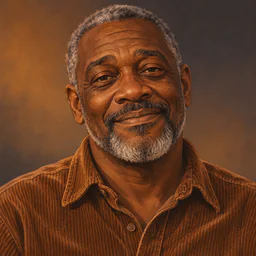
  • June

    Bright folk-pop voice

    Sings “Stand By You”

  • Kai

    Airy acoustic pop voice

    Sings “Paper Boats”

  • Otis

    Deep blues baritone

    Sings “Disco Heart”

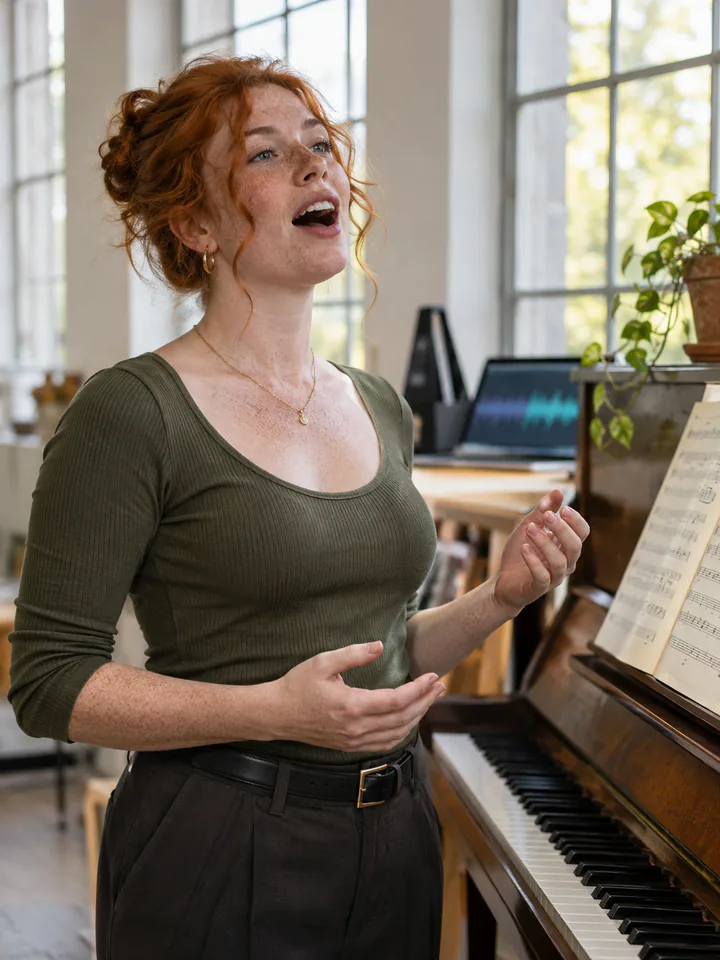
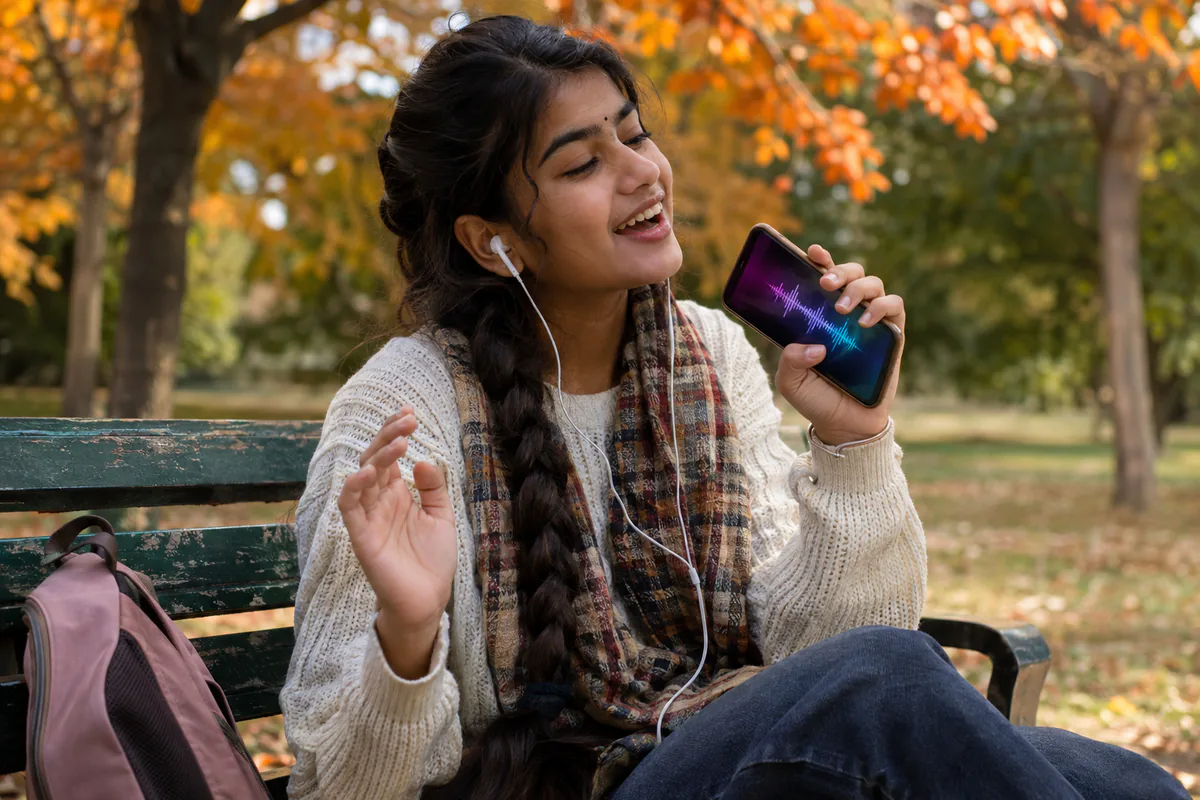
A young woman singing a short line into her phone at night

No training — ready in seconds from a 10–30 second clip

The AI singing voice generator uses zero-shot voice conversion, so it only needs 10–30 seconds of you singing. There is no queue and no hour of studio audio to prepare: add a short clip, name the voice, and it is saved in seconds. If your clip is longer, the AI singing voice generator keeps the clearest 30 seconds, so one good take is enough to start covering songs today.
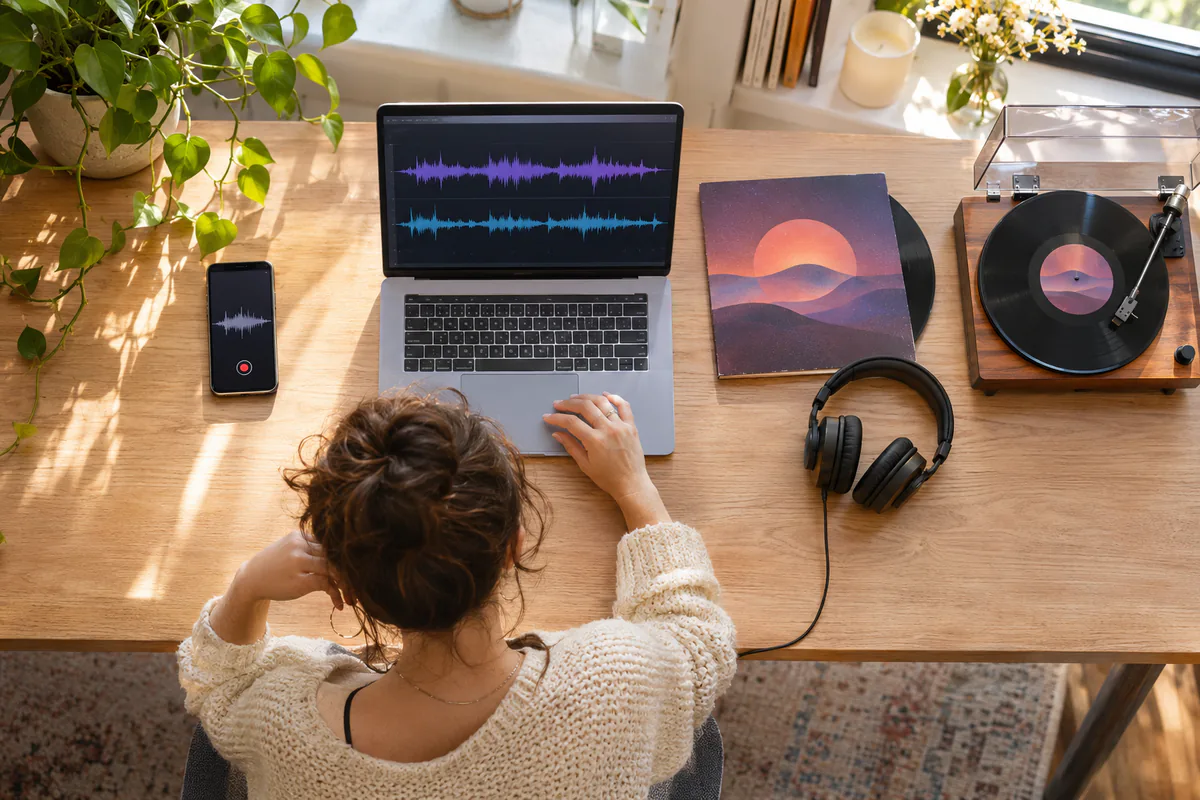
A home music desk with a laptop, a microphone, headphones and a phone

Record, upload, or pull your vocals from a full song

Upload a dry vocal take, record yourself in the browser, or choose Separate vocals and pick the part of a full song where the singing is clearest. The AI singing voice generator handles all three: clean clips are trimmed in your browser, and full songs are split into lead vocal and music for every cover, so the backing track stays out of your voice.

A young man in headphones smiling as he listens to a cover on his phone

One AI singing voice for every cover you make

Every voice from the AI singing voice generator appears under My Voice in AI Song Cover. Pick it, add a song you have rights to, and the cover comes back in your tone, with vocals and instrumental ready to download. Voices are private and free to save. Rename or delete them in My Voices anytime; covers you made stay in My Covers.

Who uses an AI singing voice generator

From first demos to finished covers, an AI singing voice generator saves hours of recording.

  • A singer in a home studio singing into a condenser microphone

    Singers and songwriters

    Use the AI singing voice generator to hear new songs in your own voice before you book a studio.

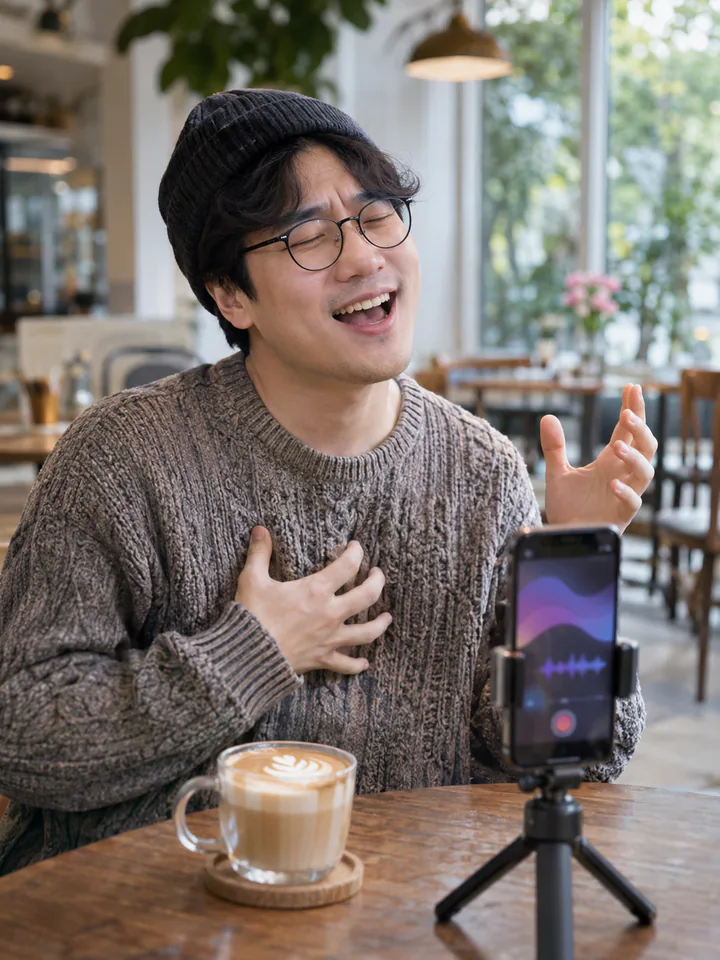
  • A creator filming himself singing with a phone on a tripod and a ring light

    Content creators

    Make covers in your voice for Shorts, Reels and TikTok with the AI singing voice generator, no re-recording.

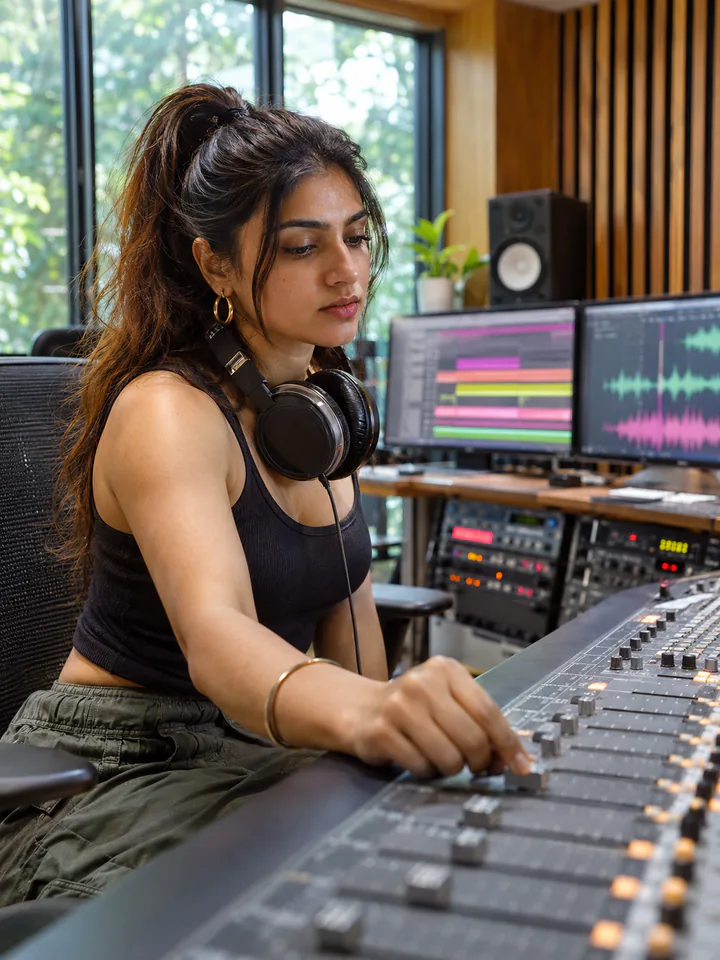
  • A producer adjusting a vocal track at a desk with a keyboard and monitors

    Producers

    Put a client's voice on a demo with the AI singing voice generator, with their consent.

How to use the AI singing voice generator

Five steps with the AI singing voice generator, from a short clip to your first cover.

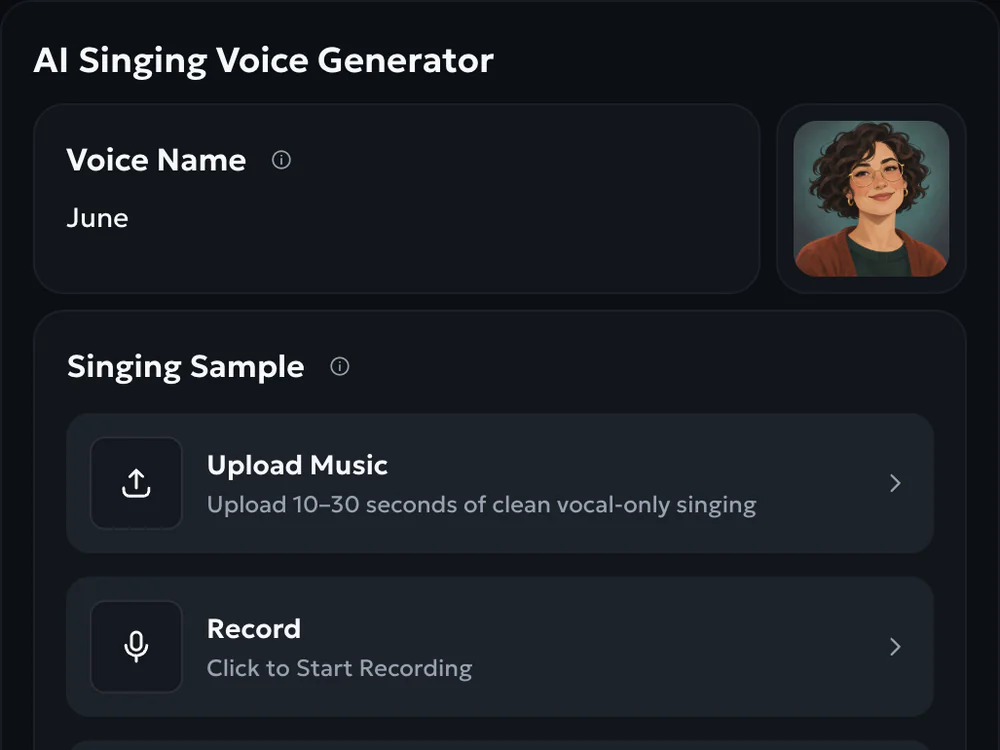
  1. Open the AI singing voice generator, type a voice name and, if you like, add a cover image.

The Voice Name card with a name typed in and a cover image added

AI singing voice generator FAQ

How does the AI singing voice generator work?

It saves a short reference of your singing. When you make a cover, the lead vocal of the song is separated and converted to your tone with zero-shot voice conversion, then mixed back with the music.

How long does the AI singing voice generator take?

Seconds. Nothing has to be learned in advance: your voice is ready as soon as the clip is saved. A cover takes a few minutes.

What audio does the AI singing voice generator need?

10–30 seconds of dry, solo singing works best, with no music, reverb or other voices. You can add from 5 to 60 seconds, or one full song of at least 20 seconds with Separate vocals.

Which file formats does the AI singing voice generator accept?

Full songs can be MP3, WAV, M4A, AAC, FLAC, and OGG. Clean clips can be any audio your browser can play, and you can record directly on the page.

Will a cover from the AI singing voice generator sound like me?

It keeps your tone and character. Clean, steady singing in your usual range gives the closest match; very noisy or heavily processed clips sound less like you.

Can I use one AI singing voice generator voice on many songs?

Yes. A saved voice stays in My Voices and works on every cover until you delete it.

Is the AI singing voice generator free?

Yes. Saving voices is free and uses no credits. You only spend credits when you generate a cover in AI Song Cover.

Can I copy a famous singer's voice?

Only use your own voice or a voice you have clear consent to use. Copying another person's voice without permission can break their rights. This is not legal advice.

Try the AI singing voice generator

Save your voice once with the AI singing voice generator and sing every cover with it.

Create your voice